

Appearance
Remotely access a device desktop via Wormhole #
You can use Wormhole with a maintained browser-accessible desktop service to reach a Linux desktop behind a customer firewall.
For a registered Windows, macOS or Linux computer, use the dedicated Remote Desktop workflow. This guide covers a browser desktop service that you install and maintain on a managed Linux device.
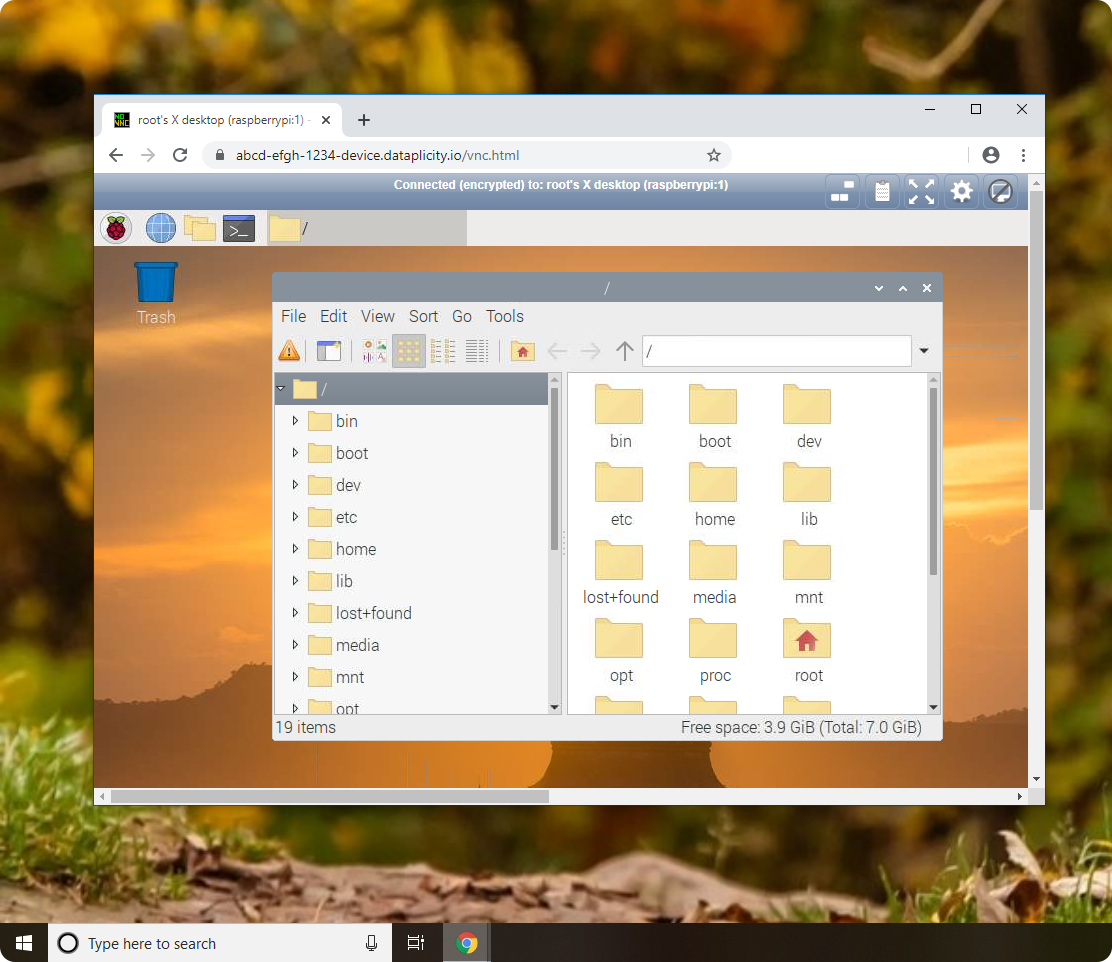
The example uses a Linux device with a desktop OS. Review the application-level security guidance before exposing it.
Before you start #
- Device with desktop environment, internet access, and Dataplicity agent
- Port 80 available
- Privileged access - see Using sudo
Install a desktop service #
Choose maintained VNC and browser-access components for your Linux image and install them through your controlled provisioning process. Pin and review dependencies before granting elevated privileges.
Bind the web service only to the local interface and port you intend to publish through Wormhole. Require authentication at the application layer.
Access the desktop #
- Enable Wormhole on the device
- Open the Wormhole URL in your browser
- The device desktop appears via noVNC
When to use this #
- Troubleshooting GUI applications during development
- Browser-based desktop access for a controlled support session
Disable Wormhole when the support session ends unless the web service is intentionally persistent.