

Appearance
Remote access #
Start from the job, not the feature name. If you need to reach a managed Linux device, stay on this page and pick a method below. If two developer machines only need a private TCP path for a test, and neither machine should join the device fleet, use development tunnels instead.
Reach authorised Linux devices through their agent-initiated Dataplicity route, without configuring a per-device inbound rule or site VPN. Restricted networks may need the documented outbound destinations allowlisted.
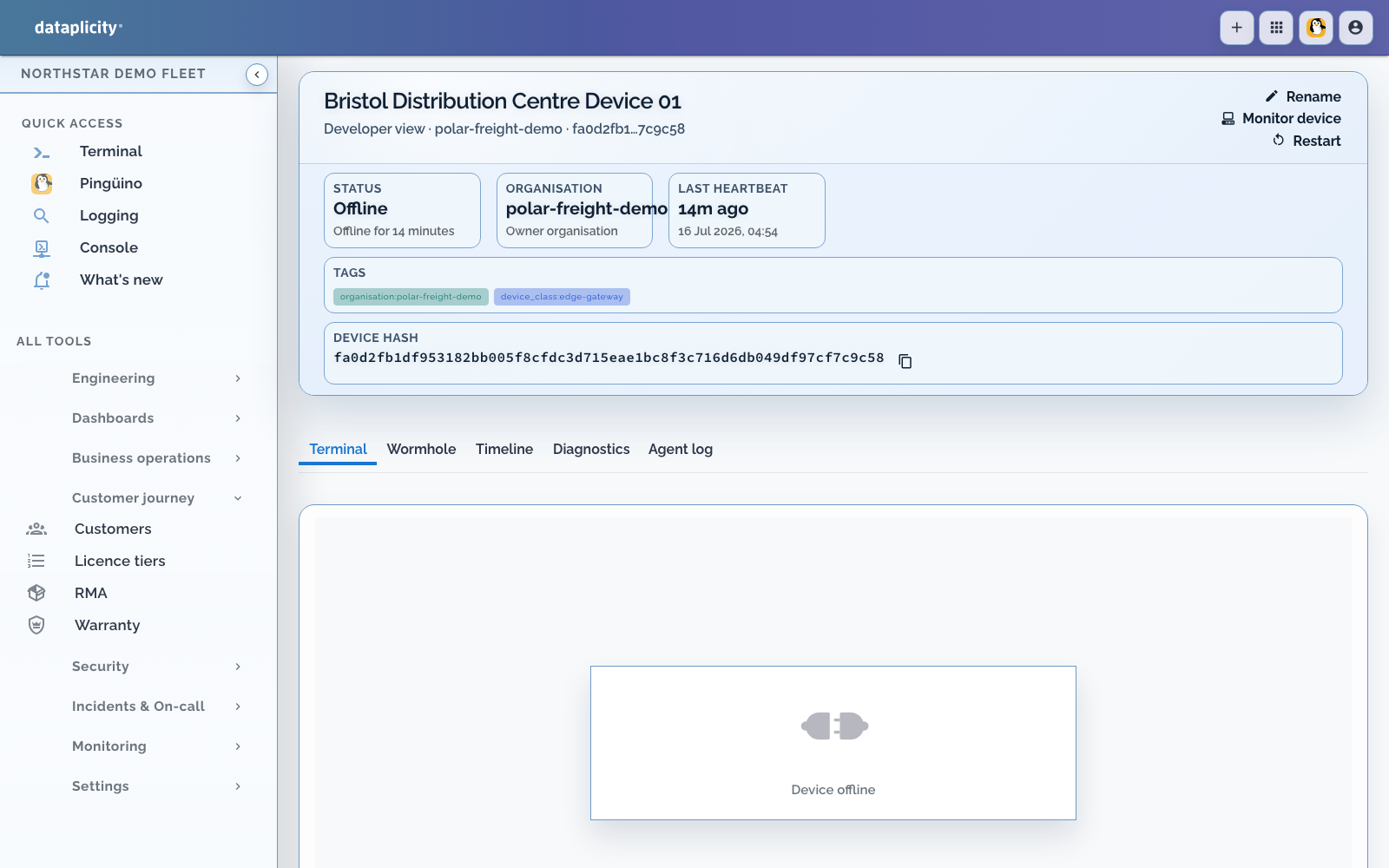
Already connected? Choose the access method below. If the device is not yet in Dataplicity, connect it and open the first shell. If a previously connected device is offline, use offline-device diagnosis; no remote-access method can open a new session until the device reconnects.
Who may open a session is a Dataplicity role. What the session can do on Linux is the agent's OS identity. See Shell privileges and Trust on someone else's network.
Choose a method #
| Need | Use |
|---|---|
| Operate a registered Windows, macOS or Linux computer in the browser | Remote Desktop |
| SSH, VNC or other TCP clients from your Linux host | Dataplicity Connector |
| Quick diagnostics or a command-line fix | Remote Shell |
| Structured host inspection in that shell | Dataplicity Lens |
| Web dashboard or REST API on the device | Wormhole |
| Retrieve a file from an intermittent device | File retrieval |
| Publish a browser desktop service you maintain on a Linux device | Device desktop through Wormhole |
Remote Desktop has a separate computer inventory and host installer. Connector, Remote Shell and Wormhole use managed Linux devices. For a temporary named service between CLI machines, use development tunnels.
For practical examples using local client tools against devices, see when to use Dataplicity Connector.
Remote shell #
| Guide | Description |
|---|---|
| Getting started: open a remote shell | First shell session. |
| Remote shell guides | Privileges, clipboard, process view, background scripts, and pausing access. |
Wormhole #
| Guide | Description |
|---|---|
| Wormhole overview | Expose web services without port forwarding. |
| Host a website | Publish a web interface from a device. |
| Securing Wormhole services | Application-level security. Required before you expose anything. |
Files #
| Guide | Description |
|---|---|
| Resilient file retrieval | Request a file and let connectivity catch up. |
If your devices are already online, choose another operating job to add logs, diagnostics, Pulse, or monitoring, or manage the fleet. These do not require a Customer Portal or Product Application. Use expand beyond remote access when you want one decision page covering both operations and optional customer-facing capabilities.
Related #
- Dataplicity Lens - open-source host inspection during Remote Shell sessions
- SiloSentry - fictional OEM walkthrough where terminal and Wormhole sit on the same device record as ops (illustrative)
- Expand beyond remote access
- What Dataplicity is for