

Appearance
Product Applications #
Your connected device can already report a reading or respond to a command. Now imagine the product around it: a customer edits a schedule, starts a session, sees an alert, or checks that the latest configuration reached a remote site.
That is what a Product Application adds. It turns one or more hardware products into a versioned customer workspace with records, work, exceptions, maps, Processes, and integrations.
Here are a few things you can build:
- a silo monitor that turns raw height into calibrated volume
- timed Wi-Fi access that consumes vouchers and records connections
- silo outload with secret driver codes, load tickets (tonnes), and reconnect handling
- HVAC schedules that log what the controller path actually applied
- remote signage that compares expected and applied content
- an energy site composed from meter, generator, and solar roles
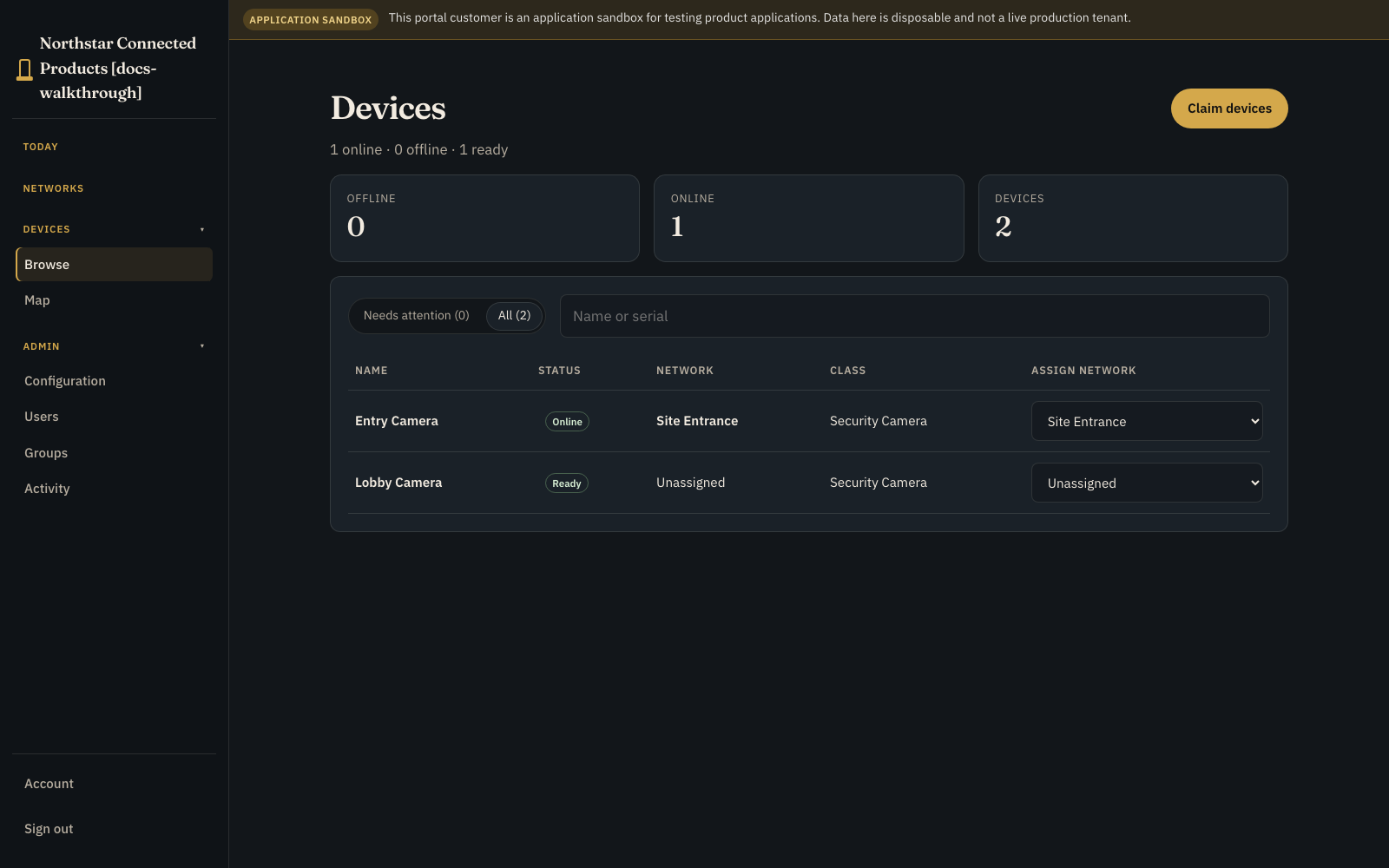
- a security workflow that uses the same camera class in two different roles
- your own application when no shipped kit matches the product

What this tutorial series actually does
The walkthroughs use real Product Application records, rules, processes, commands, datasets, and customer pages. A local proof harness stands in for physical controllers, gateways, and sensors where noted. You supply and qualify those hardware integrations for production. Paid Wi-Fi also needs a real payment integration; the current proof does not fake a successful charge.
Product Applications are available on Standard+ without beta, early-access, programme-enrolment, or release-channel enrolment. The product_applications capability still reflects the organisation's plan entitlement and access checks.
Follow the current authoring journey #
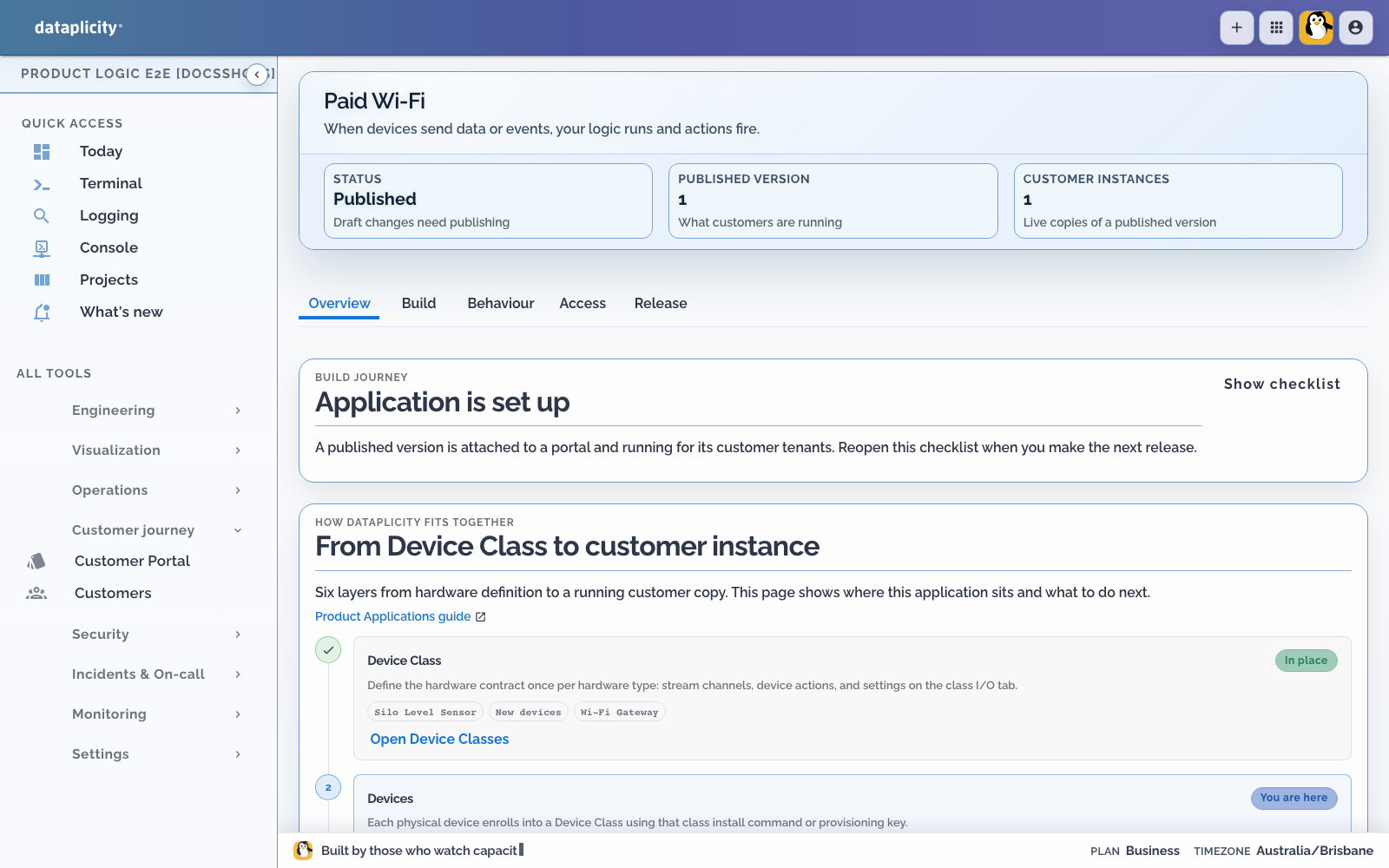
Open Developer > Product Applications, choose an application, and work inside its routed workspace. Each area has its own address, so a refresh or a shared link returns to the same part of the application.
| Area | Use it for | Detailed guide |
|---|---|---|
| Overview | Read application status, follow the build journey, and return to incomplete work | This page |
| Build | Bind Device Classes and define customer record models | Design the Application Workspace |
| Behaviour | Define rules, operations, commands, and Processes | Build a Process |
| Scenarios | Author fixtures, deterministic responses, assertions, suites, and release checks | Test application scenarios |
| Executions | Search production and test traces, inspect health and correlation, and intervene when permitted | Investigate Process executions |
| Access | Configure customer pages, Process presentation, API clients, and integrations | Design the Application Workspace and Connect the Product API and integrations |
| Release | Validate, test, publish, attach, and roll out immutable versions | Release a Product Application |
Placement is a Process design decision, not a deployment afterthought. Read Choose Process placement before moving work from Cloud to Edge or creating a Mixed Process.
Choose the right layer #
| Your job | Start here |
|---|---|
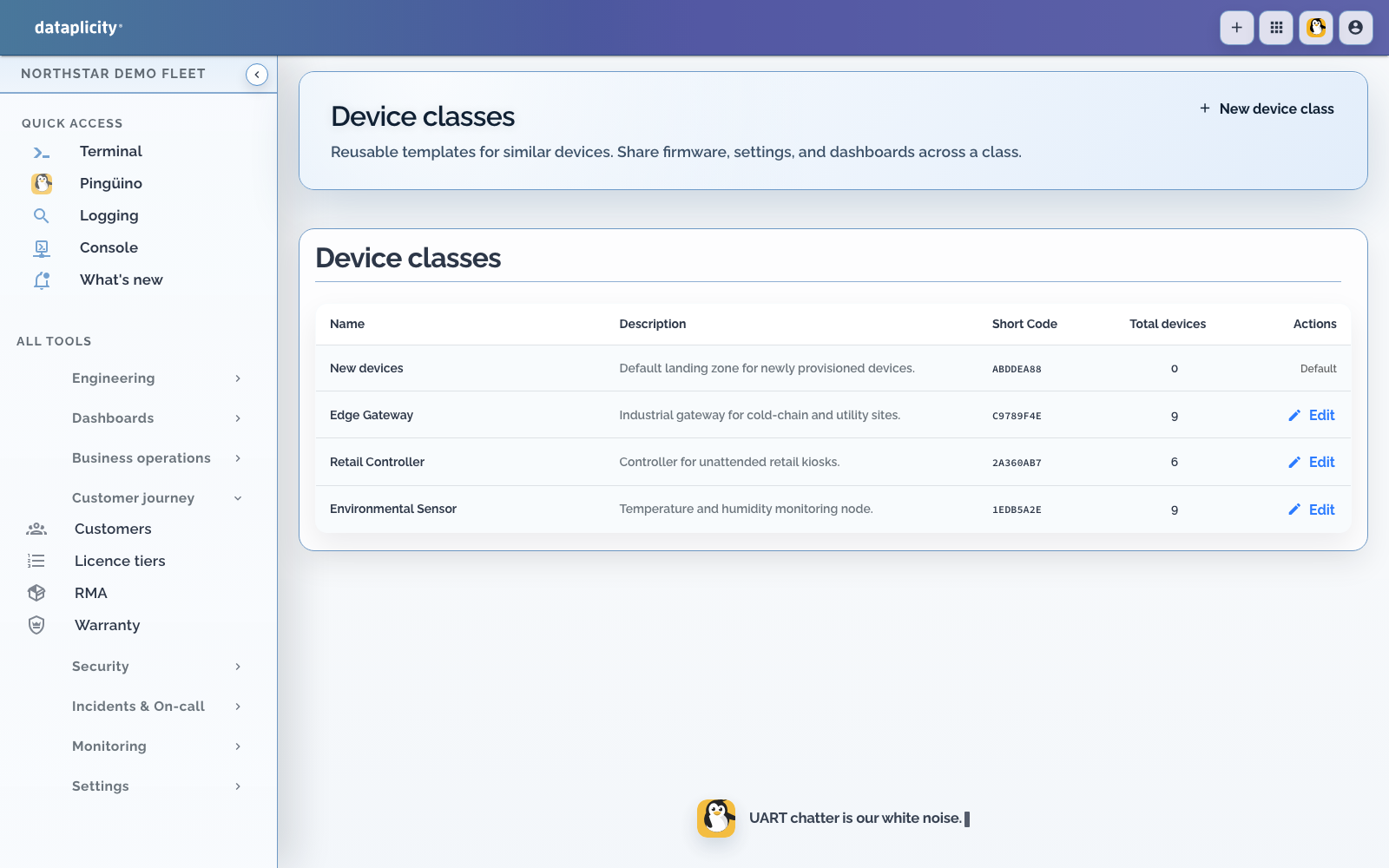
| Hardware state and controls only (streams, actions, customer device UI) | Device Classes and Streams, actions, and settings |
| Customer-specific records, rules, processes, commands, or offline datasets | Build your own Product Application, or start from a kit below |
| An existing kit matches the customer workplace | Apply that starter, then adapt models and bindings |
When the product is mostly “this device’s readings and knobs,” stay on the Device Class. When the product needs customer records, tenancy, durable workflow, or site-wide composition, add a Product Application around those classes.
For a worked empty-draft route, open Build your own Product Application (PolarVend). For kit-backed workplaces, pick a project below.
Architecture spine #
Product Applications follow one stack from hardware definition to a running customer copy:
- Device Class defines the reusable hardware contract.
- That class is bound to a role inside an application (for example
bay,gateway, ormachine). - The OEM publishes a Product Application version, an immutable snapshot.
- That version is instantiated for a customer as a Product Instance.
- The instance operates at a Network / site, where Operators do site-wide work.
- The site contains Enabled devices, each with its own Controls page.
In short:
Device Class → role binding → Product Application version → customer instance → Network / site → Enabled devices
Networks are for site-wide work. Controls are for one device. Keep OEM engineering tools (Remote Shell, fleet logs, release controls) out of the customer page.
See Platform nomenclature for the same map with a diagram and glossary.
Which mechanism to use #
| Need | Use | Do not confuse with |
|---|---|---|
| Continuous or periodic device values | Device Class stream (channel) | Copying every sample into a Product Application record |
| One-shot “do this now” on a device | Device Class action, exposed as a Product Application command when workflow needs durable lifecycle semantics | A lasting desired setting |
| Lasting desired value on a device | Device Class setting (desired/reported state with persistent delivery on qualified field agent 0.1.52+) | An action that already applied a change |
| Multi-step or waiting customer workflow | Product Application process | A single rule firing once |
| Immediate reaction to a reading or record change | Product Application rule | A durable process that must pause and resume |
| Versioned package of records for an offline device | Product Application offline dataset | Live stream samples or ad-hoc remote shell edits |
| Customer-visible history of what happened | Product Application activity and operational records | OEM fleet logs |
The stream and generic action path is the Device Class contract. The Product Runtime path (commands, processes, offline datasets) sits on top when the customer product needs durable workflow around those roles.
A Product Application command is not the same contract as a generic Device Class action. Product Application commands have a durable invocation identity and lifecycle, including optional idempotency keys, delivery and acknowledgement state, execution and terminal results, deadlines/expiry, cancellation, and controlled redelivery. Product Application operations also support idempotent invocation when an idempotency key is supplied. These mechanisms prevent a repeated request from silently becoming a second cloud-side invocation; they do not turn a physical side effect into an exactly-once operation. Device software must still recognise a repeated invocation, enforce local safety, and reconcile commercially important outcomes.
The two ideas you need #
A Device Class describes a reusable hardware product: what its devices publish, what they can do, and how they appear to a customer.
A Product Application adds the customer data and workflow around one or more Device Classes.
For example, an Outload Bay class describes the bay / chute contract. A Silo outload application connects that bay to credentials, authorisations, load tickets, and reconciliation.
Inside an application, each class gets a short role name called a binding. The grain outload application might bind classes as bay and gateway. A camera application can bind the same Camera class twice as entry_camera and lobby_camera. The binding does not copy or reclassify a device; it simply describes the job that hardware performs here.
Take a quick tour #
Open Developer > Product Applications and create a draft. A draft is your editable workshop. The application workspace keeps Overview, Build, Behaviour, Scenarios, Executions, Access, and Release as distinct routed areas. Publishing turns the draft into an immutable version that can run for a customer.
Start from the outcome #
Overview shows what is complete and what still needs attention. If a starter matches your project, load it and adapt it. Starters are editable examples, not certified physical integrations.
Apply a native kit #
On an empty draft, choose a starter and Use example when one of the shipped native application patterns matches the customer job:
- Choose HVAC schedules, camera access, remote signage, energy site, paid Wi-Fi, grain outload, or silo monitoring.
- Map each required hardware role to a Device Class.
- Leave optional roles, such as generator or solar, empty when they are not installed.
- Review the generated models, commands, pages, and permissions.
- Publish a version and attach it under Release > Attached portals.
- Put the customer's devices on a network.
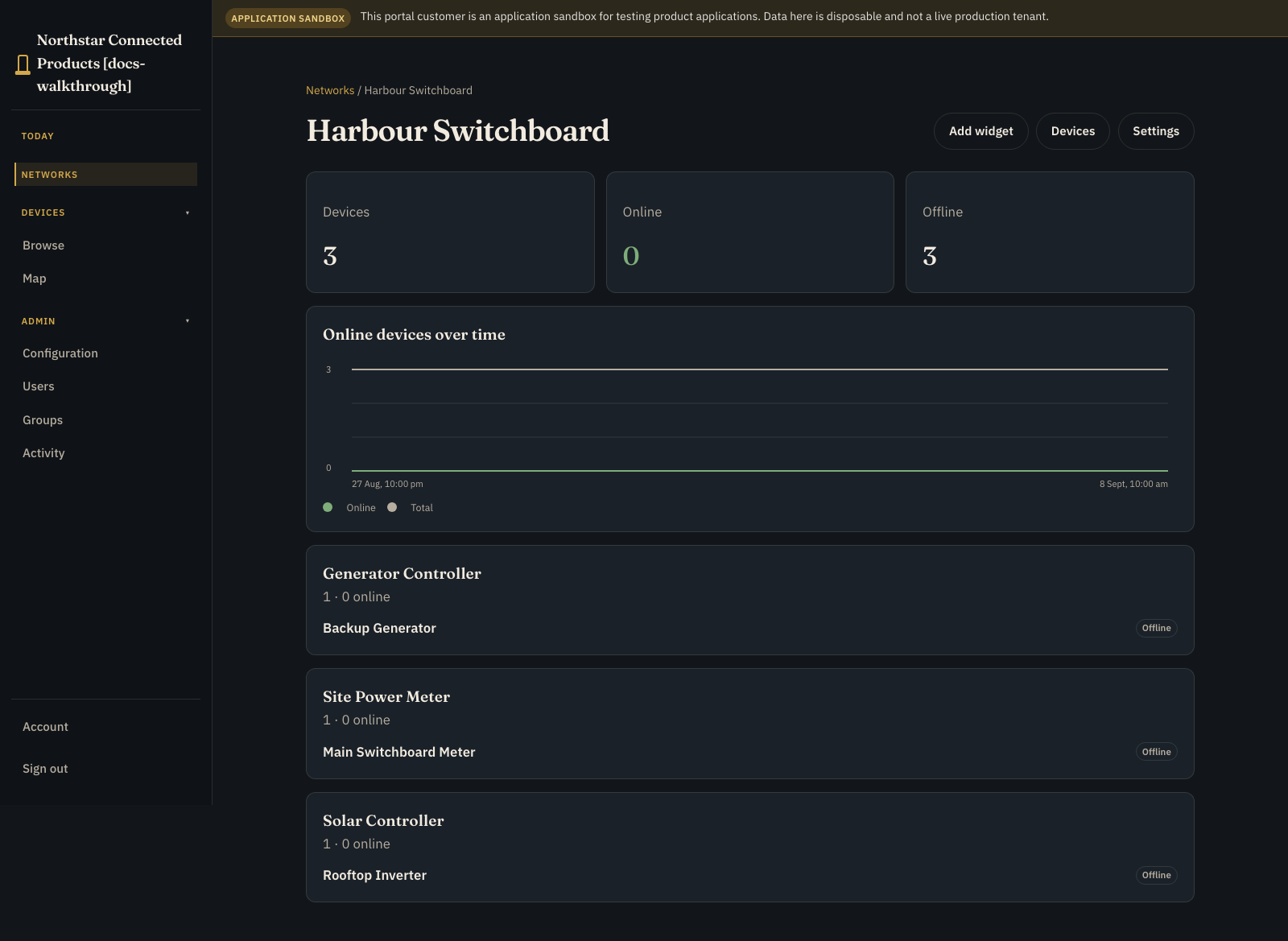
The Device Class keeps the vendor hardware UI. The kit adds a tailored layer on the network and device surfaces; it does not create a new product section in the customer sidenav.
Industrial gateway uses the same kit contract, but has no starter card in the OEM UI today. Apply industrial_gateway version 1 through the Product Applications API or the reference seed, then review and publish it in the same UI. See Build and operate an industrial gateway.
Build your own application #
When no kit matches, create an empty draft and author models, behaviour, and access yourself. The PolarVend walkthrough shows that path end to end for authoring and customer operation:
Add customer data in Build #
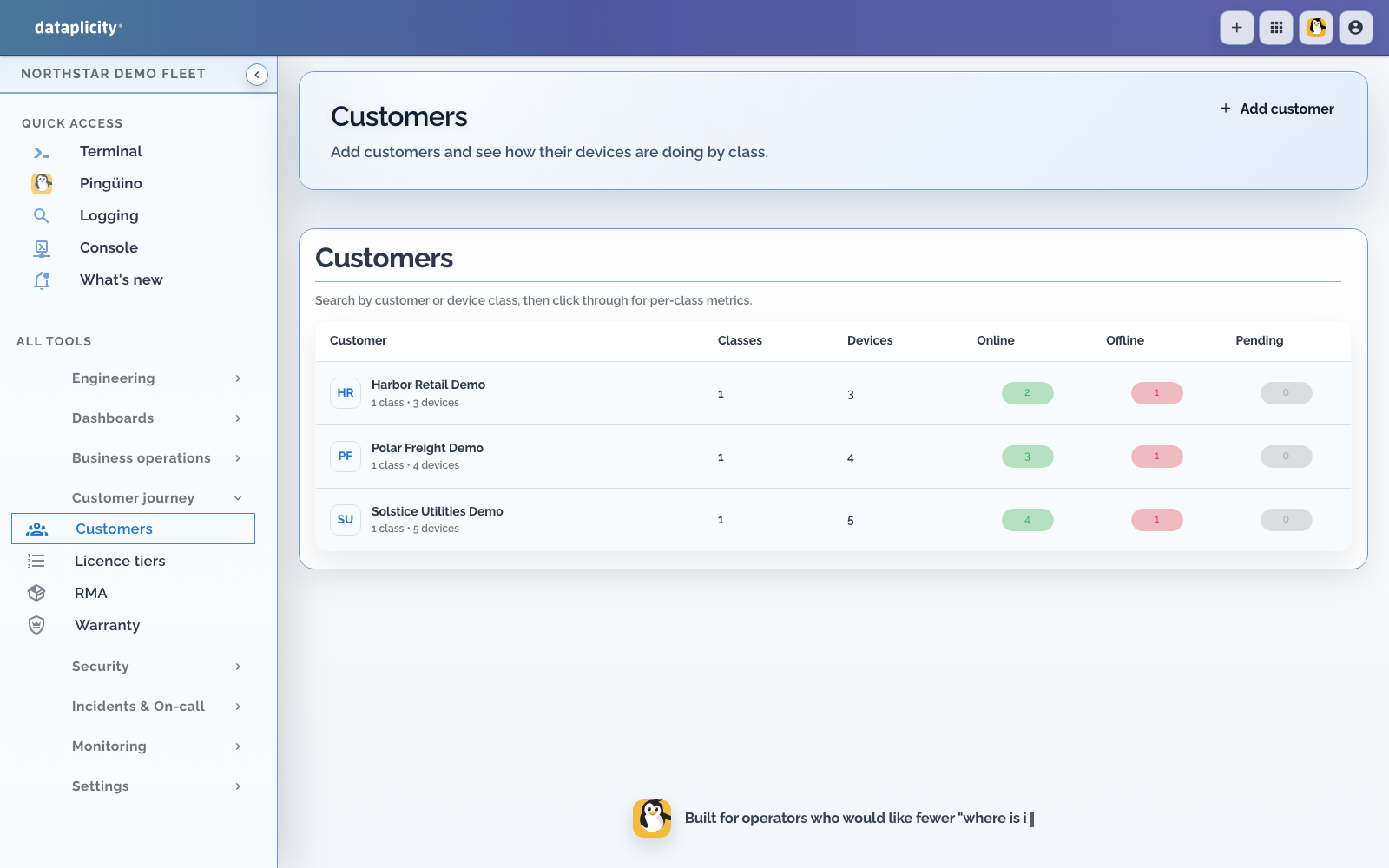
First connect each Device Class in Hardware and give it a stable binding. Then use Models to describe the records customers will work with.
Use configuration records for long-lived choices such as schedules, credentials, and thresholds. Use operational records for sessions and transactions. A stream-derived field can display the latest device reading beside those values without copying every sample into the record.
Make it react in Behaviour #
This is where the application starts to feel alive:
- A rule reacts immediately to a reading, record change, or event.
- An operation is an action deliberately started by a user, API client, rule, or process; idempotent operations can reuse an idempotency key to return the existing invocation rather than create another one.
- A command asks a bound device to do something through the durable Product Runtime command lifecycle.
- A process is a durable, multi-step workflow that can pause and resume.
A process is useful whenever the story continues after the first click. It can wait for a device result, a timer, or another event, then update records, raise alerts, call integrations, or compensate after a failure.
The Prelude Agent Product Runtime carries commands between the cloud and your device-side handler. It tracks delivery, acknowledgement, execution, terminal result, expiry, and cancellation around a stable invocation. Your handler remains responsible for deduplicating a repeated delivery when necessary, validating the request, enforcing interlocks, performing the physical action, and reporting the result.
Shape the customer experience in Access #
Use Access to author the customer Application Workspace, expose deliberate operations, configure Product API clients and integrations, and decide which customer roles can see each page or Process.
The generic Application Workspace can contain Overview, Work, Exceptions, Records, and Map pages. Presentation settings provide customer-facing Process names, state labels, needs-attention states, summary fields, and role visibility without changing Process execution semantics. See Design the Application Workspace.
Keep engineering tools such as Remote Shell, fleet logs, and release controls in the OEM workspace. The customer page should focus on the product decision in front of them.
Publish once, then create an instance #
When the draft validates:
- Prepare a release candidate in Scenarios and pass every Scenario marked as a required release check.
- Open Release, resolve blocking validation errors, and review publish warnings.
- Explicitly acknowledge every warning that requires acknowledgement.
- Publish the exact tested candidate as an immutable version.
- Open Attached portals and attach the version to the intended Customer Portal.
- Confirm an isolated instance was provisioned for your test customer.
- Use Sandbox to add a record, invoke an operation, simulate a reading, advance a timer, or preview an offline dataset.
A Product Instance is one published version running for one customer. Publishing a new version does not silently upgrade existing instances. You choose when to move them after checking compatibility.
Application definition lifecycle #
Immutable versions are the foundation. Customer records already exist beside those versions, so production adoption also needs a clear upgrade story.
| Concern | Current public position |
|---|---|
| Draft editing | Author in Developer > Product Applications, or through OEM authoring APIs for the same resources |
| Publish | Creates the next immutable Product Version snapshot (models, pages, presentation, permissions, bindings, rules, operations, integrations, commands, Processes, placement, and offline datasets) |
| Source control / export package | No first-class export/import bundle for git is published. A published version stores a definition_json snapshot retrievable through OEM version APIs; treat that as the durable definition artefact today |
| API-driven creation and deployment | OEM organisation APIs can create applications, mutate drafts, publish, attach portals, provision instances, and run upgrades. Prefer UI validation before the first production attach |
| Publish preflight | Builds a release candidate, validates the draft, checks required Scenarios, reports semantic changes and compatibility, and requires explicit acknowledgement of selected warnings |
| Model compatibility | Release > Version rollout checks each target instance. In-flight Process executions and command invocations block that instance from moving |
| Schema and record migrations | Upgrade bumps record schema_version and refreshes offline sync state. There is no separate migration-script language; design additive fields and careful required-field changes |
| Upgrading existing Product Instances | Explicit rollout by all instances, one portal, or selected instances. New customers follow the portal attachment default (pinned version or latest published) |
| Rollback | Same explicit version movement targeting an older published version. It does not rewind in-flight executions, and some schema changes require a compensating publish |
| Development → staging → production | No separate Dataplicity “application environment” object. Use Sandbox and isolated test customers or portals before attaching a production portal and rolling instances forward |
Do not invent a promotion pipeline the platform does not provide. Pin instances deliberately, check compatibility, then move them.
Limits of the generic application surface #
Use this table when deciding whether the generic builder covers most of a product or only a first demonstration. Values described as current are observed behaviour, not contractual guarantees.
| Capability | Current position |
|---|---|
| Field types | string, text, boolean, integer, decimal, money, date, datetime, duration, enum, json, secret, record_ref, native refs (customer, site, device, device_class_binding, user), system_id, computed, stream_derived |
| Relationships | Record references and native customer / site / device / binding / user refs. No general graph query language |
| Uniqueness | Field keys are unique within a model. Customer-facing unique-business-key constraints are not a first-class authoring feature |
| Validation | Per-field validation JSON and required flags. Publish-time checks cover a bounded set of draft errors; they do not prove every expression or channel reference |
| Secrets | secret fields accept plaintext on write, store a hash, and return only set/unset on read. Offline datasets may project the hash for device verification |
| Files / attachments | No generic customer file or blob field type on Product Application models. Use Device Class media streams or your own storage when you need files |
| Search | Instance and record listing support practical filters and pagination. Full-text search across arbitrary fields is not a published product promise |
| Indexing | Platform indexes support common lookups. OEMs do not define custom database indexes in the builder |
| Audit history | Product Activity records workflow events for an instance. It is not a full field-level audit trail or compliance archive |
| Retention | Product Application retention and purge jobs exist with bounded policies. Confirm current retention before promising archival storage to customers |
| API access | Product API clients can invoke exposed operations and work with instance data under scoped rate limits. Authoring remains on OEM organisation APIs |
If the product needs purpose-built workplaces (Analysis, comfort boards, protocol workbench views), prefer a native kit or a later first-class application rather than stretching generic records alone.
Pick a project #
Workshops #
These articles walk hardware contract, application behaviour, and customer verification in depth:
- Build your own Product Application for an empty-draft route with device Controls, records, alerts, and commands.
- Build and operate an industrial gateway for protocol testing, traffic capture, signal mapping, and I/O deployment.
- Build a camera and CCTV product for a hardware-first path through live video, recording, and customer handover.
- Build a customer-operated level monitor to combine a live sensor value with customer thresholds and alerts.
- Build a customer-operated telemetry product for a numeric signal with customer-facing presentation.
- Build a paid Wi-Fi application to explore a timed process, device commands, and compensation.
- Build a silo outload application to try partial settlement, offline data, and reconnect handling.
- Build an HVAC scheduling application to send versioned configuration to an offline controller.
Kit recipes #
These shorter guides apply a native kit and verify the resulting workplace. They are complete enough to ship a first portal experience, but they do not replace a full hardware-integration workshop:
Know what changed #

For each project, test one happy path and the failures that matter: timeout, rejection, duplicate delivery, and reconnection. Sign in as a viewer and an operator. Then use a second customer account to confirm that records, devices, commands, datasets, and activity stay isolated.
Two platform boundaries are worth remembering:
- An internal resource reservation helps a process coordinate value, but it is not a payment processor or financial ledger.
- An offline dataset is a versioned package of application records for a device. The agent verifies and activates it, retains the last-known-good generation, and reports what is actually applied.
Related #
- Build a Process
- Test application scenarios
- Investigate Process executions
- Choose Process placement
- Design the Application Workspace
- Semantic composition
- Semantic widget catalogue
- Connect the Product API and integrations
- Release a Product Application
- Device Classes
- Streams, actions, and settings
- Customer Portal
- Operate sites and native applications
- Production limits and service behaviour
- Device data and control contract