

Appearance
Fleet jobs #
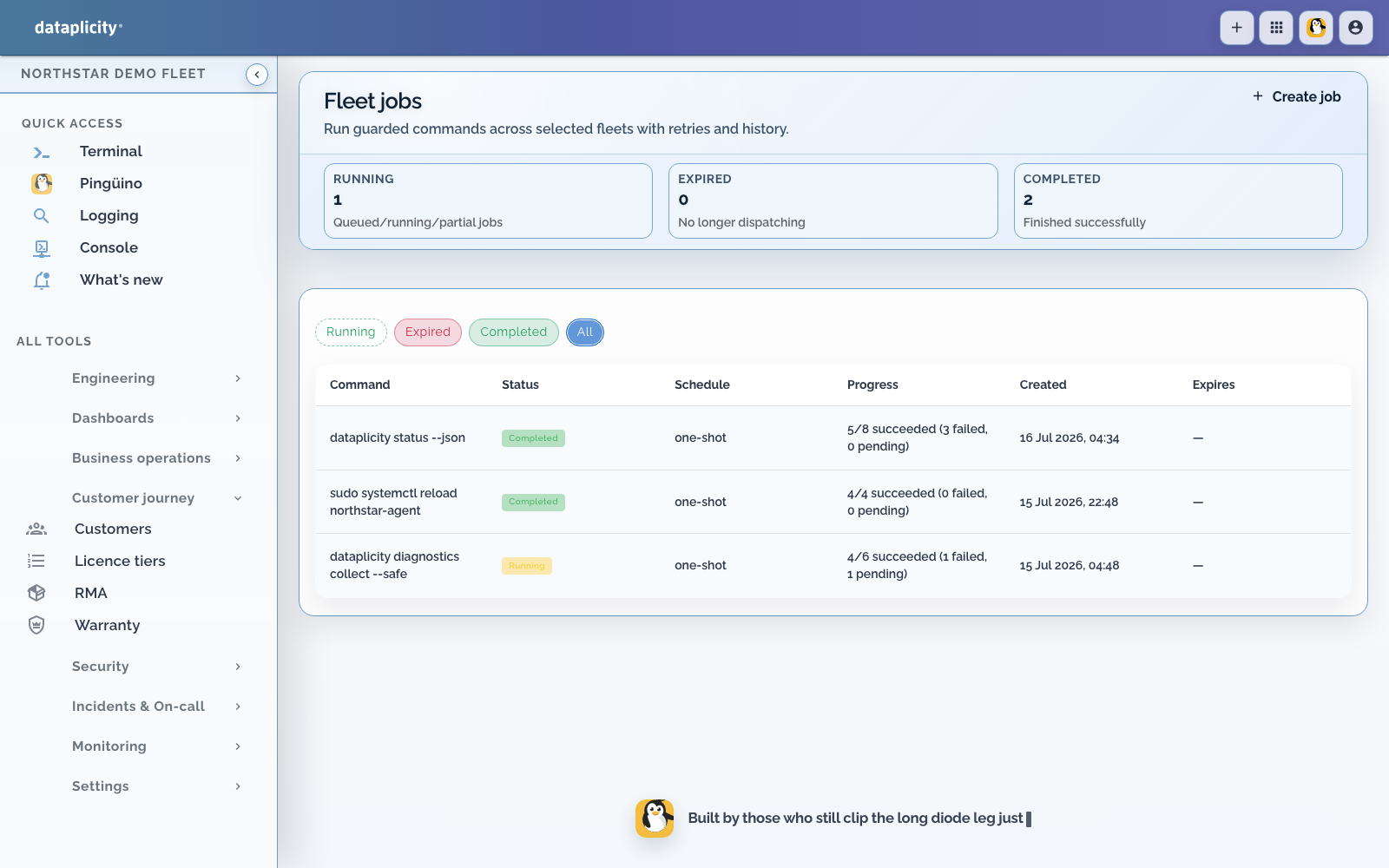
Fleet jobs fan out a command to devices selected by tags. Device classes appear as device_class:... tags in the current creation flow. Use fleet jobs for bounded operational changes or diagnostics when the same command must run across more than one target.
Prerequisites #
- target devices are connected and support command execution
- your role can create fleet jobs
- the selector has been reviewed against current inventory
- the command has a rollback or safe retry plan
Run a job #
- Open Fleet jobs and create a job.
- Add include or exclude tags and choose whether multiple include tags match any or all.
- Preview the resolved targets and check the count and representative devices.
- Enter one non-interactive command with bounded runtime and output.
- Choose a one-shot or offered recurring schedule, expiry, and timeout.
- Review the safety summary and create the job.
- Follow overall status and each target result.
Treat the preview as a control boundary. Re-preview after changing tags. Never paste a secret into a command because command text and results are retained in job history.
Interpret results #
A fleet job is asynchronous. Targets can progress independently, so partial success is expected when devices disconnect or commands fail.
- Investigate failed and unavailable targets before retrying.
- Retry only the failed cohort when the command is safe to repeat.
- Do not assume cancellation can undo a command already dispatched.
- Keep output concise. Use central logs or file transfer for large evidence.
For firmware release waves, use the firmware deployment workflow where available. It adds bundle, eligibility, rollout, and deployment-result semantics that a raw command does not provide.
Command safety #
Prefer idempotent commands, explicit timeouts, and validation before mutation. Start with a staging tag or small canary group. Confirm recovery through monitoring, logs, or inventory, not only exit status.
Fleet commands, including commands proposed through the AI assistant and approved by an operator, run through the device agent. They inherit the agent's effective Linux identity and do not inherently gain root privileges. Administrator-granted groups, ACLs, credentials, service permissions, or sudo rules expand what every command on that path can do. Review the device-side privilege boundary before granting extra access.
Fleet-job history and per-target results provide operational evidence. Pair them with organisation or device event history when approvals and accountability matter.