

Appearance
Customer surfaces #
Start with the customer's job. Use the Customer Portal, also described as your product portal, when named users operate the products they own. Use the other surfaces for narrower communication or display jobs. None should expose internal engineering operations.
| Surface | Use it for |
|---|---|
| Customer Portal / product portal | Named customer users operating their assigned products, locations, data, video, and permitted controls |
| Status page | Public service, journey, heartbeat, and incident communication |
| Dashboard display | Shared operational visualisation on a paired screen |
| Support inbox | Conversations linked to customer, device, incident, or service context |
| Documentation site | Product guidance built from an approved documentation repository |
Dataplicity enables these modules for each organisation separately. Your organisation administrator can confirm which modules are enabled for your team.
Give customers an operator portal #
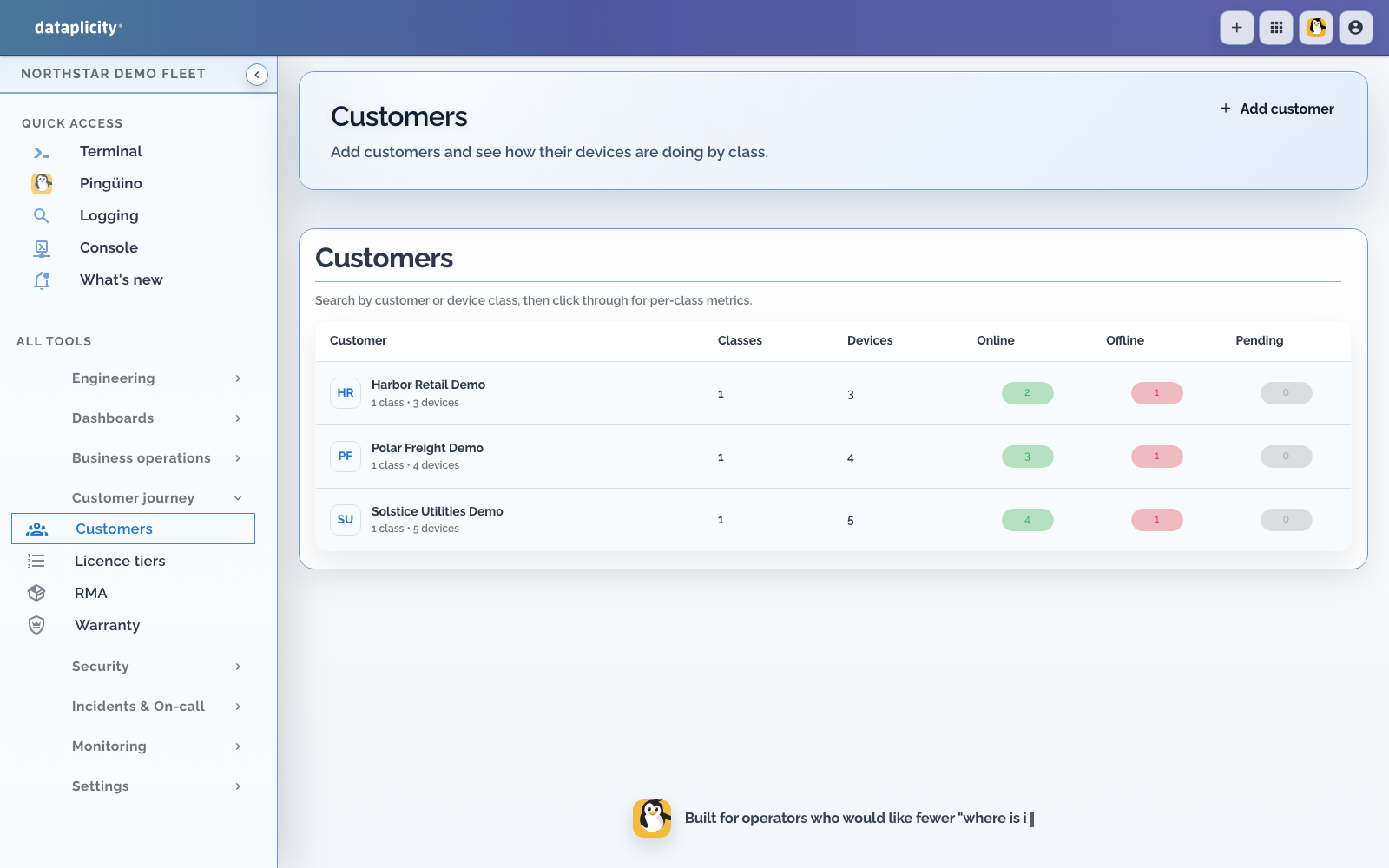
Use the customer portal when customers need to claim or assign devices, review their networks, and open an OEM-designed device page. OEM engineers configure classes, software, streams, and layouts in Dataplicity; customer users sign in on the vendor's hosted https://your-vendor.dvcmgr.com tenant.
The portal is a separate boundary from public status pages and from the OEM engineering workspace. See Customer portal and Turn your hardware into a customer SaaS product.
Publish product documentation #
Where documentation sites are enabled, an organisation administrator can connect an approved repository, create a documentation site, edit supported content, trigger a build, and review publication state.
Use a dedicated repository and branch with normal pull-request review. Keep secrets, internal runbooks, private API routes, and customer data out of public source. Verify custom-domain ownership and preview the built site before sharing it.
If a build fails, inspect repository access, selected source, content errors, and domain state. Do not edit generated output as the source of truth.
Manage support conversations #
The support inbox can receive or create conversations, assign ownership, track waiting or closed state, and link relevant customer and device context. Add the smallest necessary context and avoid copying unrestricted logs or credentials into messages.
Use the incident timeline for acknowledgement and resolution, customer and device links for operational context, and the support conversation for customer communication. Linking them does not merge their lifecycles.