

Appearance
Sign in to Dataplicity #
To sign in to Dataplicity in a browser, open https://www.dataplicity.com/login.
- Enter the email address associated with your Dataplicity account.
- Select Continue.
- Complete the method shown for your account:
- Enter your password and select Sign in.
- If Dataplicity identifies organisation SSO for your email, select Continue with SSO and follow your identity provider.
- If prompted, enter the code from your authenticator app or use your registered security key or passkey.
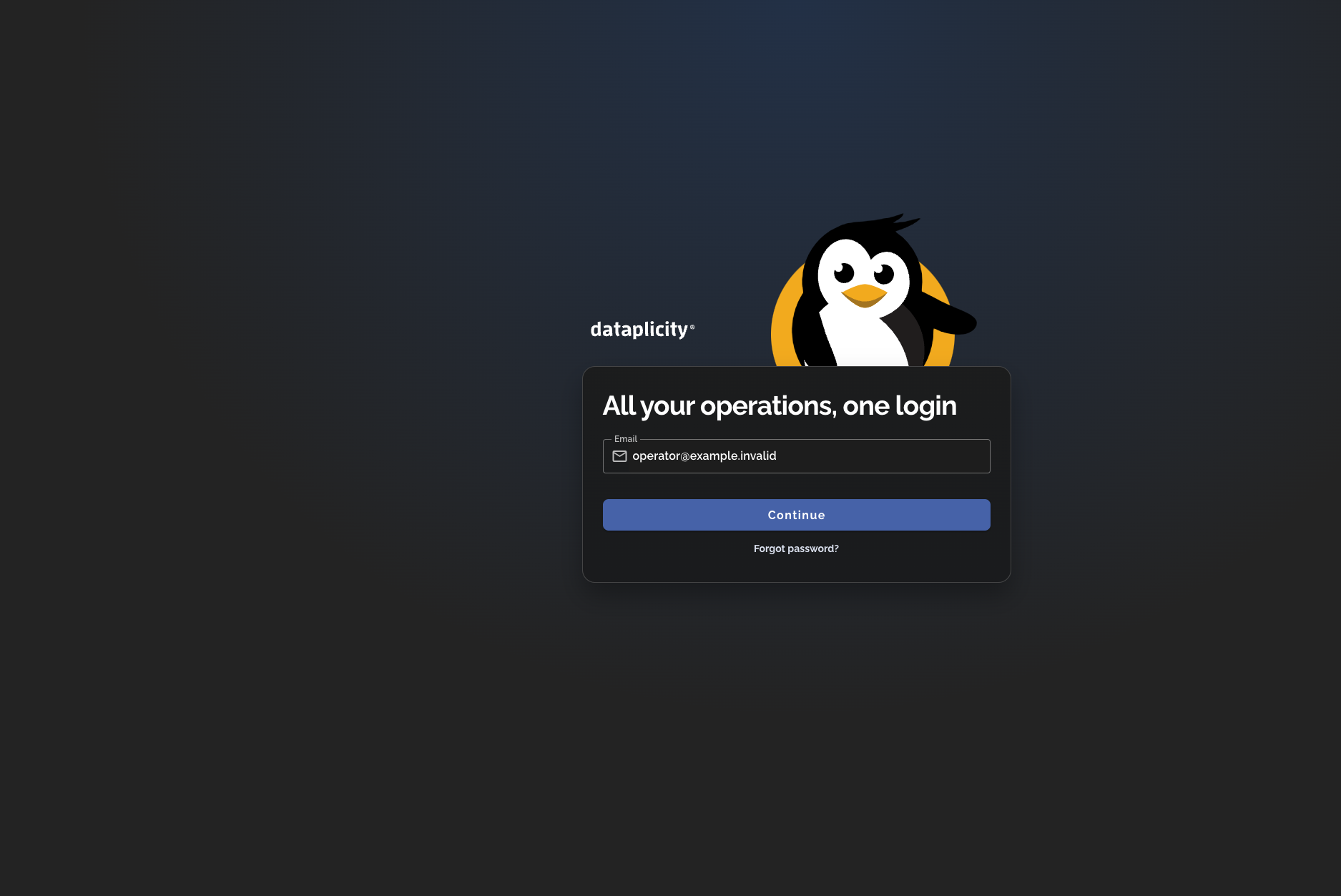
Dataplicity uses the email address first so it can present the sign-in method associated with the account. Your organisation's identity provider may apply its own MFA requirements during an SSO handoff.
If you cannot sign in #
- Check that you entered the email address associated with the intended Dataplicity account.
- If your organisation uses SSO, complete the identity-provider prompt. Ask your organisation administrator about identity-provider access.
- If an MFA prompt appears, use a factor already registered to your account.
- If you have forgotten an account password, reset your password.
- If you still need help, contact support@dataplicity.com. Never send your password, MFA code, or password-reset link.