

Appearance
Reset a forgotten password #
To reset a Dataplicity password, open https://www.dataplicity.com/reset-password/ or select Forgot password? on the Dataplicity login page.
- Enter the email address associated with your Dataplicity account.
- Select Send reset link.
- Check that email inbox. If an account is associated with the address, Dataplicity sends a secure reset link.
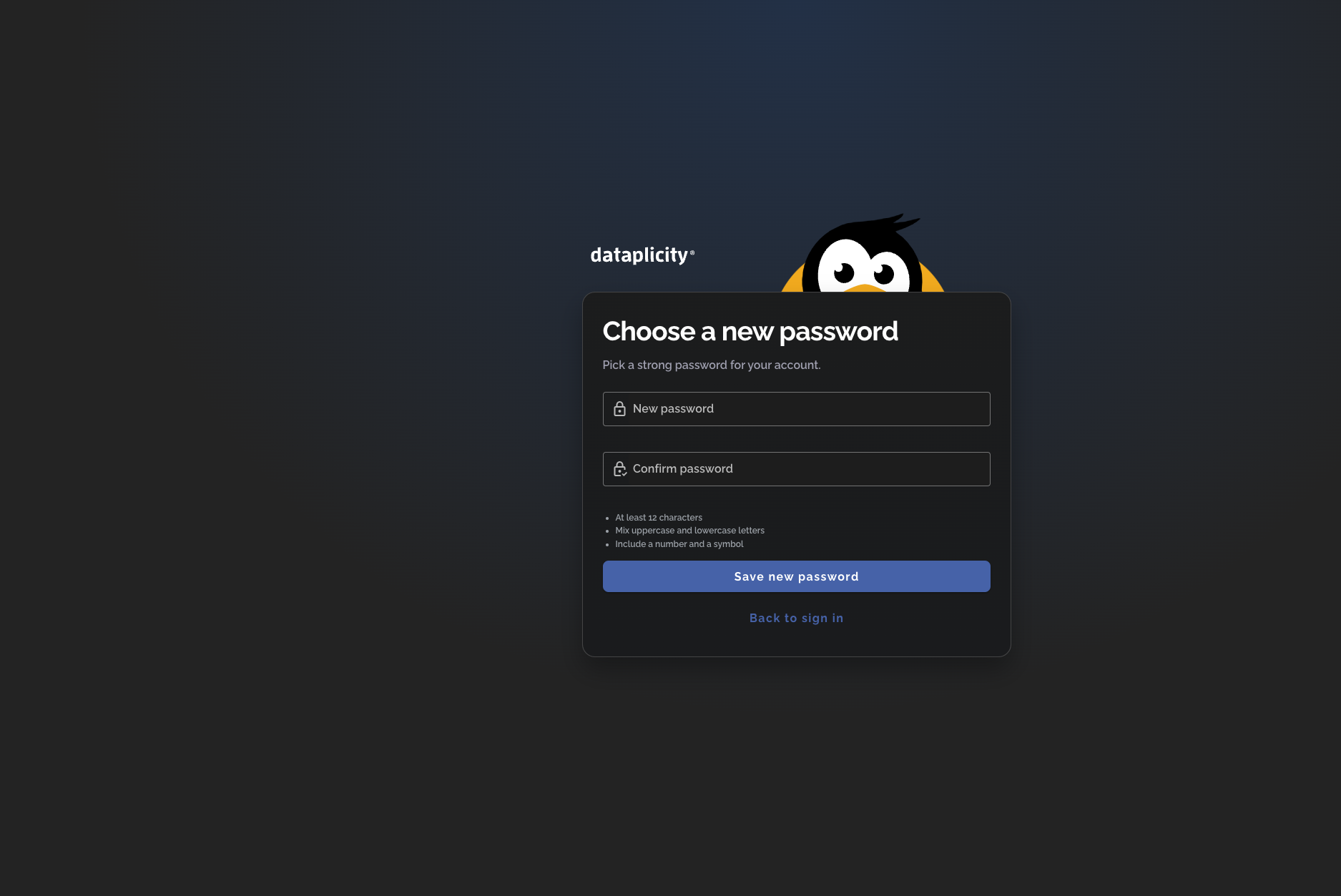
- Open the link and enter the new password twice.
- Select Save new password, then return to the login page and sign in with the new password.
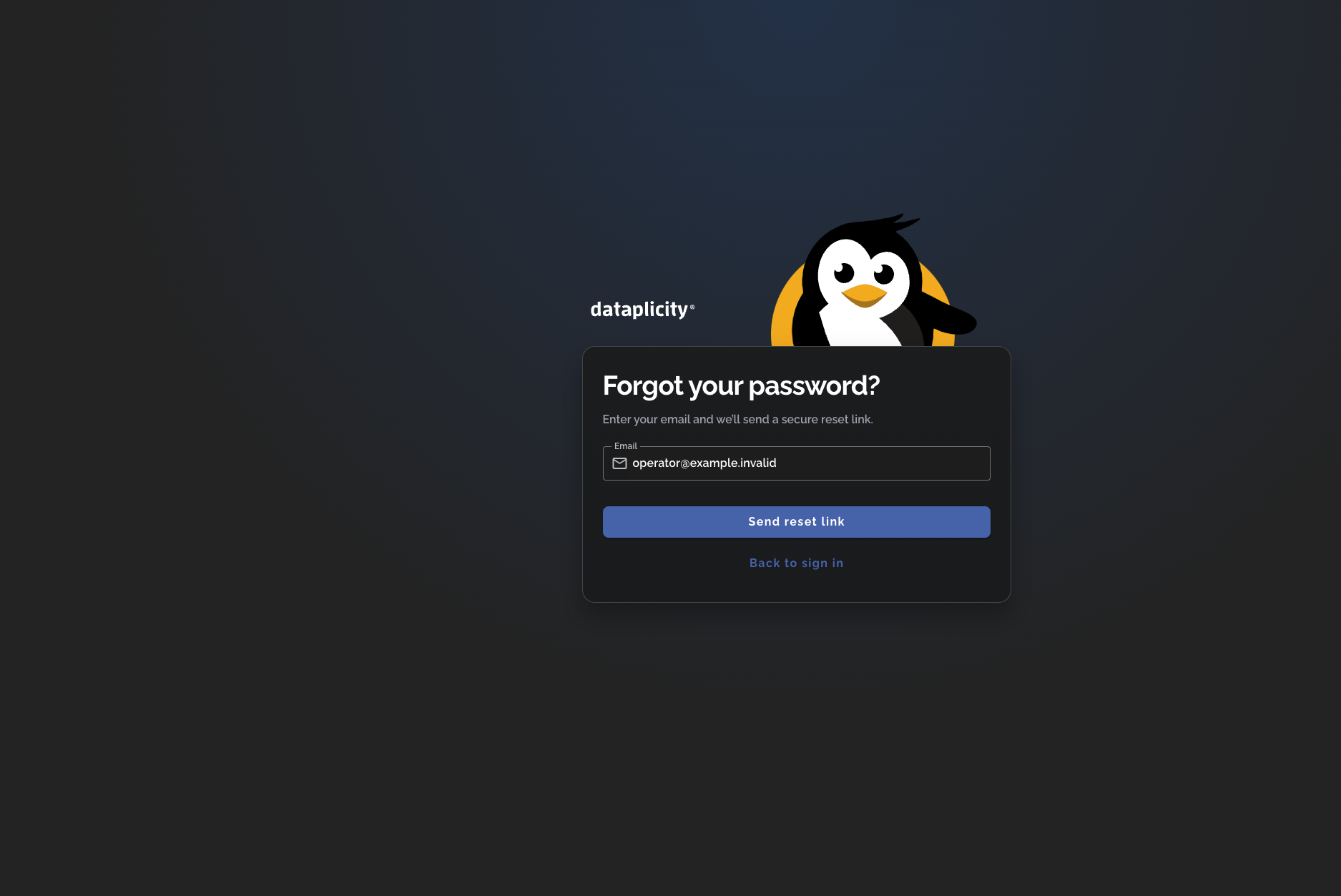
The request page gives the same next step without confirming whether an account exists for that email address.
Choose the new password #
The reset link opens a Dataplicity form for choosing a new password. The form requires at least 12 characters, uppercase and lowercase letters, a number, and a symbol.
Reset links expire in about an hour. A link that is expired, incomplete, or already used is not accepted. Return to the password-reset request page and request a fresh link.
If the email or link does not arrive #
- Check that you entered the email address associated with the intended Dataplicity account.
- Check the spam or junk folder for the reset email.
- If your organisation uses SSO, return to the login page, enter your email, and continue through the identity provider. An organisation administrator can help with identity-provider access.
- Request one fresh link and use the newest email if an earlier link is rejected.
- Contact support@dataplicity.com if the problem continues. Never send your password, MFA code, or reset link.