

Appearance
Device tags at scale #
Classify, search, filter and manage your devices at scale using tags.
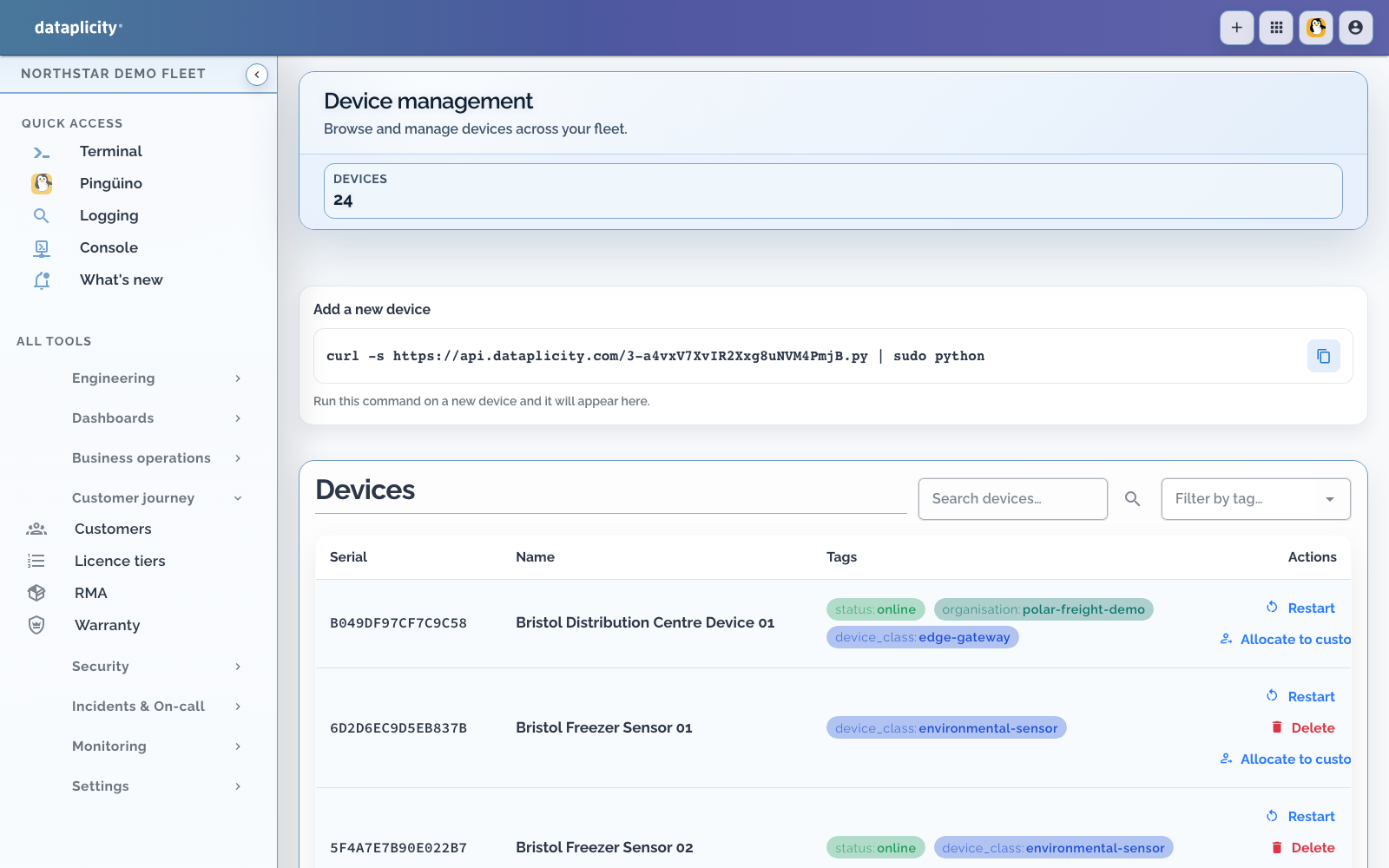
Overview #
The device inventory provides two types of searchable tags:
- Device property tags;
- Manually assigned custom tags.
Use device property tags and custom tags for inventory search, targeting, and fleet automation.
Device property tags #
Device property tags help you identify devices that match a hardware or OS profile. These properties are automatically detected by the Dataplicity agent and vary by device type but can include:
- Hardware or device class
- Operating system version
- Dataplicity agent version
Custom tags #
Custom tags are manually assigned to devices through the Dataplicity app.
Open a device, choose Rename, add or remove tags in the editor, then save. Use the device inventory's tag filter to find matching devices.
Some common uses include assigning tags to your devices which represent:
- Customer or site
- Device class
- Deployment environment
- Priority or support tier
- Firmware release