

Appearance
SiloSentry #
SiloSentry shows how an equipment maker can give customers a useful silo operation while running the installed fleet behind it. Customer operators see levels, thresholds, connectivity, and cameras for their yard; the OEM sees software versions, fleet health, logs, rollout controls, and remote support.
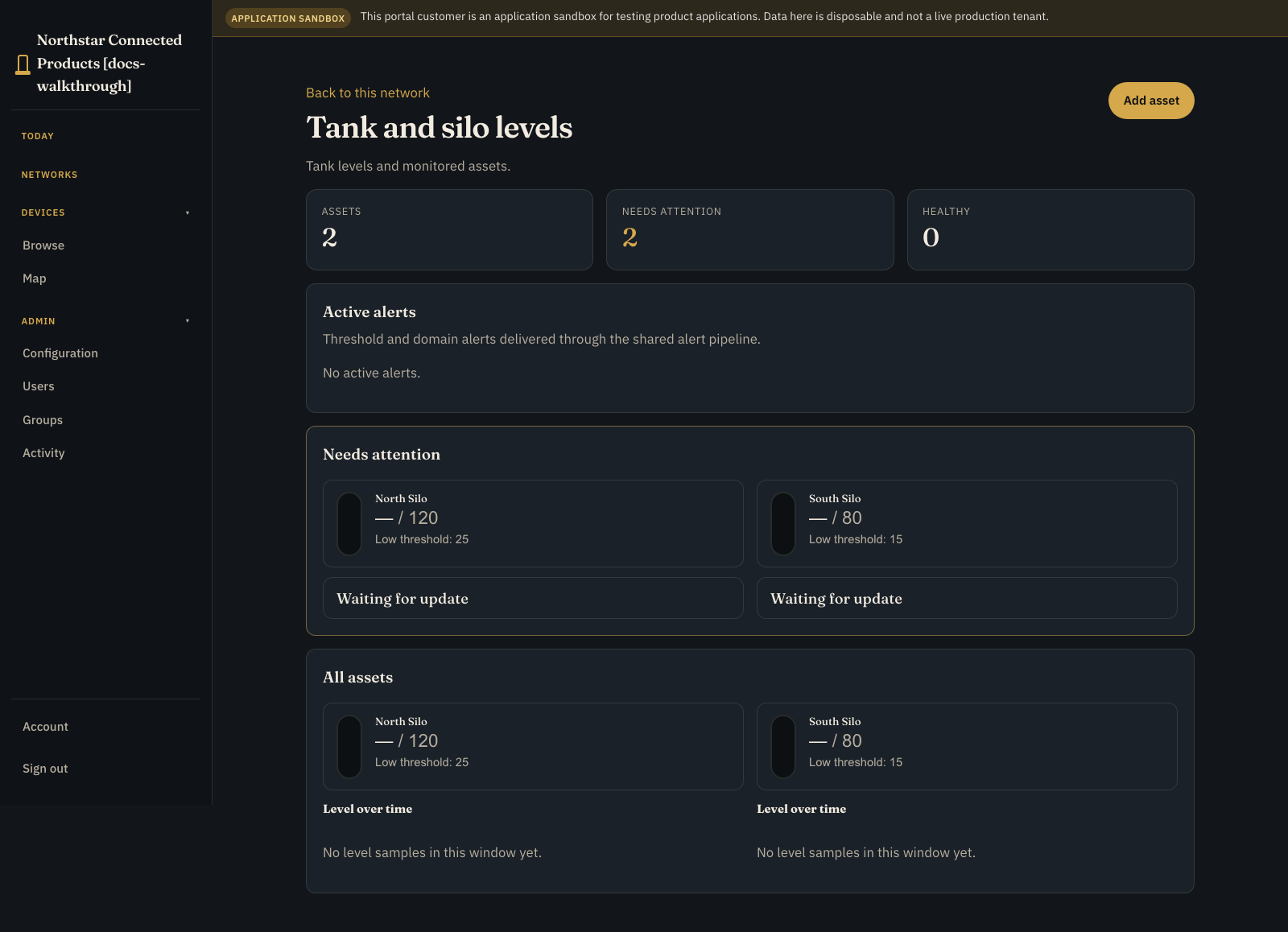
SiloSentry is a fictional grain-bin sensor OEM used as one coherent worked example. It is not a real customer or a separate product.
The full screenshot tour lives at silosentry.com.
Why does it exist? #
Feature pages and API reference describe what Dataplicity can do. They do not always answer the question most OEM readers actually have:
How would it look if my connected-product company used Dataplicity to manage devices after they leave the factory?
SiloSentry answers that with one invented company and one spine of work: device inventory, ops walls, incidents, Device Class Pulse, fleet jobs, Wormhole, and terminal - all attached to the same device records.
Without a setting like this, it is easy to picture Dataplicity as “remote shell plus a few tools.” SiloSentry is there so the product reads as the operations layer for a company that ships Linux devices.
The finished product #
SiloSentry sells Linux-connected grain silo monitors. A customer operator does not buy “streams” or “remote access.” They buy a way to answer:
- Which silo am I looking at?
- How full is it, and is that reading trustworthy?
- Is it approaching a high or low operating threshold?
- Is the monitor connected?
- Can I inspect the hatch camera?
- What should I do next?
The OEM team needs a different view of the same installed product: software version, fleet health, peer drift, logs, diagnostics, rollout controls, and remote support.
Model the product #
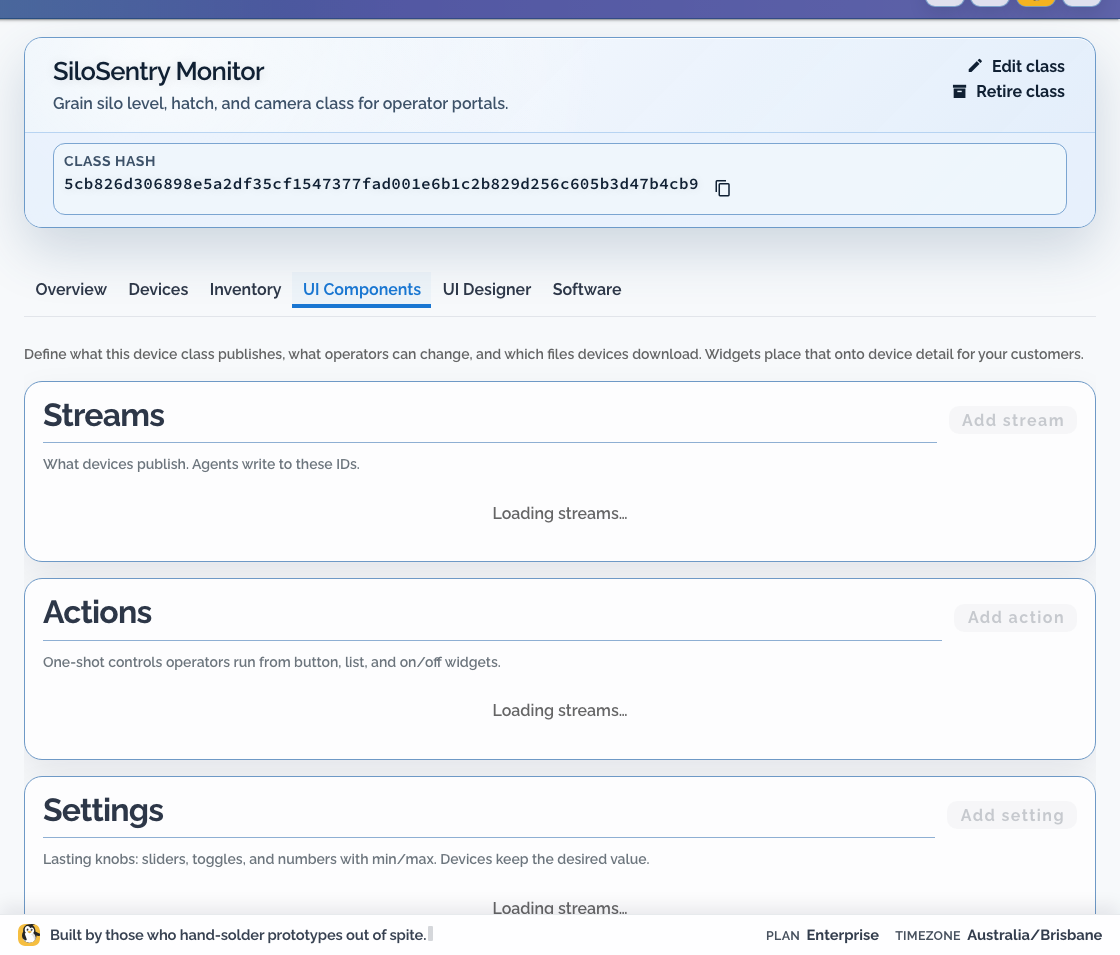
Create one Silo Monitor Device Class. Treat it as a production contract:
| Product concept | Class definition |
|---|---|
| Fill sensor | silo_height_m stream |
| Derived product value | Silo level input with height, capacity, and strapping artefact |
| Customer warning | silo_below_low and silo_above_high boolean streams |
| Customer operation | Run sensor test trigger action |
| Customer preference | Reporting interval numeric setting with safe bounds |
| Visual inspection | camera-0 video source |
| Product context | Serial, class, site, firmware, warranty, and approved inventory facts |
Design the customer's silo page #
Arrange the page in decision order:
- silo name, site, serial, and connection state
- current fill level with unit and data freshness
- high/low state beside the level, not in a remote section
- useful history for filling and dispatch decisions
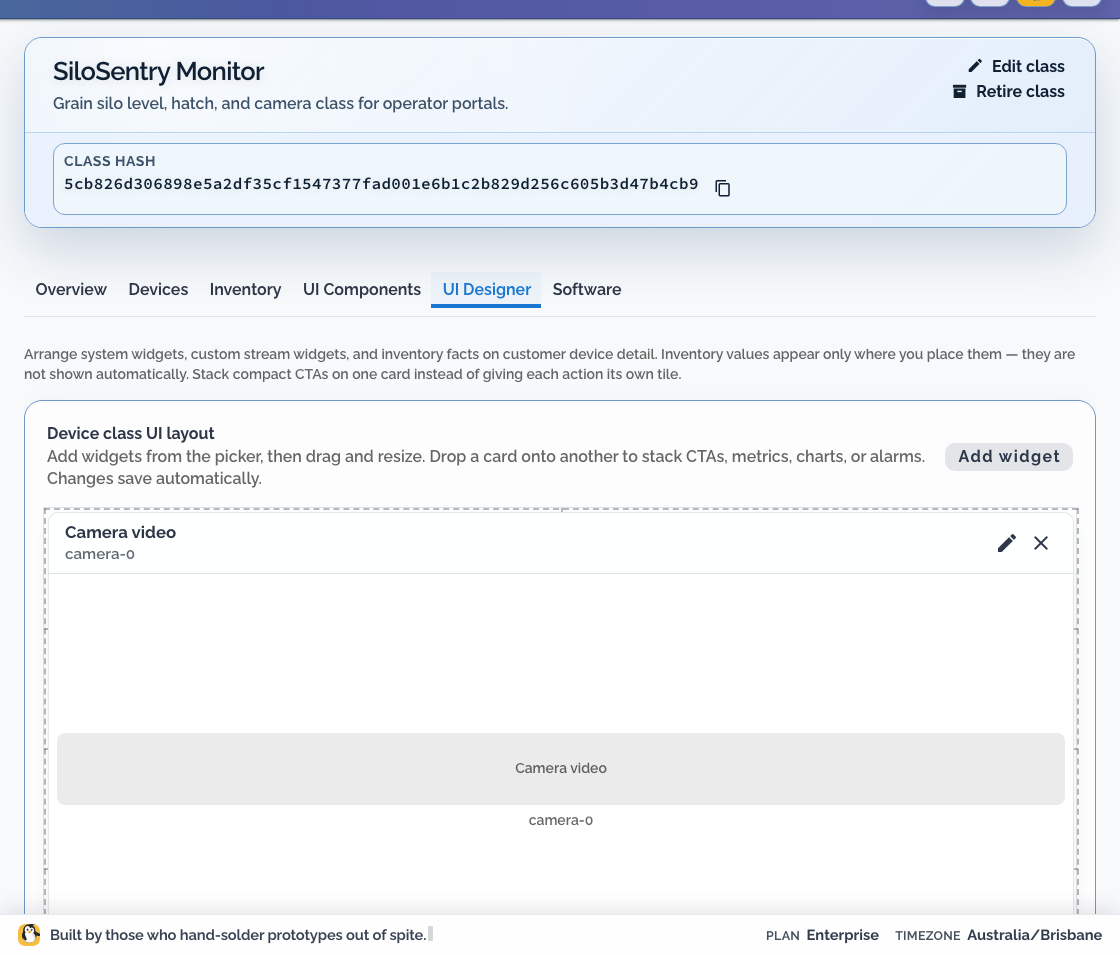
- hatch camera and recent event context
- bounded test or reporting controls
- a visible route to SiloSentry support
Do not display derived volume when calibration is incomplete. Show height or raw measurement with a clear “calibration required” state until the strapping table is approved.
Hand a monitor to the first customer #
- Create the downstream customer organisation.
- Add its real-world farm or terminal sites.
- Create the current portal placement boundary for each site.
- Invite one customer administrator and one read-only test operator.
- Allocate or claim a staging monitor.
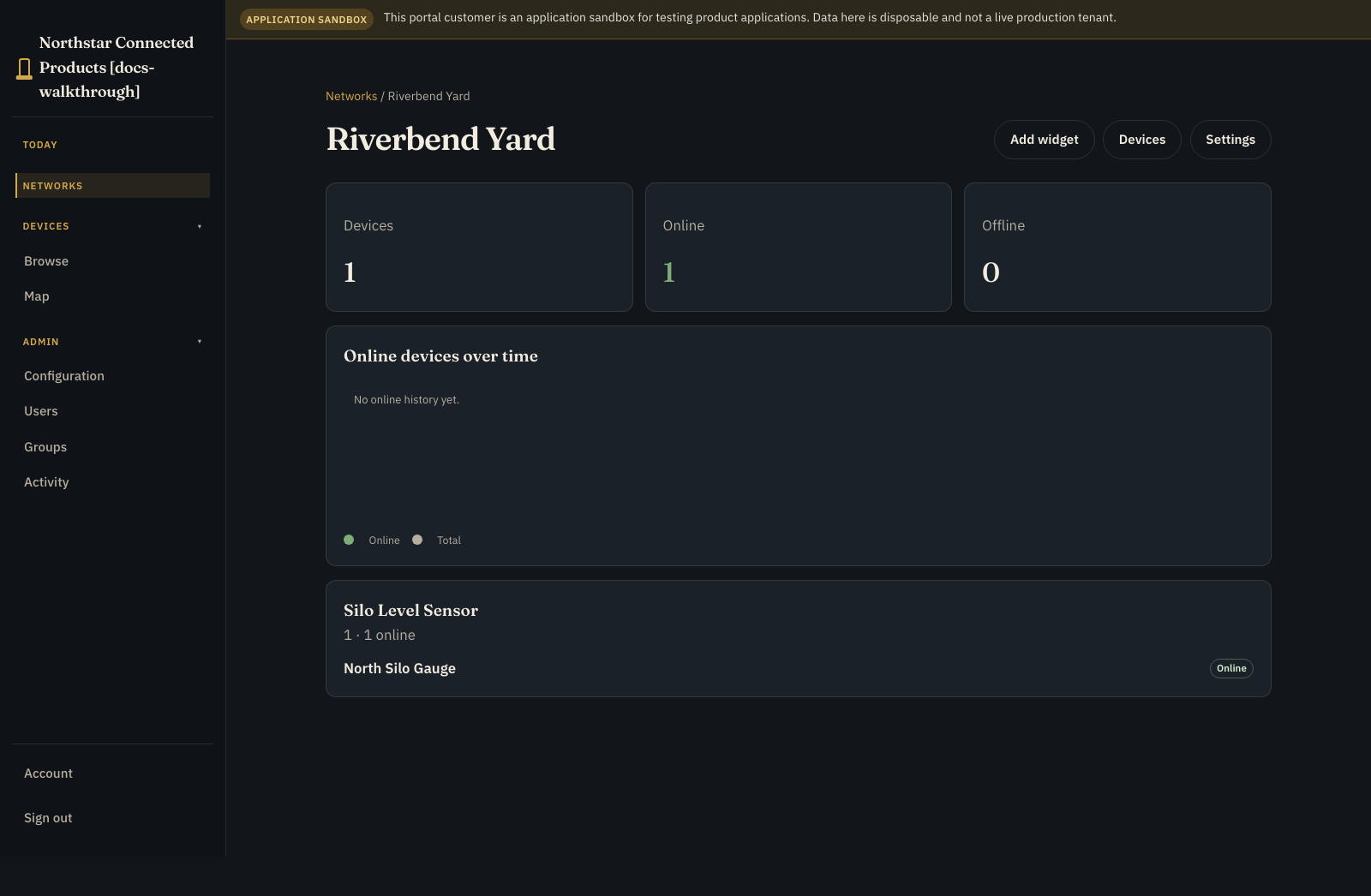
- Open Devices. Confirm the online unassigned monitor is Ready, then assign it to the correct portal network so it becomes Enabled and app-active.
- Sign in through the branded Customer Portal.
- Open the farm from Networks, then verify the monitor's vendor page on device Controls as the read-only operator.
- Verify that another customer's sites and products are absent.
- Repeat with an offline monitor and a stale level reading.
Operate it after shipment #
- Release product software to staging hardware before a bounded rollout.
- Use Device Class Pulse to find monitors that differ from healthy peers.
- Monitor connectivity and customer-impacting level signals.
- Keep diagnostics, logs, Fleet Jobs, Wormhole, and Remote Shell in the OEM workspace.
- Verify recovery from the product signal or monitor, not merely from a successful command.
- Rehearse replacement, reassignment, return, and decommissioning before the first field failure.
Dataplicity remains the real platform. SiloSentry is only the example product.
When to open it #
- You sell (or plan to sell) a Linux-connected product and want a concrete OEM picture
- Docs stories name demonstration fleets and you want a longer, screenshot-led version of that idea
- You are evaluating Dataplicity beyond remote access alone
If you want shorter vertical stories instead of a full OEM tour, start with illustrative customers.
Related #
- SiloSentry walkthrough - screenshot-led OEM tour
- Dataplicity platform - commercial overview of the same workflows
- Pricing - start free on one device, then scale by fleet size
- Device Check - free Linux diagnostics without an account
- Connect your first device - install the agent and open a shell
- Build a customer-operated level monitor - complete silo, tank, and bounded-level implementation path
- Build a camera and CCTV product - complete camera implementation path
- Illustrative customers - shared demonstration fleets used across docs
- Connected product company - business workflows for OEMs
- Build your first connected product
- Design the customer product UI
- Camera and CCTV product
- After devices ship - why the post-shipment framing matters