

Appearance
Device class streams #
A device class stream gives a product value a stable identity. Publishers use the stream ID; device-page widgets use the same class stream as their source.
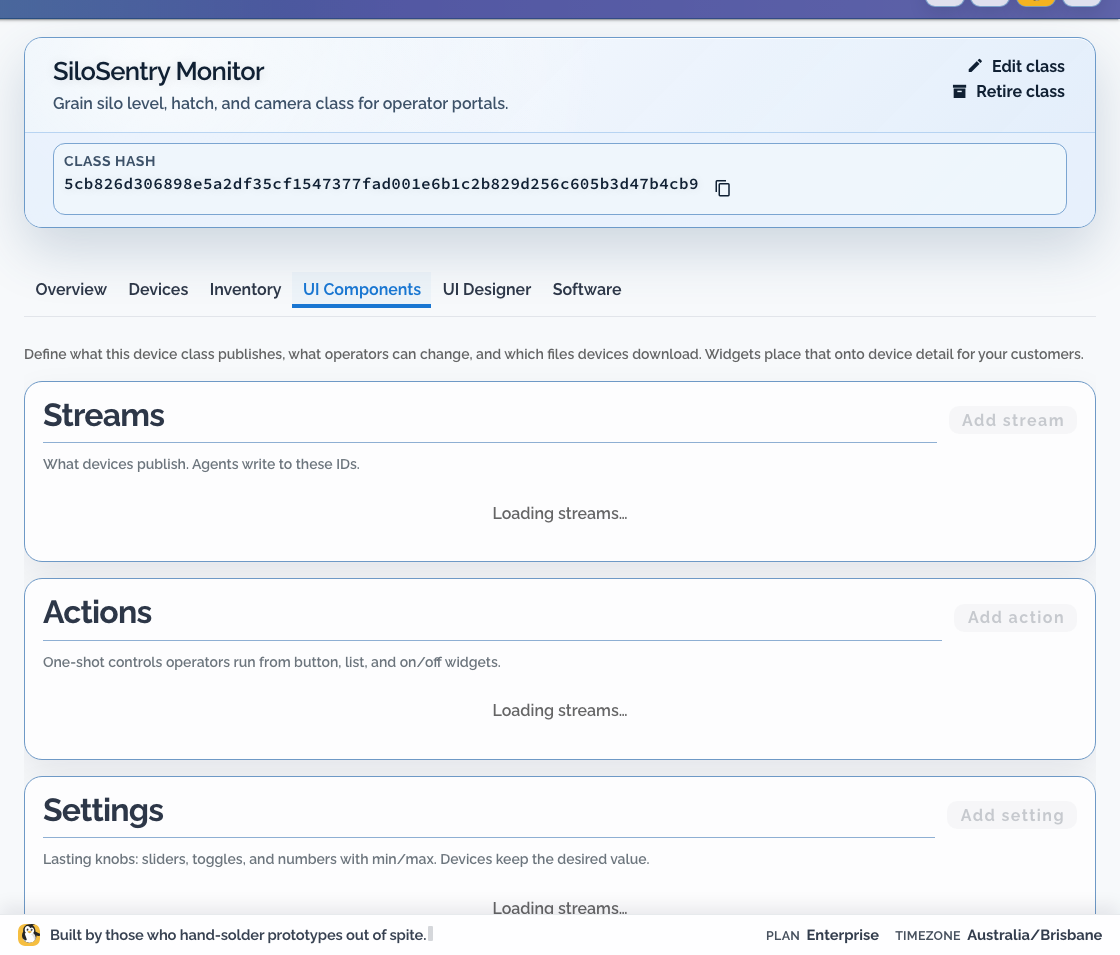
Use streams for product data such as temperature, volume, operating mode, or a threshold state. Do not use them as a replacement for connectivity status, organisation logs, or incident state.
Data path #
All samples cross the device boundary through the Dataplicity agent:
The publisher does not need a Dataplicity API key. It posts to the local broker, and the agent authenticates delivery. The publisher can run in an application container selected by a Software Build or in your existing product runtime; the stream ingest path is the same.
This workflow requires a field-agent release with the local stream broker. A published minimum agent version or compatibility table is not currently available for streams alone. For lasting settings and action delivery, see the complete device data and control contract (settings consumer: field agent 0.1.52+). Qualify the exact reported agent release on representative hardware and probe the loopback endpoint before rollout.
Define a stream #
Under Engineering > Software > I/O, select the Device Class and choose Add stream. Record:
| Decision | UI field | Example |
|---|---|---|
| Binding identifier | ID | fridge_temp_c |
| Display name | Name | Fridge temperature |
| Value type | Data type | Number |
| Unit | Unit | °C |
| Expected cadence | Product note | Every 30 seconds |
| History | History | Live only, unless a chart needs it |
| Valid range | Product-specific | Product-specific |
| Missing or stale meaning | Product note | Sensor unavailable or publisher stopped |
Keep stream IDs stable after devices ship. Changing one requires a coordinated publisher and page-layout update.
Prefer product concepts over implementation details. silo_height_m is a better contract than adc_channel_2.
Publish locally #
Supported field-agent releases expose the class stream endpoint on loopback:
text
POST http://127.0.0.1:18765/v1/streams/{binding_id}Use the example publisher client for error handling. A numeric sample is JSON with Content-Type: application/json:
json
{
  "sequence": 1,
  "timestamp_ms": 1710000000000,
  "body": { "value": 4.2 },
  "metadata": { "source": "example-sim" }
}The public Gateway API is not the device stream-ingest path.
Set History on the class stream to Live only or Keep history. That class setting is authoritative at ingest; a publisher cannot override retention with storageProfile.
The publisher should:
- validate a sample before posting it
- use the exact class stream ID
- keep credentials out of the process
- handle temporary broker unavailability without a tight retry loop
- resume publishing when the broker returns
The agent handles cloud authentication, buffering, and retry. Offline buffer capacity, replay duration, delivery latency, ordering, and exactly-once delivery are not public guarantees. Keep product-critical durable events in a device-side journal and design for duplicates or delayed arrival.
Bind a page widget #
In UI Designer:
- add a widget suitable for the value
- set Stream to show to the class stream
- verify the unit and Name
- preview a current value
- preview missing and stale data
- confirm the same page on a portal-assigned staging device
Do not make a customer infer alarm state from an unlabeled number. Where a dedicated visualisation is not available, publish explicit helper streams, such as threshold values or boolean state, and label them clearly.
Version changes safely #
Treat stream bindings like an API between the device and its page:
- add the new binding
- update the publisher to send both old and new values if compatibility is required
- update the class page
- verify staging and portal views
- retire the old binding only after its consumers are gone
When the publisher is a managed container, compose its new immutable version under Engineering > Software > Builds. Use the class default or a tag cohort to select devices, then review deployment and stream results before expanding the target. Follow Software Builds and cohorts instead of duplicating the rollout procedure here.
Review I/O in the same Software workspace when the container needs a class-managed serial, GPIO, video, socket, or file interface.
Troubleshooting #
- No data: compare the publisher stream ID with Engineering > Software > I/O.
- Data in OEM view but not portal: confirm the class UI is enabled and the device is assigned to the customer's network.
- Wrong unit: fix the class contract and normaliser together; do not only relabel the widget.
- Intermittent values: compare expected cadence with stale handling, then inspect publisher and broker availability.
- Publisher requests a cloud key: remove that path and publish to the local broker.