

Appearance
Manage users #
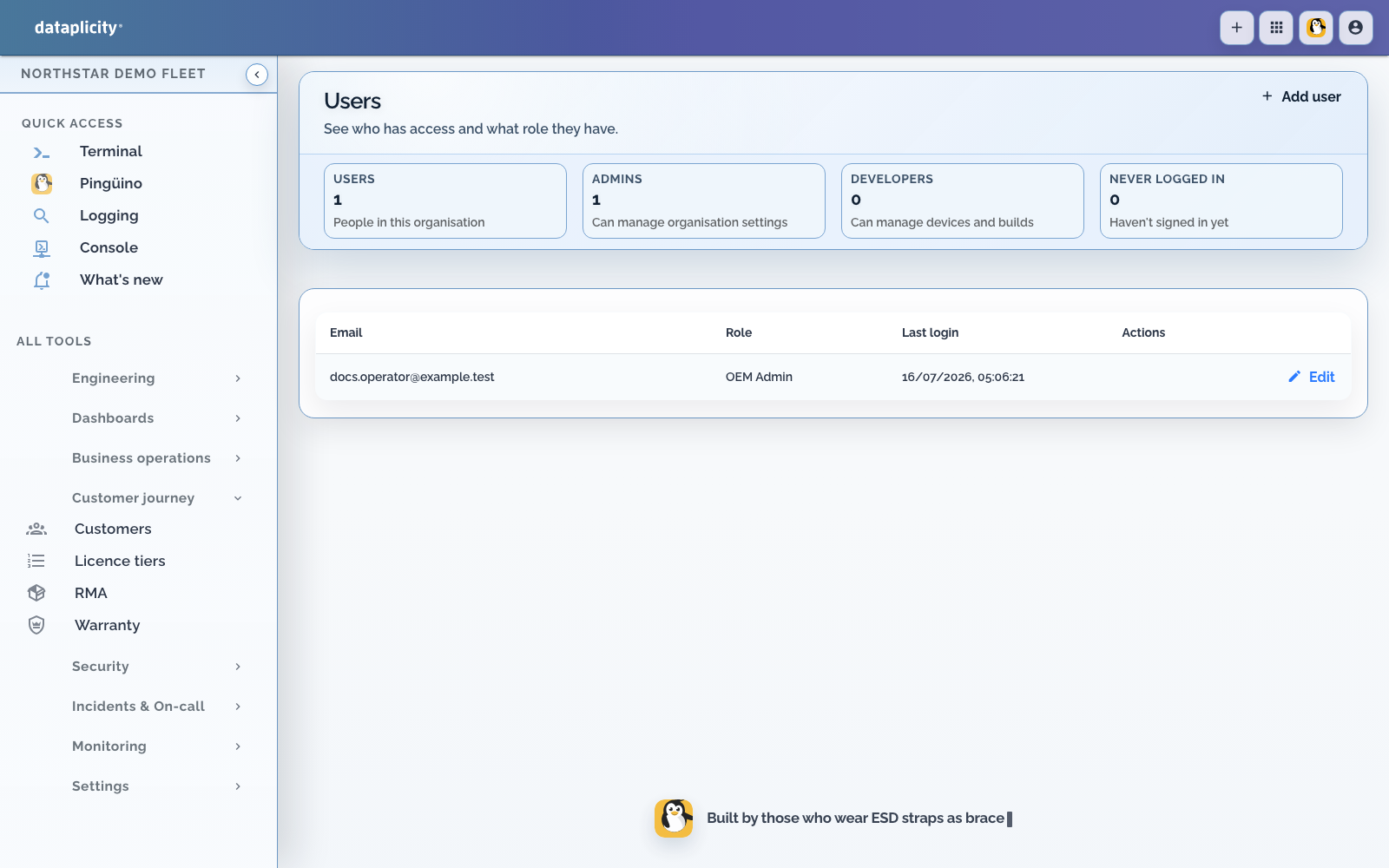
Organisation administrators manage access from Settings, then Users. User management is tied to Organisation Administrator or Administrator as the person's primary role. A group that grants Administrator is not enough for invite and edit.
Design the role set before you invite widely. If the organisation will require SSO, read SSO and SCIM before you create a second copy of a directory user.
Directory users versus local accounts #
When SCIM user sync is on:
| Kind of account | What you do in Dataplicity |
|---|---|
| Directory-managed | Read-only. Edit, role, and delete happen in the identity provider. |
| Local | Add user still works. You can edit and delete these accounts. |
Do not create a local duplicate of a directory user to bypass that. If SCIM later claims the same email, you have a conflict instead of a workaround.
Add a local user #
- Choose Add user
- Enter the person's account details
- Assign the least-privileged role that supports their work
- Save the user
- Ask them to complete any account verification sent by Dataplicity
The roles and actions available in this form depend on your organisation's current feature access and your own permissions.
Review access #
Use the summary and user list to review:
- Who can access the organisation
- Which users have administrative or developer roles
- When each account last signed in
- Accounts that have never signed in
- Which rows are directory-managed (read-only in Dataplicity)
Edit a local user when their responsibilities change. Remove local access promptly when a person no longer needs it. Deactivate directory-managed people in the identity provider.
Operating guidance #
- Give every operator an individual account
- Do not share the Organisation Admin login
- Keep Administrator membership small
- Review dormant and never-used accounts regularly
- Record role changes in your normal joiner, mover, and leaver process