

Appearance
Teams #
Give colleagues access to your Dataplicity organisation. Each person signs in with their own account. Do not share the Organisation Admin password.
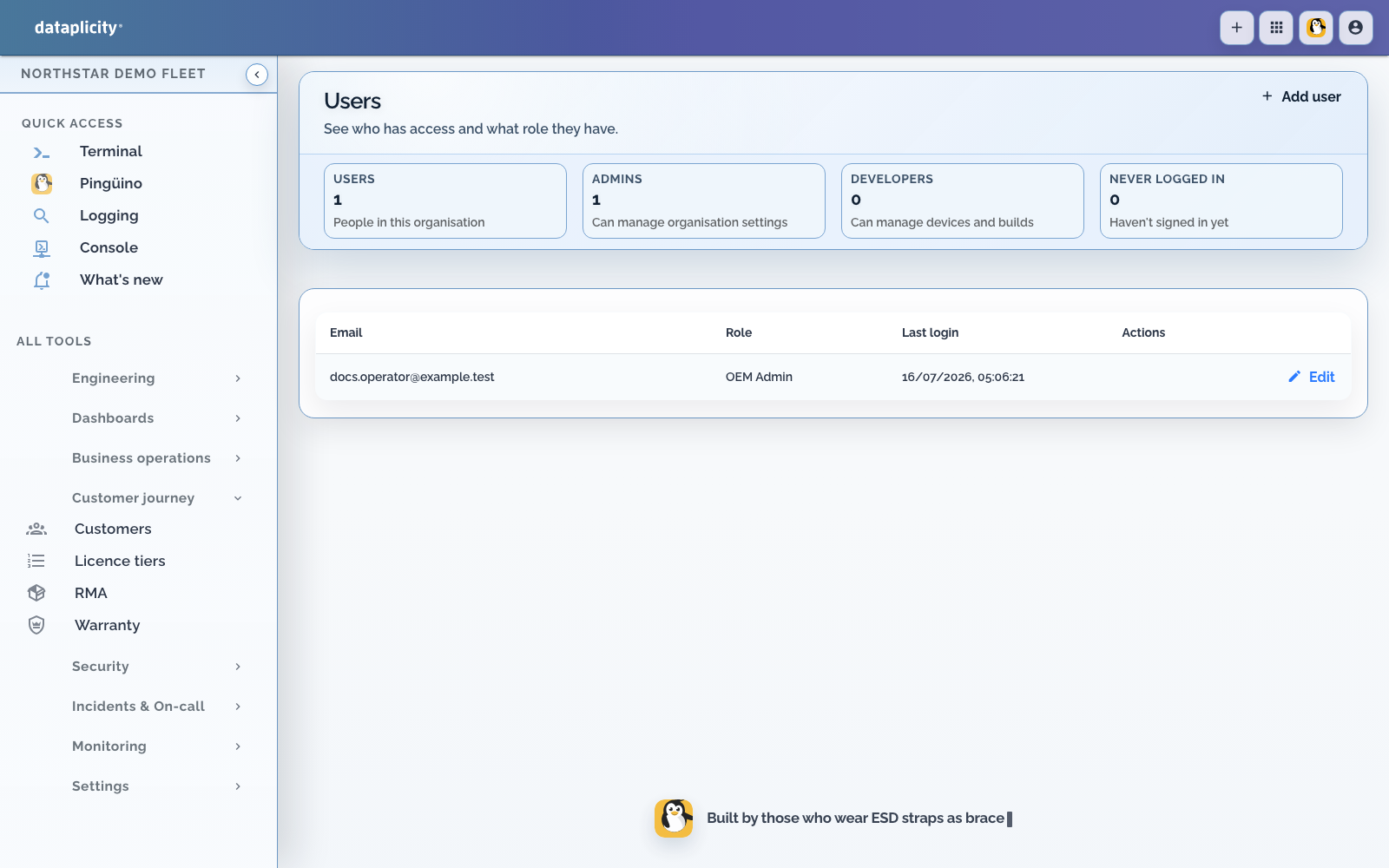
This page is the reason to use individual accounts. Set up roles is the design for who may do what. Manage users is the click path. SSO and SCIM is how directory identities arrive.
Use cases #
Commercial support and engineering #
Keep development, staging, and production access under organisation-managed identities. Support investigates field issues and engineering handles escalations while devices stay at customer sites.
OEM and IoT vendors #
Assign roles for support, engineering, and operations instead of sharing one account across the company.
Setup #
- Design the role set (groups and scope tags) before you invite widely.
- Open Settings, then Users.
- Choose Add user for a local Dataplicity account, or provision the person from your identity provider when SCIM user sync is on.
- Assign the least-privileged role that supports their work. User management requires Organisation Administrator or Administrator as the primary role.
- Review or remove access when responsibilities change. Change directory-managed users in the identity provider, not in Dataplicity.
The available roles and actions come from your organisation's current feature access.