

Appearance
Expand beyond remote access #
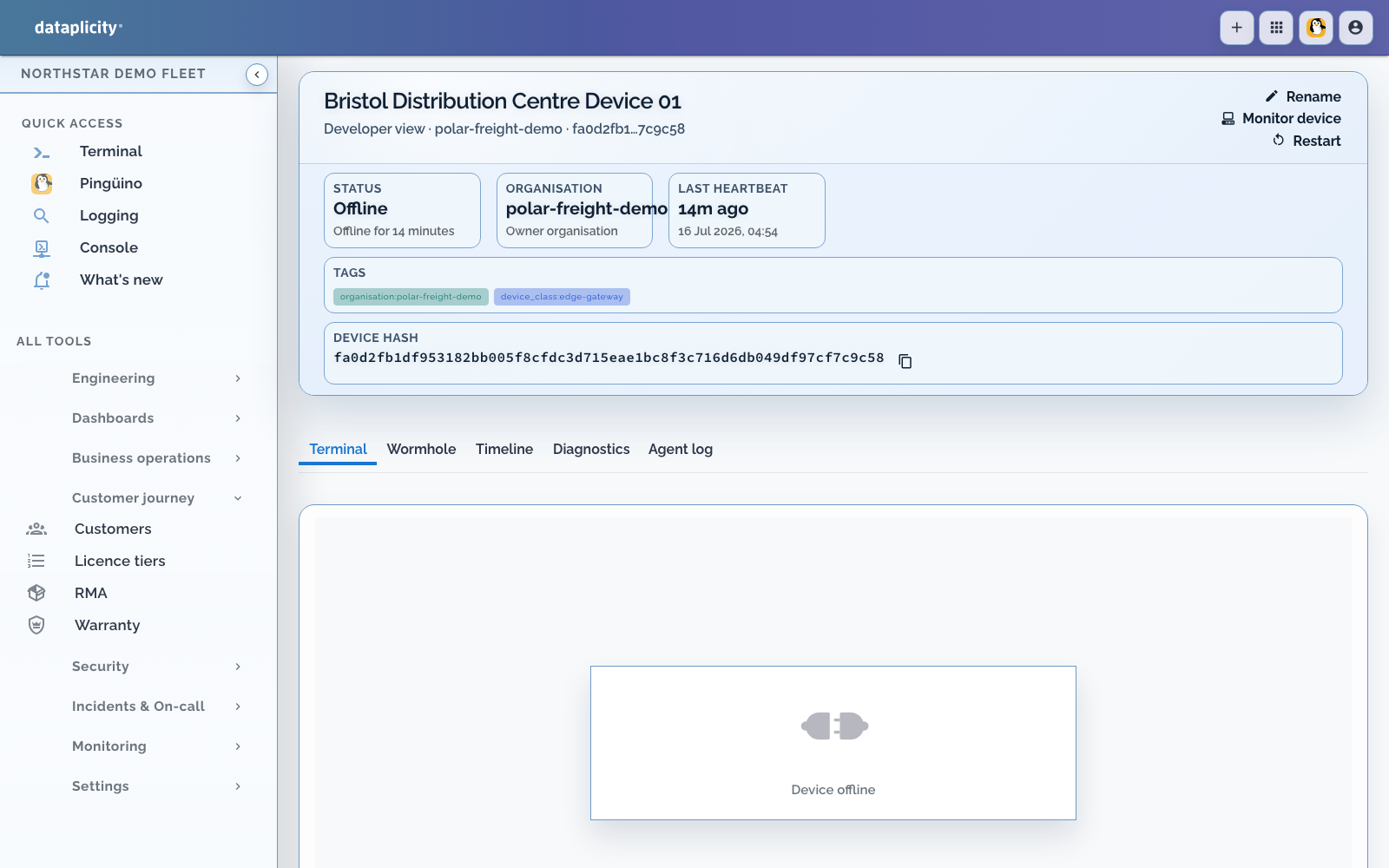
If your devices are already online in Dataplicity, you have completed the hardest prerequisite: each unit has an identity and an outbound management connection. You do not need to reinstall the fleet or start with a product walkthrough.
Remote Shell remains useful. The expansion path is to stop making a shell the only place where your team can learn what is true or take action.
Keep what already works #
- One-line agent install on Linux devices
- Browser-based Remote Shell without inbound port forwarding
- Agent-initiated connections for devices behind NAT and customer firewalls, subject to permitted outbound network access
- Wormhole for exposing web services on devices
- Resilient file retrieval for intermittently connected devices
Existing devices continue to use their supported agent and organisation configuration. Add capabilities around that connection in the order that removes the most repeated manual work.
Choose the next problem to remove #
| Current pain | Add next | Result |
|---|---|---|
| Devices are difficult to find or compare | Names, tags, networks, customers, and Device Classes | One durable fleet record instead of personal knowledge |
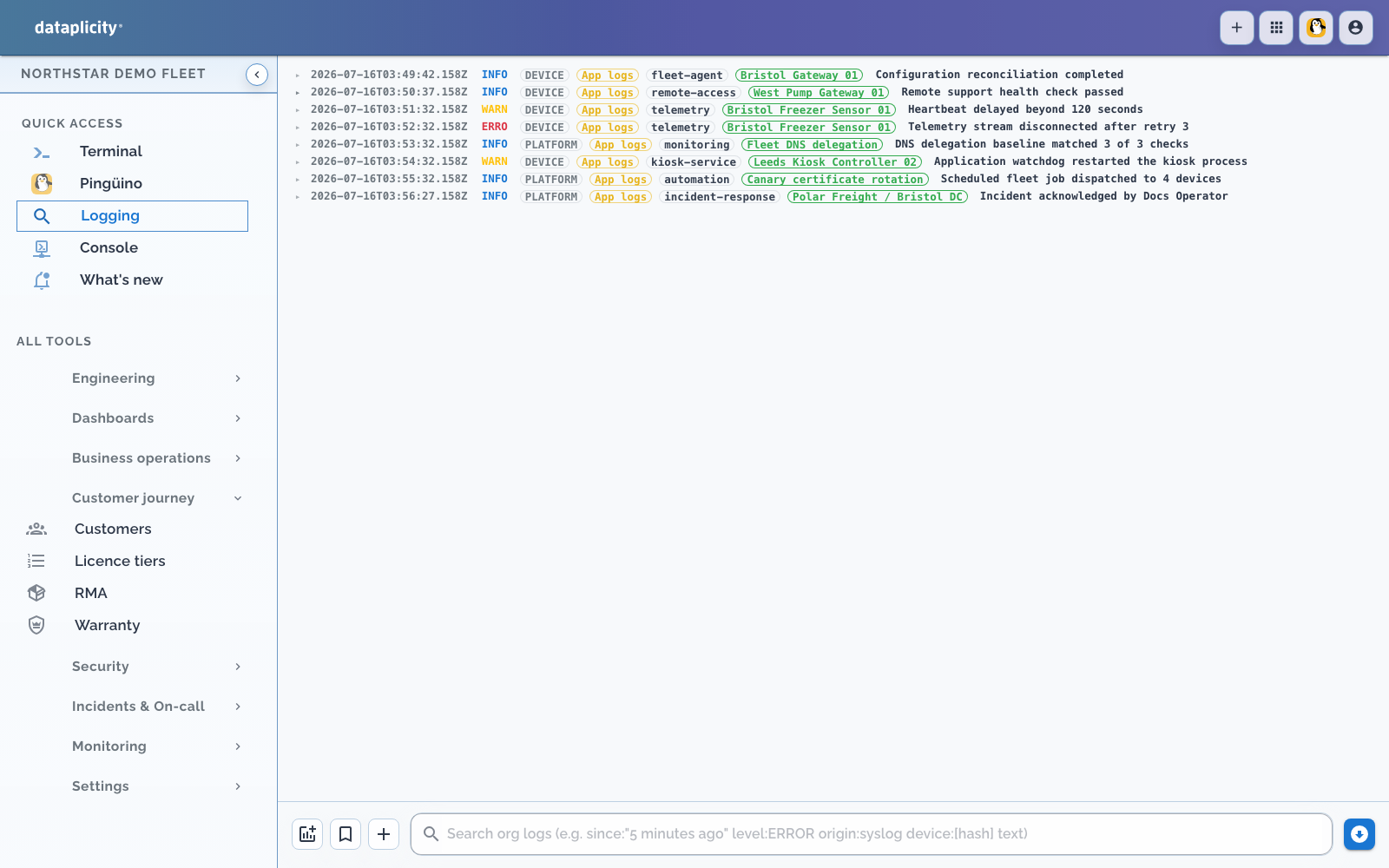
| Support opens a shell to read every log | Central logs, diagnostics, and device timeline | Evidence is available before an interactive session |
| Customers report outages first | Connectivity and service monitors | Your team sees customer-impacting failure earlier |
| Every product page is an engineering view | Device Class streams and UI Designer | A stable, customer-readable product page |
| Customers need to operate their own units | Customer Portal, organisations, groups, and network scope | A branded, separated application for each customer |
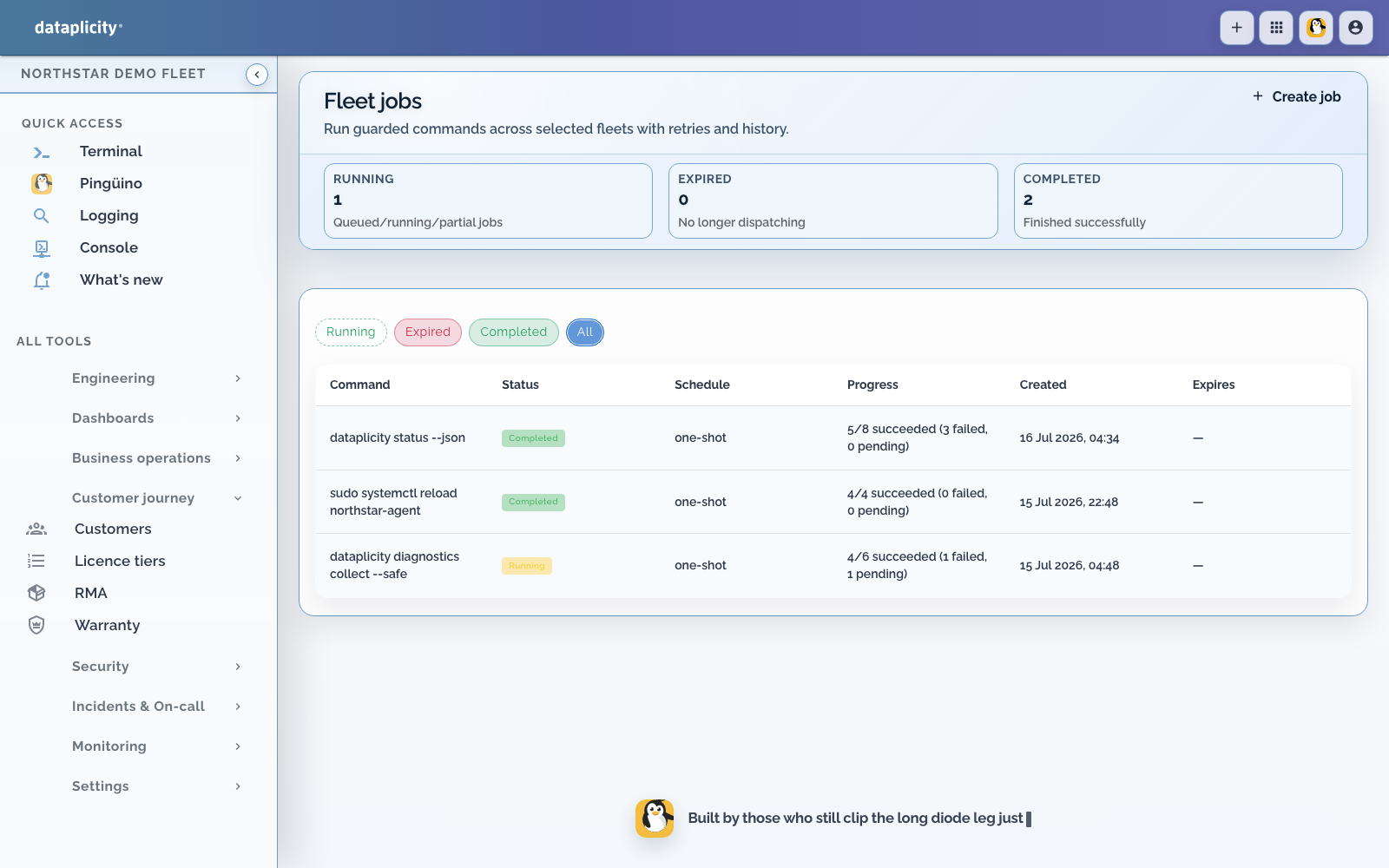
| Maintenance is one device at a time | Fleet Jobs and Software Builds | Bounded cohort actions and versioned product releases |
| One unit behaves unlike its peers | Device Class Pulse | Explainable drift from the class baseline |
You do not need all of these at once. Start with the evidence or handoff your team repeats most often.
Path 1: make the fleet legible #
Before adding automation, make every unit easy to identify:
- Give devices names that match physical labels or installation records.
- Add tags for rollout cohorts, hardware variants, and support scope.
- Use customer and site records for ownership and location.
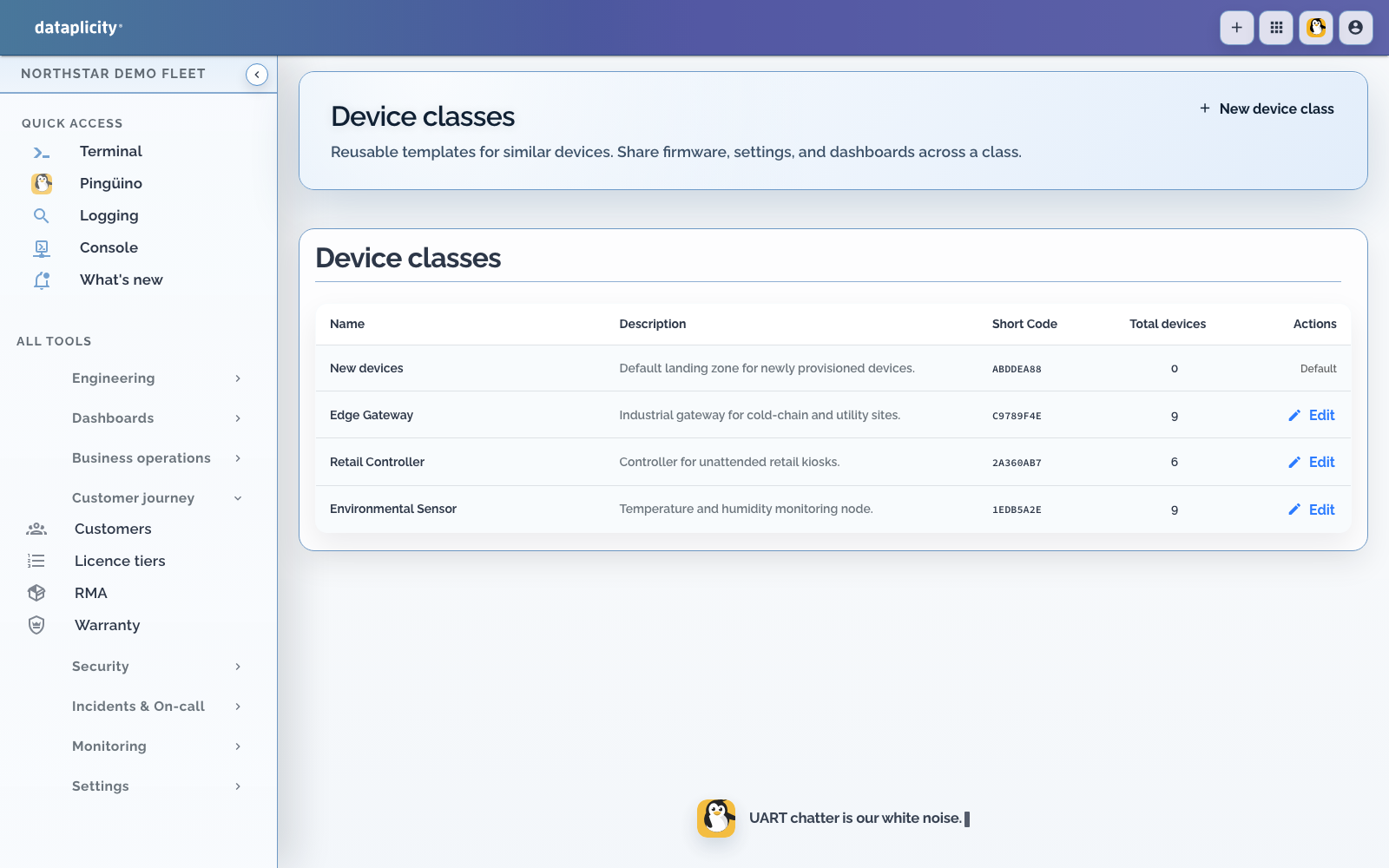
- Create a Device Class for each product model with a shared hardware and runtime contract.
- Confirm support can find a device from what the customer can read from the product.
Manage devices at scale and Device Classes are the canonical setup guides.
Path 2: collect evidence before opening a shell #
Add the evidence required for the incidents you already handle:
- Collect application and service logs.
- Add Device Diagnostics and timeline context.
- Define a monitor for the customer-impacting signal, not merely process existence.
- Route alerts to an owned response path.
- Verify recovery from the product signal after intervention.
Remote Shell becomes a bounded escalation tool, not the monitoring system.
Start with logs and diagnostics and monitors and alerts.
For structured host inspection during a shell session, see Dataplicity Lens. Lens is an open-source WildFoundry toolkit that complements Dataplicity; it is not part of the cloud service.
Path 3: define the product your customer recognises #
A Device Class is more than a fleet grouping. It can define:
- stable product streams
- customer-safe actions and persistent settings
- inventory and level inputs
- Software Builds and compatible versions
- the page shown for every product of that model
- the peer baseline used by Device Class Pulse
Take one representative device and:
- create or select its Device Class
- expose one useful product value through a class stream
- add one explicit warning state
- design the customer-readable device page
- test missing, stale, offline, and normal state
Build your first connected product starts at the product model. You can skip its installation step because your device is already connected.
Path 4: give customers their own application #
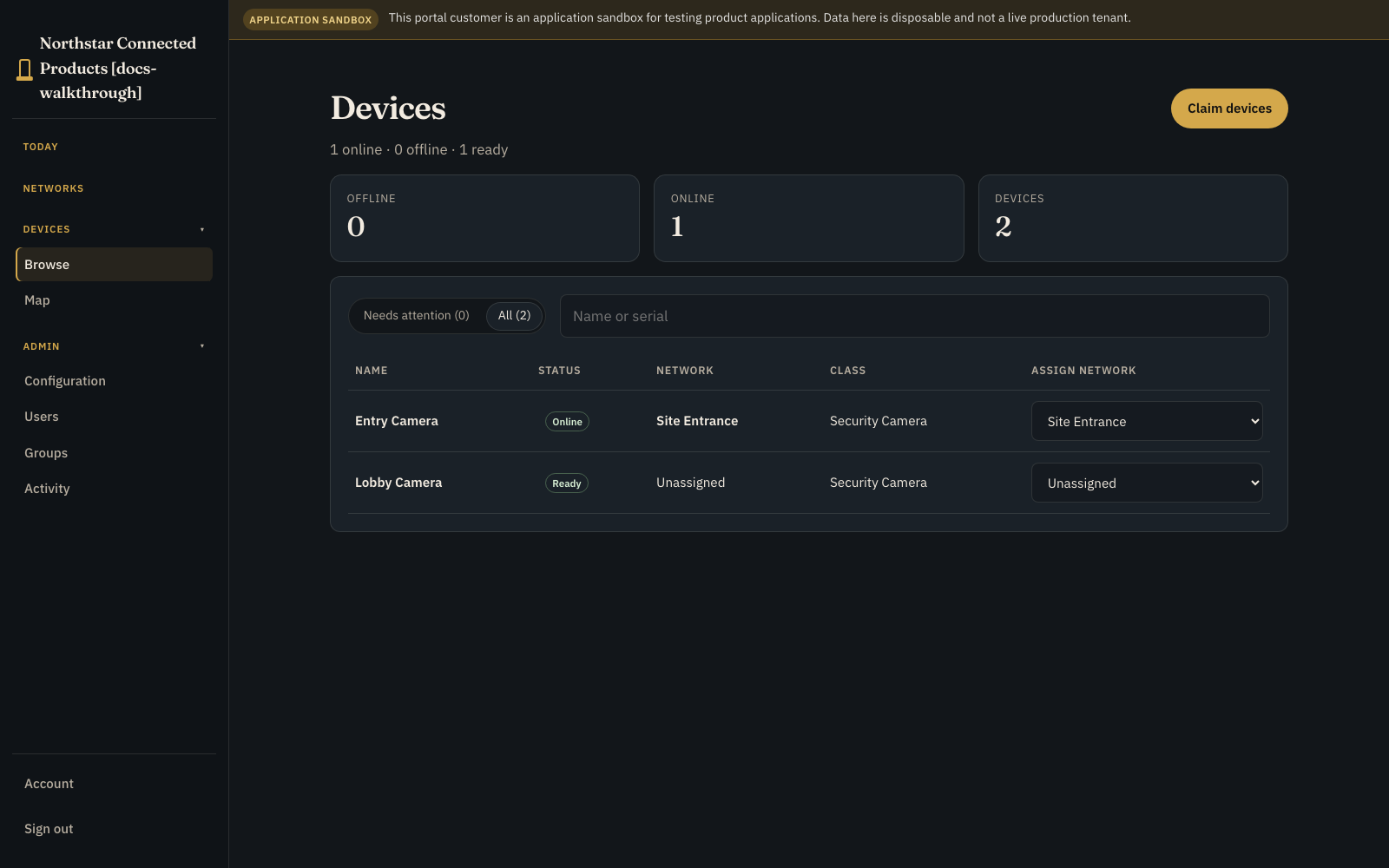
Use the Customer Portal when named customer users need to see or operate the products they own.
- Configure the branded portal.
- Create the downstream customer organisation.
- Invite customer users with the smallest suitable role.
- Allocate a verified device to that customer.
- Assign it to the portal network representing its operating location.
- Sign in as a viewer and operator to verify the boundary.
The customer sees their locations, products, data, video, and permitted controls. Your team keeps logs, Remote Shell, software delivery, fleet jobs, and engineering diagnostics in the OEM workspace.
See Customer Portal for current availability, plan limits, roles, and the implemented portal surfaces.
Path 5: replace repeated maintenance with bounded operations #
Once identity, evidence, and product state are reliable:
- use Fleet Jobs for guarded cohort actions
- use managed Software when Dataplicity should version and release an application
- use Device Class Pulse to find units that differ from healthy peers
- use Project Boards when delivery work needs owners and state beside device links
Do not automate a shell habit before defining the expected outcome and the signal that proves recovery.
A practical first expansion #
For an existing fleet, a useful first week is:
- [ ] classify one representative product model
- [ ] collect one application log
- [ ] publish one customer-relevant value
- [ ] monitor one customer-impacting failure
- [ ] design one customer-readable page
- [ ] test one device in a customer portal
- [ ] document the response and recovery signal
That path demonstrates the broader platform without changing every device or committing to a fleet-wide release.
Availability and boundaries #
Capabilities can be separately plan-gated, service-limit-gated, and beta-gated. Customer Portal and Device Class UI access must be confirmed before promising a customer launch. Monitoring, incidents, retention, SSO, SCIM, and custom account capabilities may have separate availability.
Dataplicity adds the operating connection and SaaS around your product. It does not replace the Linux distribution, secure boot, OS hardening, product application, or underlying firmware-update architecture.