

Appearance
Device classes #
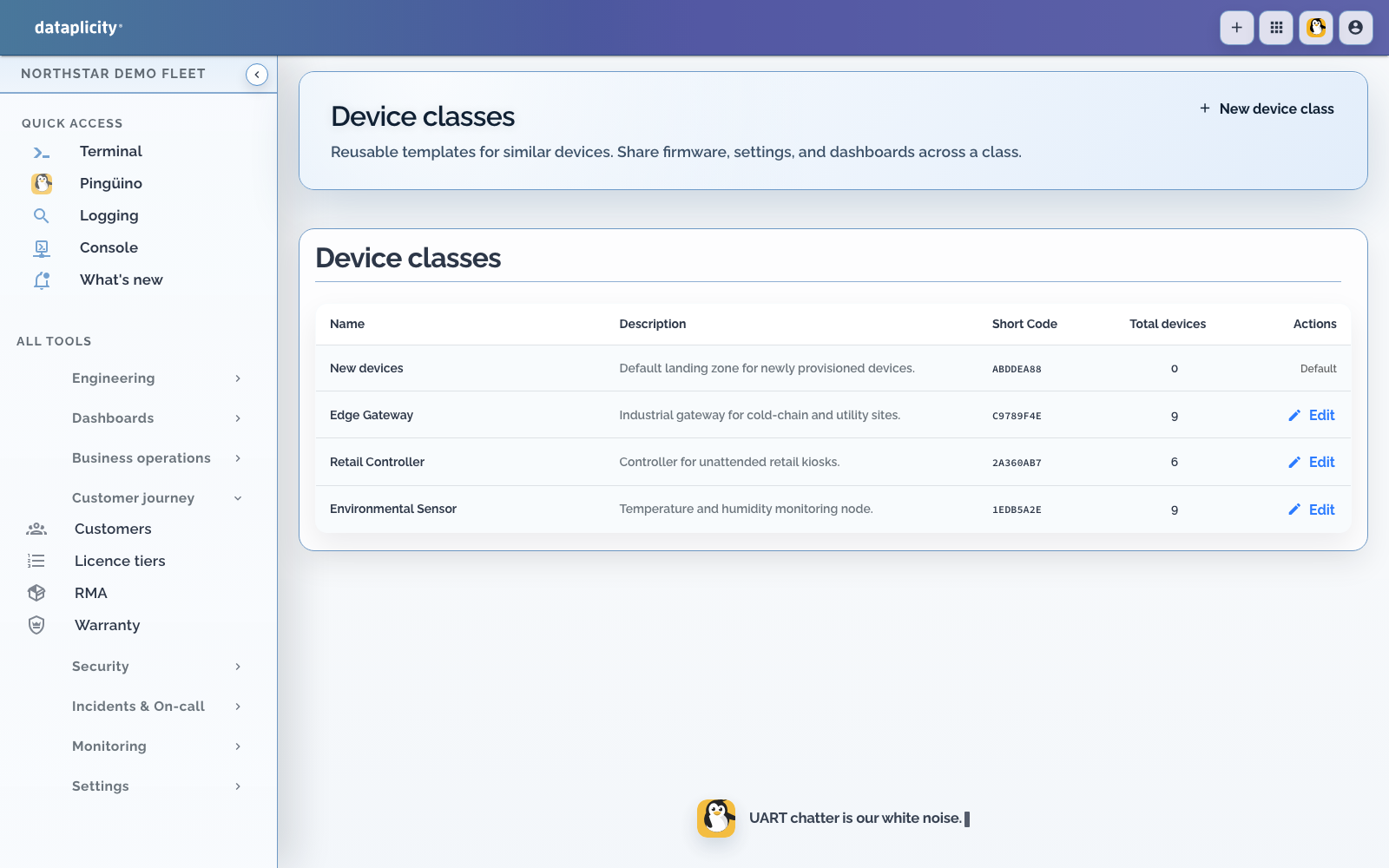
A Device Class is the product definition shared by one line of hardware. It connects what the unit is, what can run on it, what it publishes, what people can do, and how the finished product appears to customers.
When the customer product also needs records, rules, durable workflows, multi-device roles, integrations, or offline datasets, connect the class to a Product Application instead of adding those business concepts to the hardware contract.
Use a class when a product cohort shares lifecycle configuration, not merely because devices need the same temporary filter. Use tags for environment, site, customer, and rollout cohorts.
Software containers are optional. Use them when Dataplicity should install and version an OCI image on the product line. Live product values always publish through the local agent broker, whether the publisher is class-managed software or a compatible process in your existing runtime.
Design a class #
Before creating a class, document:
- product identity and short code
- managed appliance or bring-your-own-OS deployment model
- supported architectures and hardware profile
- default provisioning behaviour
- feature and microservice composition
- firmware policy where that module is enabled
- streams and channels the product publishes
- customer-safe one-off actions
- persistent settings and desired/reported state
- approved inventory fields and level inputs
- operator-facing device layout
- customer-facing product name and presentation
Choose the architecture against representative hardware. A Device Class stores at most one CPU architecture. It is optional until first saved and permanent after that, because container compatibility, provisioning, and OS delivery depend on it. Create another class for another architecture.
What belongs in the product definition #
| Part of the class | Why it belongs here |
|---|---|
| Architecture and hardware profile | Prevents incompatible software or assumptions reaching a unit |
| Provisioning defaults | Gives manufactured devices the intended product identity on first connection |
| Features and software | Defines the capabilities and optional OCI applications shared by the product line |
| Software Build | Selects exact container versions and an optional managed OS image without replacing the agent, boot chain, or physical device-firmware design |
| Streams | Gives device software stable names for customer-visible values and events |
| Actions | Defines bounded one-off operations a permitted operator can request |
| Settings | Defines durable customer choices with desired and reported state |
| Inventory | Names approved hardware, modem, serial, or product facts |
| Level inputs | Converts sensor readings into operator concepts such as tank, silo, battery, or gauge |
| UI layout | Turns those contracts into the page used in both OEM preview and Customer Portal |
| Pulse relationship | Lets peer fingerprints establish what normally running units in this class look like |
Do not use a Device Class for a customer, location, rollout wave, or temporary filter. Use customer records and sites for ownership, networks for current portal placement, and tags for operational cohorts.
Example: Grain Silo Monitor #
A grain-monitor class might define:
silo_height_mas the stable sensor stream- a silo level input that uses capacity and a strapping table to derive volume
high_levelandlow_levelstates- a Run sensor test action
- a persistent reporting-interval setting
- a
camera-0source for hatch inspection - a customer page ordered as identity → connectivity → level → alarms → camera
- a Pulse baseline shared by the deployed monitor model
The same class supports two audiences. OEM engineering sees software, diagnostics, rollout, and peer drift. The customer sees the recognisable silo product and only its safe operating controls.
Create a staging class first. Provision representative hardware, verify the agent and feature heartbeat, confirm remote support, and test upgrade and recovery paths.
The organisation default provisioning class is different. It is where brand-new devices land before product assignment and cannot be configured with containers, I/O, Builds, or OS delivery. Select a normal product class in Engineering > Software before building device software.
Change safely #
Class changes can affect every device that resolves configuration from the class. Separate editable presentation fields from identity and compatibility decisions that downstream provisioning, licensing, firmware, and customer records may depend on.
Retire an obsolete class instead of reusing its identity for a different product. Before retirement, inventory remaining devices, active provisioning paths, firmware assignments, licence records, monitors, and customer links.
Device Class Pulse becomes available when a class has more than 20 devices. A baseline becomes warm when at least 20 devices contribute fingerprints in a collection slot; until then Pulse remains in a learning state.
Troubleshooting #
- Device received the wrong configuration: inspect provisioning key, explicit class override, and organisation default class.
- Feature absent: verify class feature assignment, release target, architecture, and device heartbeat.
- Device missing from a rollout: check class, Build selection, network, tags, and delivery results.
- Action hidden: check class UI configuration and the user's effective permissions.
Device Classes, class UI, Software, and other optional class capabilities can have separate plan and role requirements. Your organisation administrator can confirm the available product surfaces.
Related #
- Turn your hardware into a customer SaaS product
- Build a class container
- Software workspace
- Software Builds and cohorts
- Device class streams
- Design a device class page
- Device Class Pulse
- Provision and claim
- Networks and tags
- Device management
- Gateway device classes
- Software and firmware boundaries
- Production limits and service behaviour
- Product Applications