

Appearance
Device class streams
A device class stream gives a product value a stable identity. Publishers use the stream ID; device-page widgets use the same class stream as their source.
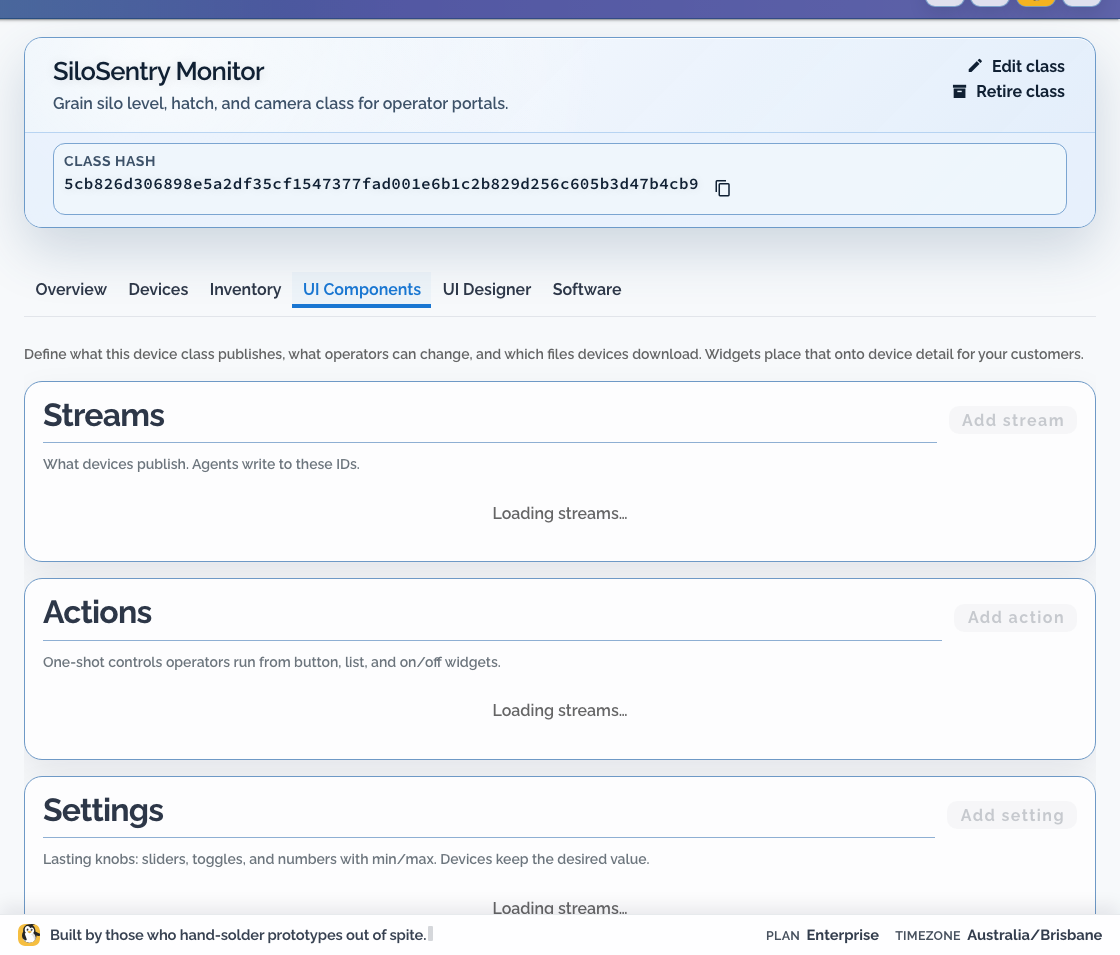
Use streams for product data such as temperature, volume, operating mode, or a threshold state. Do not use them as a replacement for connectivity status, organisation logs, or incident state.
Data path
All samples cross the device boundary through the Dataplicity agent:
mermaid
flowchart LR
  Source["Sensor or application"]
  Publisher["On-device publisher"]
  Broker["Agent broker on loopback"]
  Agent["Dataplicity agent"]
  Widget["Device-page widget"]
  Source --> Publisher
  Publisher --> Broker
  Broker --> Agent
Agent --> WidgetThe publisher does not need a Dataplicity API key. It posts to the local broker, and the agent authenticates delivery.
This workflow requires a field-agent release with the local stream broker.
Define a stream
On the Device Class UI Components tab, choose Add stream. Record:
| Decision | UI field | Example |
|---|---|---|
| Binding identifier | ID | fridge_temp_c |
| Display name | Name | Fridge temperature |
| Value type | Data type | Number |
| Unit | Unit | °C |
| Expected cadence | Product note | Every 30 seconds |
| History | History | Live only, unless a chart needs it |
| Valid range | Product-specific | Product-specific |
| Missing or stale meaning | Product note | Sensor unavailable or publisher stopped |
Keep stream IDs stable after devices ship. Changing one requires a coordinated publisher and page-layout update.
Prefer product concepts over implementation details. tank_litres is a better contract than adc_channel_2.
Publish locally
Supported field-agent releases expose the class stream endpoint on loopback:
text
POST http://127.0.0.1:18765/v1/streams/{binding_id}Use the example publisher client for error handling. A numeric sample is JSON with Content-Type: application/json:
json
{
  "sequence": 1,
  "timestamp_ms": 1710000000000,
  "storageProfile": "volatile",
  "body": { "value": 4.2 },
  "metadata": { "source": "example-sim" }
}The public Gateway API is not the device stream-ingest path.
The publisher should:
- validate a sample before posting it
- use the exact class stream ID
- keep credentials out of the process
- handle temporary broker unavailability without a tight retry loop
- resume publishing when the broker returns
The agent handles cloud authentication, buffering, and retry.
Bind a page widget
In UI Designer:
- add a widget suitable for the value
- set Stream to show to the class stream
- verify the unit and Name
- preview a current value
- preview missing and stale data
- confirm the same page on a portal-assigned staging device
Do not make a customer infer alarm state from an unlabeled number. Where a dedicated visualisation is not available, publish explicit helper streams, such as threshold values or boolean state, and label them clearly.
Version changes safely
Treat stream bindings like an API between the device and its page:
- add the new binding
- update the publisher to send both old and new values if compatibility is required
- update the class page
- verify staging and portal views
- retire the old binding only after its consumers are gone
Troubleshooting
- No data: compare the publisher stream ID with UI Components.
- Data in OEM view but not portal: confirm the class UI is enabled and the device is assigned to the customer's network.
- Wrong unit: fix the class contract and normaliser together; do not only relabel the widget.
- Intermittent values: compare expected cadence with stale handling, then inspect publisher and broker availability.
- Publisher requests a cloud key: remove that path and publish to the local broker.