

Appearance
Build a Process #
A Process is a durable, multi-step workflow. Use one when an application must wait, branch, call a device, update records, reserve a bounded resource, or recover after failure.
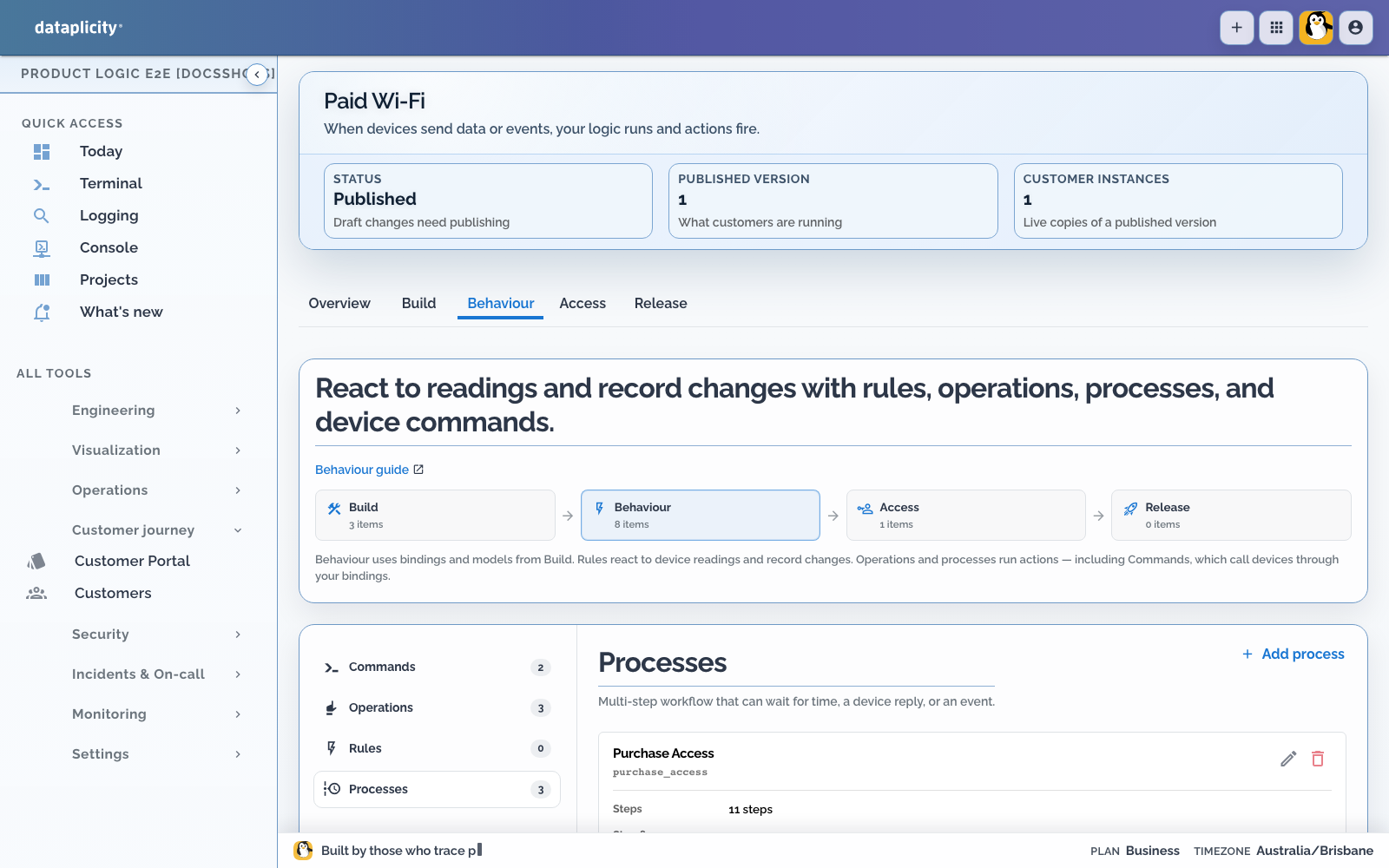
Open the application under Developer > Product Applications, choose Behaviour, and create or open a Process. The Process has its own workspace inside the application, including authoring, validation, execution history, and placement.
Choose the right behaviour primitive #
| Need | Use |
|---|---|
| React immediately to a reading, event, or record change | Rule |
| Provide a named action that a user, API client, Rule, or Process can invoke | Operation |
| Ask a bound device to perform a typed capability through the durable Product Runtime lifecycle | Command |
| Coordinate multiple steps, waits, branches, recovery, or compensation | Process |
An Operation is the public intent. A Command is one durable device invocation. A Process can expose an Operation and invoke one or more Commands, but the terms are not interchangeable.
A Command tracks delivery, acknowledgement, execution, terminal result, expiry, cancellation, and controlled redelivery. This prevents a repeated cloud request from silently creating another cloud invocation. It does not make a physical side effect exactly once and does not provide exactly-once physical execution. Device software must deduplicate, validate, enforce interlocks, and report the real outcome.
Start with the contract #
Before drawing steps:
- Give the Process a stable key and customer-readable label.
- Define typed input fields and identify the primary subject record, if any.
- Choose Cloud, Edge, or Mixed placement.
- Write the successful terminal outcome.
- List failures that need an explicit recovery, timeout, or reconciliation path.
See Choose Process placement before selecting Edge or Mixed.
Use the bounded visual editor #
The canvas and outline are two views of the same authored definition. Select a node to edit its typed fields. Connect explicit transitions for success, failure, timeout, true, false, or a deliberate jump.
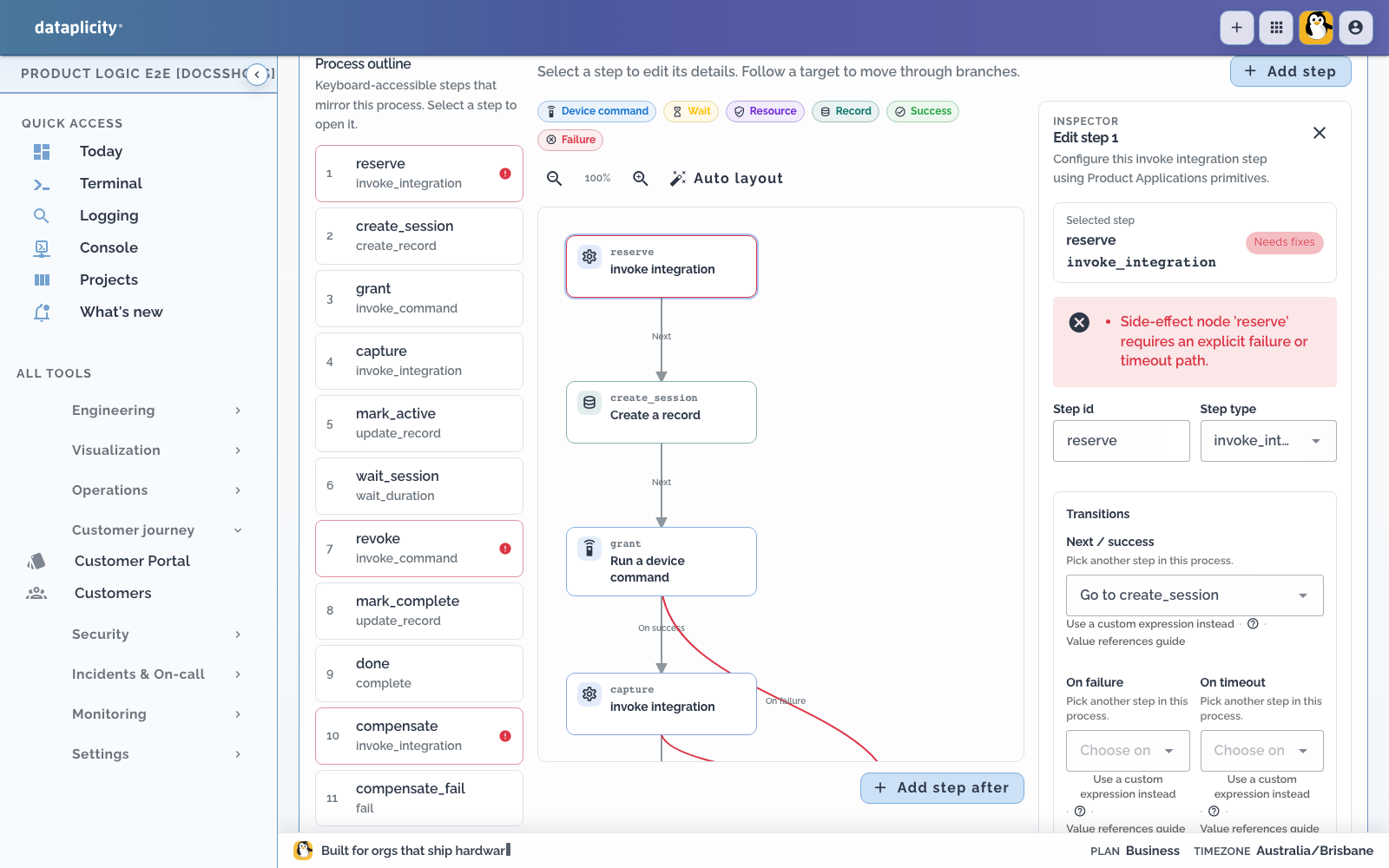
The editor recognises bounded workflow categories:
- flow and decisions, including variables, branches, and explicit jumps
- waits for duration, time, event, or Command result
- record create, find, and update
- Operation, integration, and Command invocation
- resource reserve, partial commit, commit, and release
- alert open and resolve
- reconciliation, successful completion, and failure
- explicit Edge segments in a Mixed Process
See the Process step reference for the canonical node types, typed configuration, transitions, placement, and failure semantics.
The canvas is not an arbitrary code editor. Protocol drivers, machine control, complex transformations, and hardware safety belong in qualified OEM software behind stable typed capabilities.
Make every path terminate or wait safely #
Use a successful terminal step for the expected outcome and a failure terminal step for a known unsuccessful outcome. Add bounded waits and explicit timeout paths. Side-effecting steps need a failure path where the product can be left partially changed.
Resource reservations help coordinate bounded value. They are not a payment processor or a financial ledger. Define compensation and reconciliation in the domain system that owns the value.
Avoid unbounded cycles. A loop needs a durable wait or another bound that makes continued execution deliberate and diagnosable.
Resolve typed, anchored diagnostics #
Validation runs against the Process definition and reports structured diagnostics. A diagnostic includes a severity, code, message, and, where possible, an anchor to the Process and node.
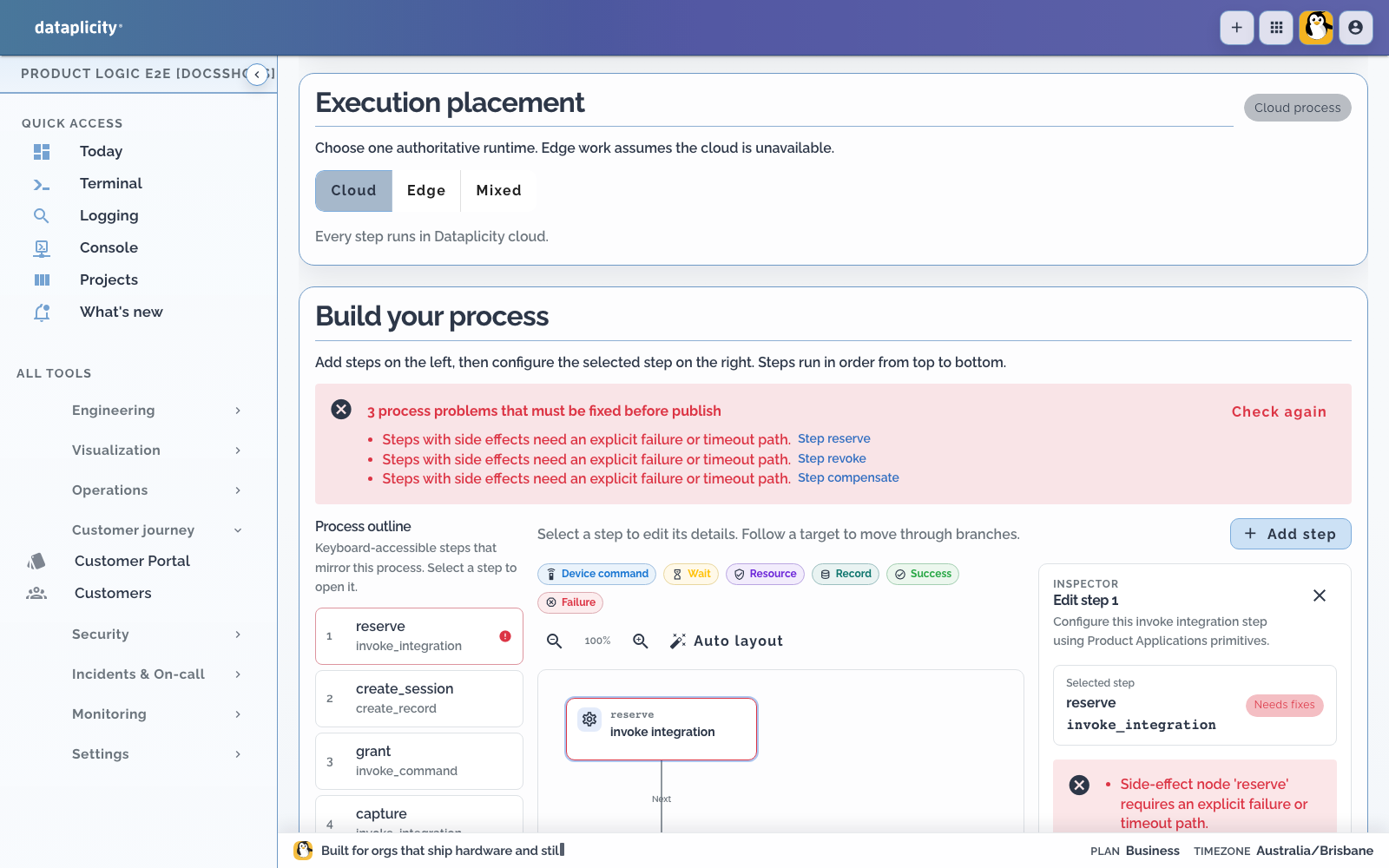
Select an anchored diagnostic to focus the affected node. Resolve errors such as:
- unknown model, field, Command, Operation, or integration bindings
- an empty Process or a Process without a terminal node
- unreachable nodes and unknown step types
- transitions to missing nodes
- unbounded cycles
- side effects without a failure path
- placement or Edge vocabulary violations
Warnings still deserve review, but errors block publishing. Run validation again after changing a referenced model, binding, Command, or placement.
Verify the workflow #
Do not use a production customer as the authoring harness.
- Save the Process.
- Create a sandbox fixture and Scenario.
- Plan deterministic Command responses and events.
- Assert the business outcome and safety invariants.
- Inspect the resulting execution path.
- Add important Scenarios to a reusable suite and mark release-critical cases as required.
Continue with Test application scenarios.