

Appearance
Design the Application Workspace #
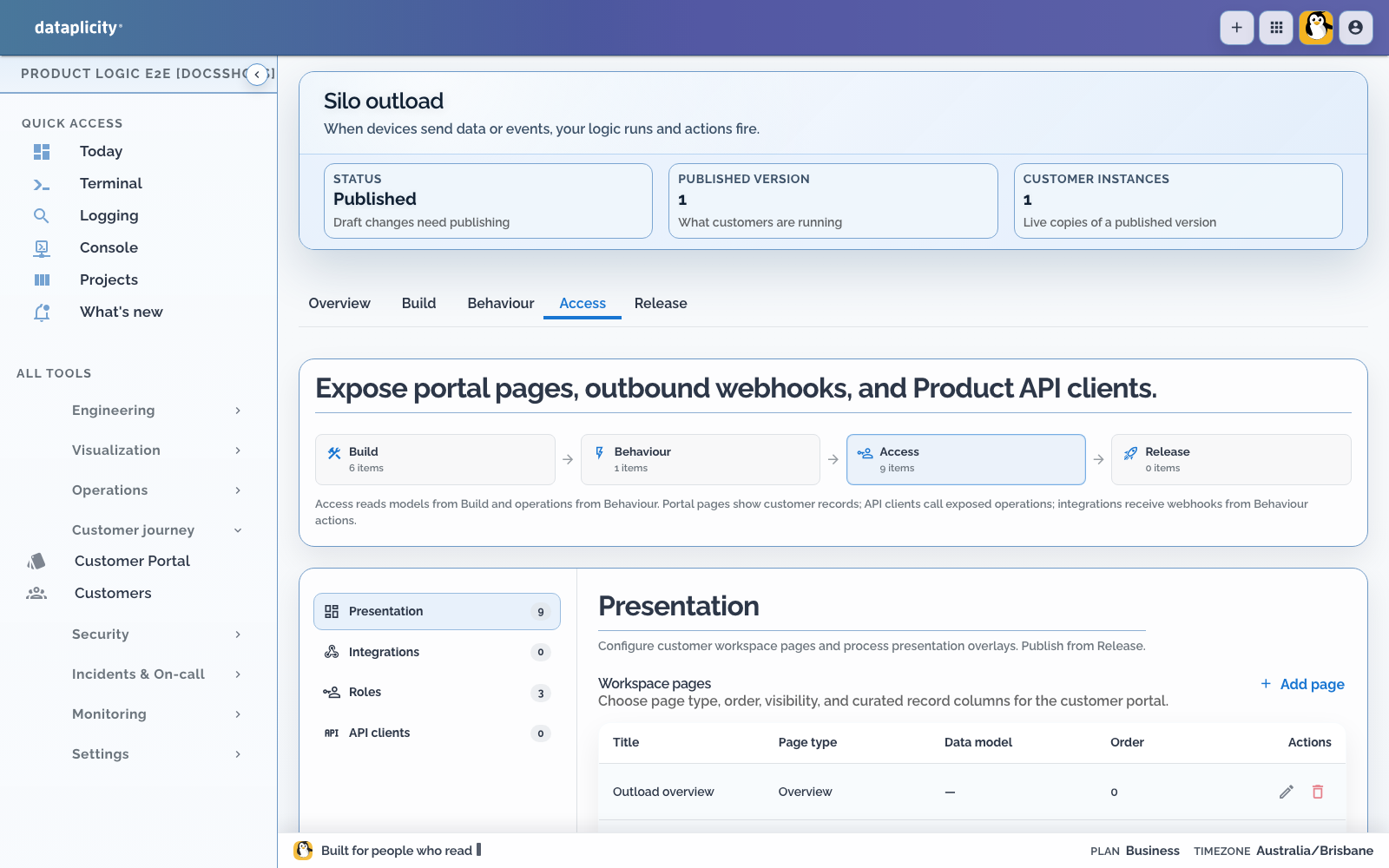
A Product Application can give each customer an isolated Application Workspace around its Product Instance. The workspace combines customer records and Process work without exposing OEM engineering tools.
Define record models in Build. Then open Access > Presentation to choose customer pages and describe how Processes should appear. Presentation changes remain draft-only until you publish.
Start from customer decisions #
Write the operating questions before adding pages:
- What needs attention now?
- What work is active or recently completed?
- Which records does the operator maintain?
- Does location change the decision?
- Which details belong in device Controls instead?
Keep Remote Shell, fleet logs, release controls, raw traces, and authoring diagnostics in the OEM workspace.
Choose page types deliberately #
| Page | Use it for |
|---|---|
| Overview | A concise application landing page and bounded aggregate status |
| Work | Customer-readable Process executions and their current state |
| Exceptions | Work and alerts that match needs-attention rules |
| Records | A curated list for one Product Record model |
| Map | Location-aware records, devices, and work where spatial context is useful |
The underlying workspace also supports list and detail page contracts for model-backed navigation. Prefer the named workspace pages above when they match the operator's task.
First-class applications can also publish semantic composition page archetypes (capacity, board, timeline, ledger) with facets such as current fill, volume history charts, and shared event overlays. See Semantic composition and the widget catalogue.
Page order controls navigation order. Role visibility can restrict a page to named customer roles. An omitted restriction does not replace the model, operation, and tenant permission checks underneath it.
Design Overview #
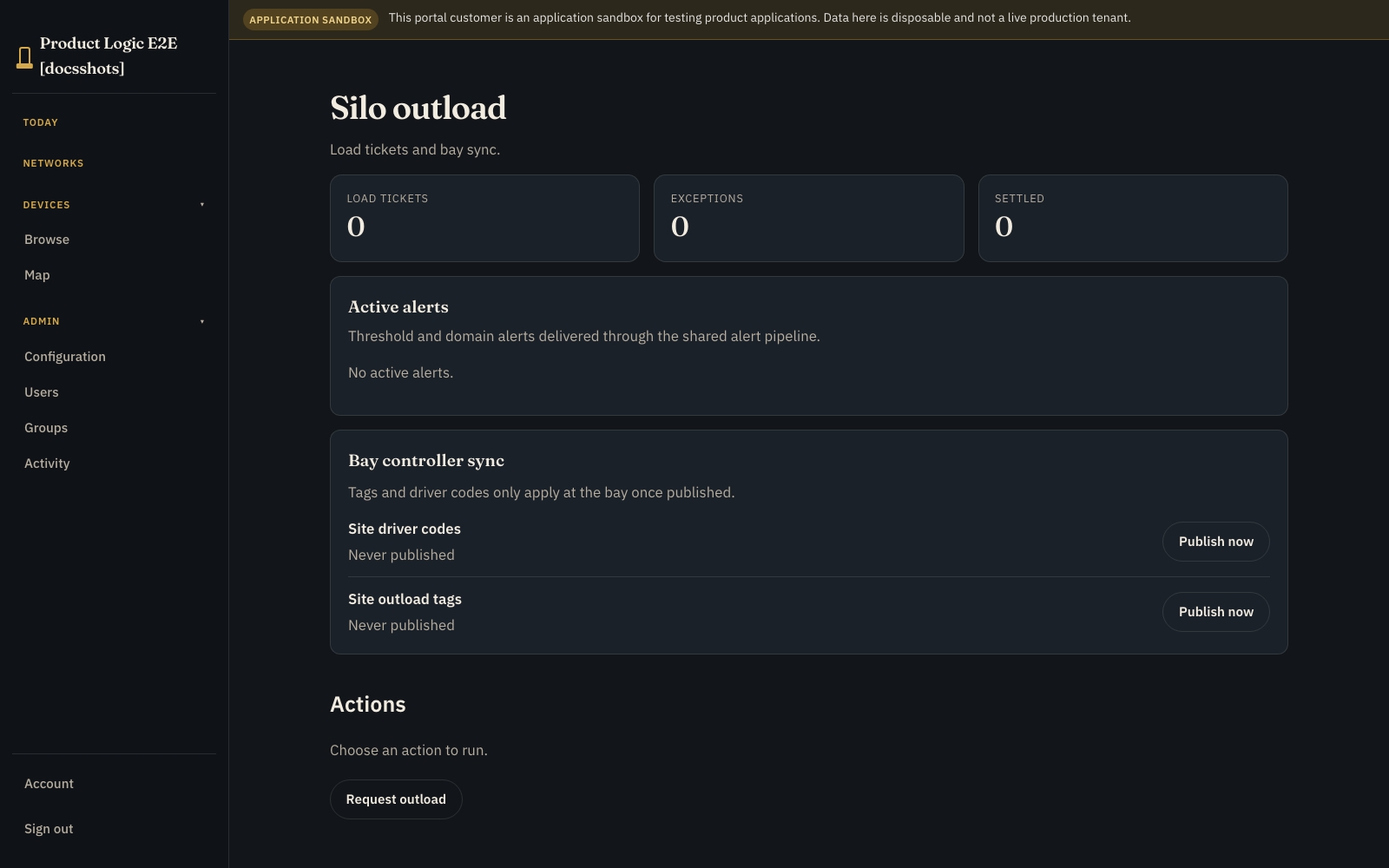
Overview should answer whether the product is operating normally and where the operator should go next. Use bounded record aggregates for useful counts, totals, averages, minimums, maximums, groups, or time buckets.
Do not turn Overview into an unbounded analytics system. Aggregates are permission-aware and intentionally limited. Use a reporting integration when the customer needs broad historical analysis or joins across external systems.
Design Work and Exceptions together #
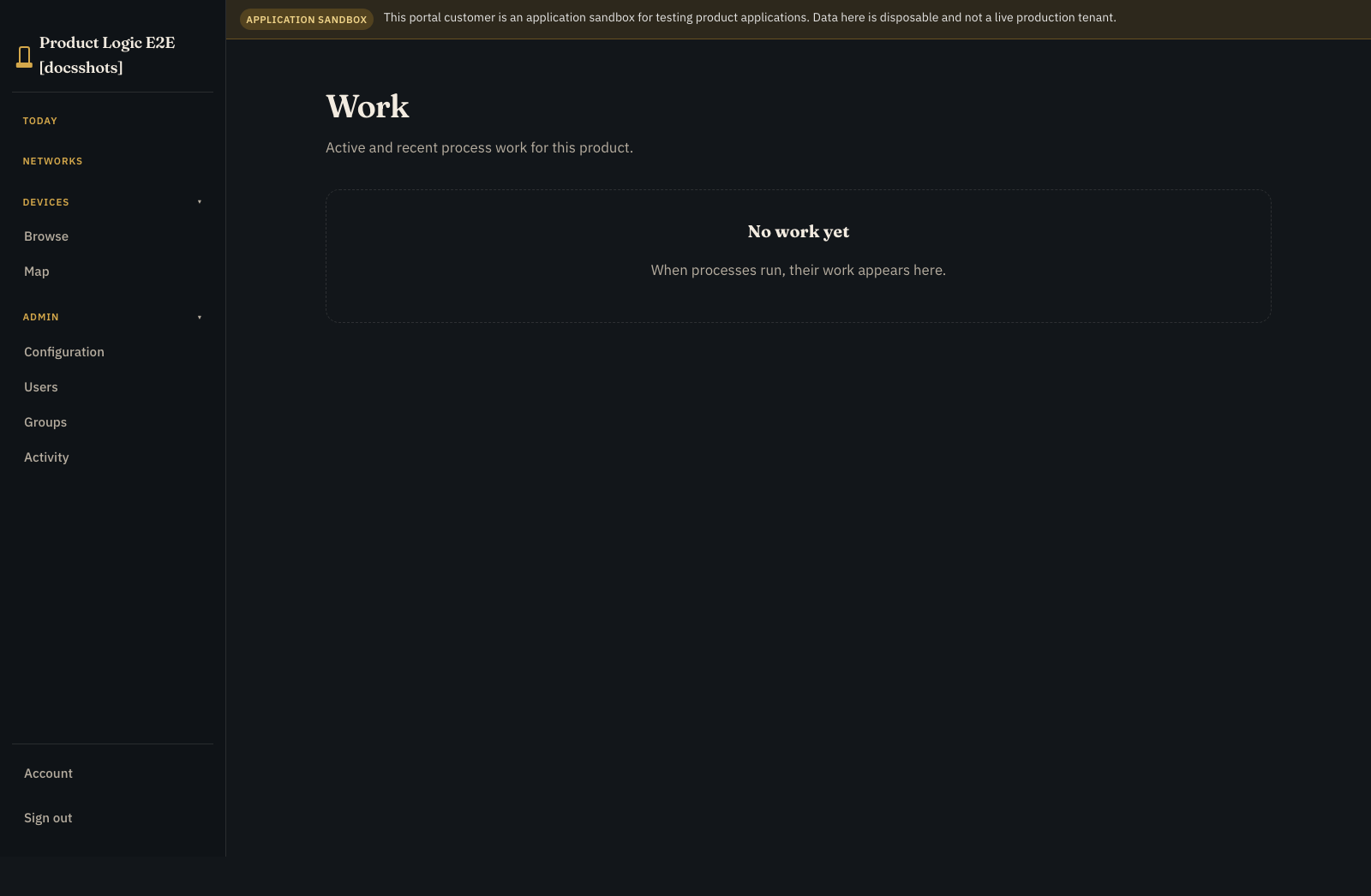
Work presents Process executions using customer language. Customers can filter work by state, Process, attention, subject, activity, and time within their instance and role boundary.
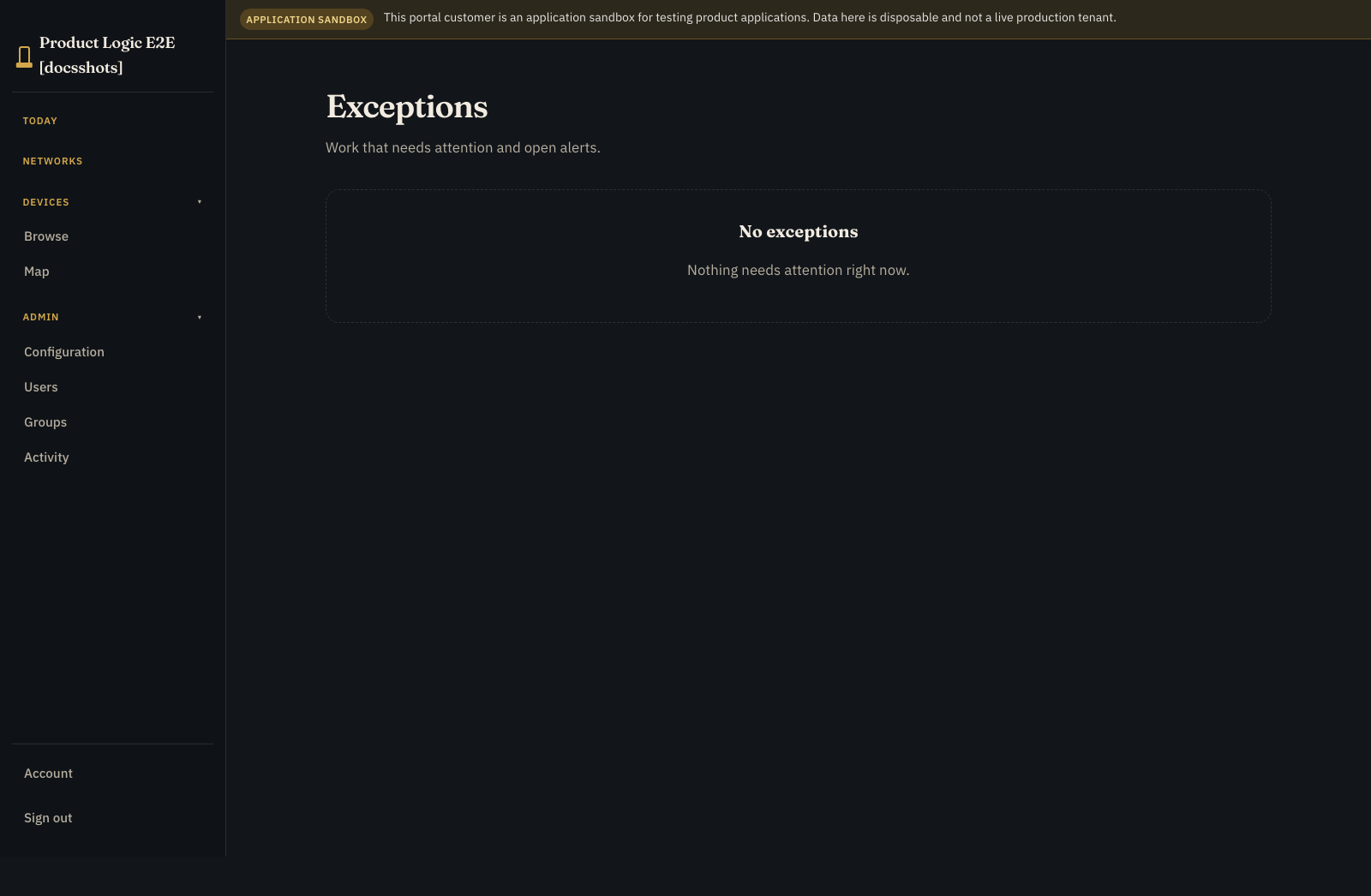
Exceptions is the focused queue. It uses Process presentation rules and alert state to collect work that needs attention. Define what the operator should do next instead of exposing an internal failure code as the whole experience.
An execution's technical status and safety state remain distinct. A failed run may be compensated; another may need reconciliation.
Curate Records #
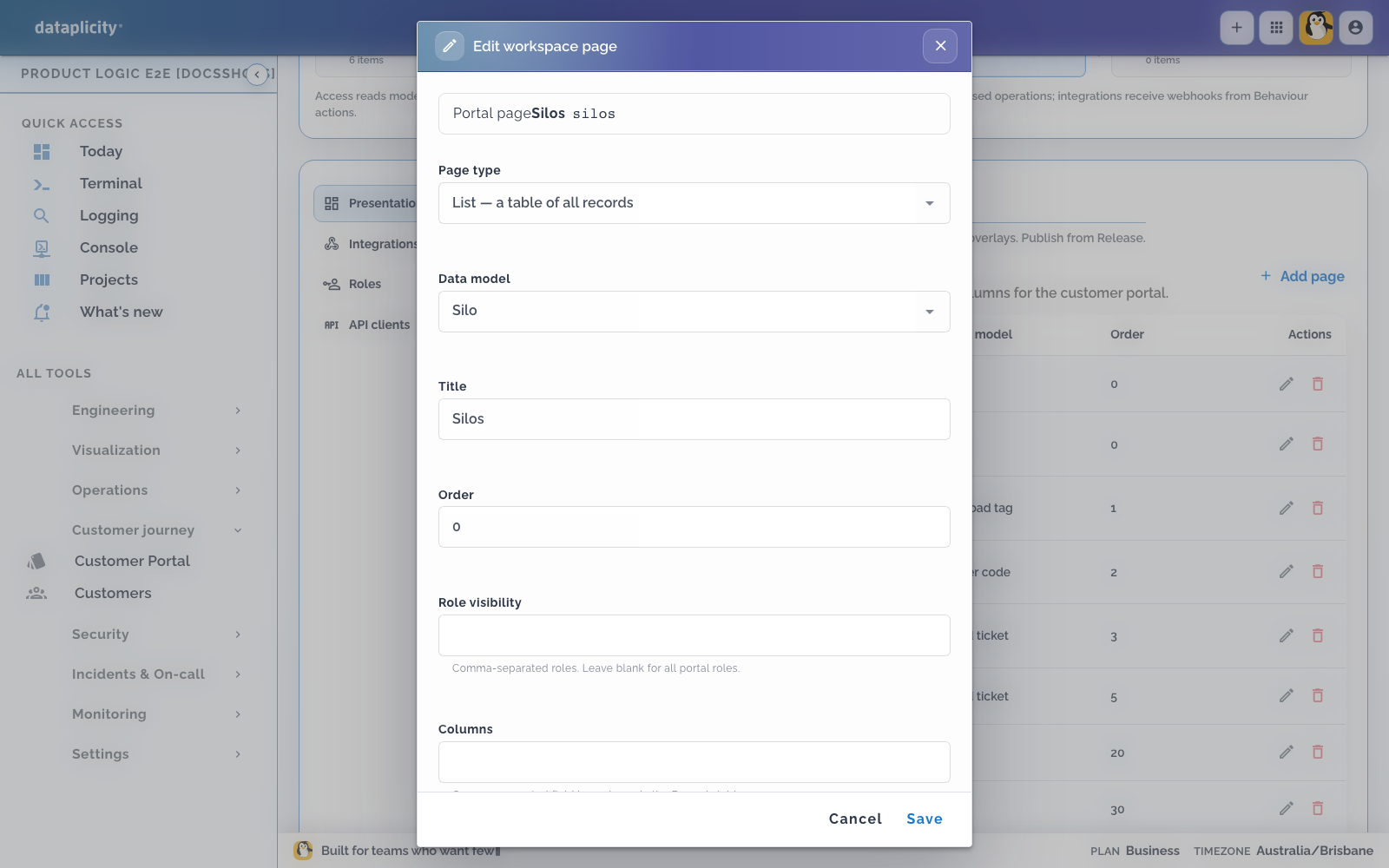
Each Records page selects one model. Configure:
- a customer-readable title
- navigation order
- role visibility
- the columns needed for the decision
- useful empty-state title and guidance
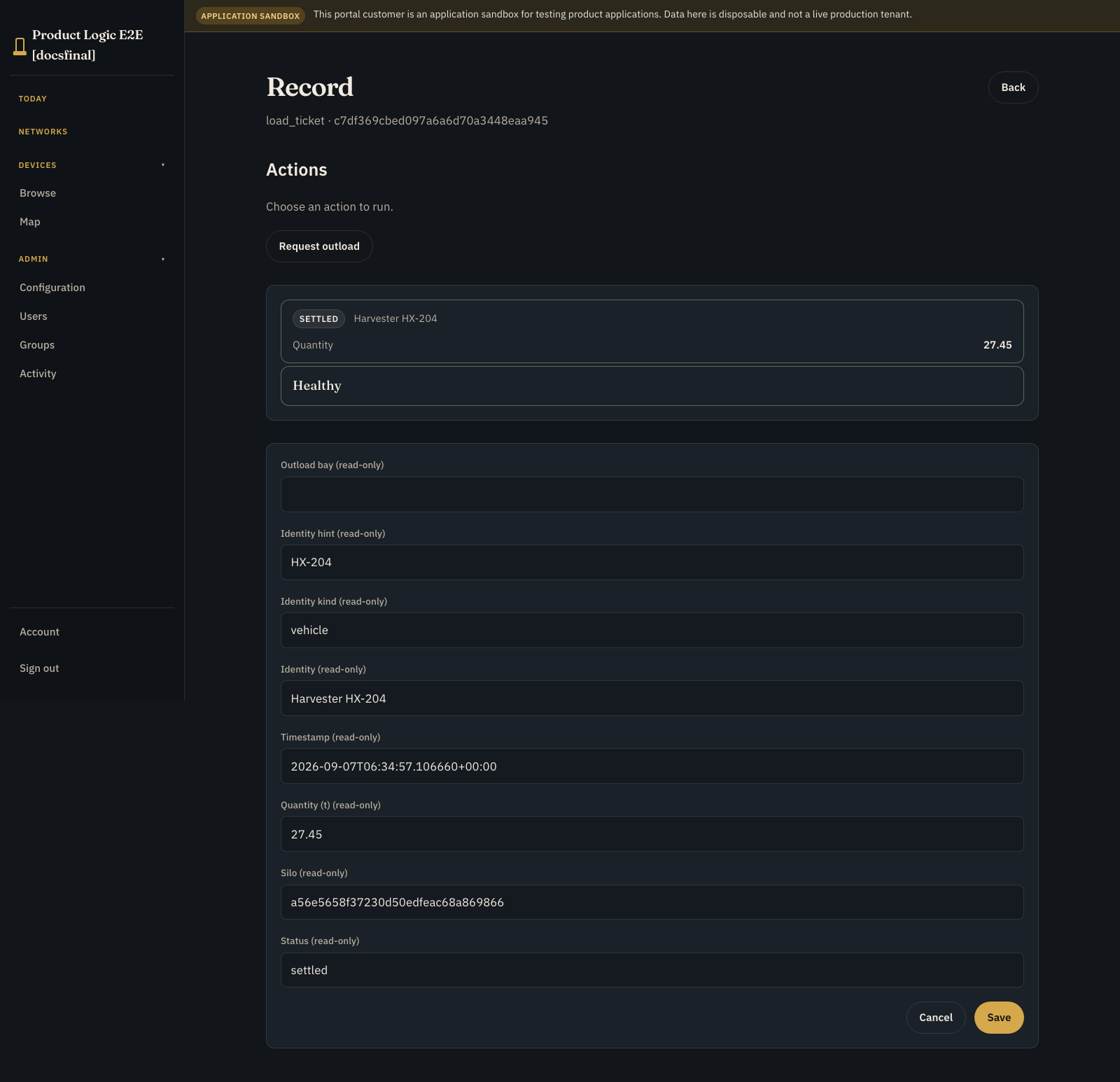
Model permissions still govern list, create, edit, archive, and delete behaviour. Do not display secrets, internal identifiers, or fields that exist only for orchestration unless the customer needs them.
Use Device Class streams for continuous device values. Do not copy every sample into Product Records merely to show it in a table.
Use Map only when location matters #
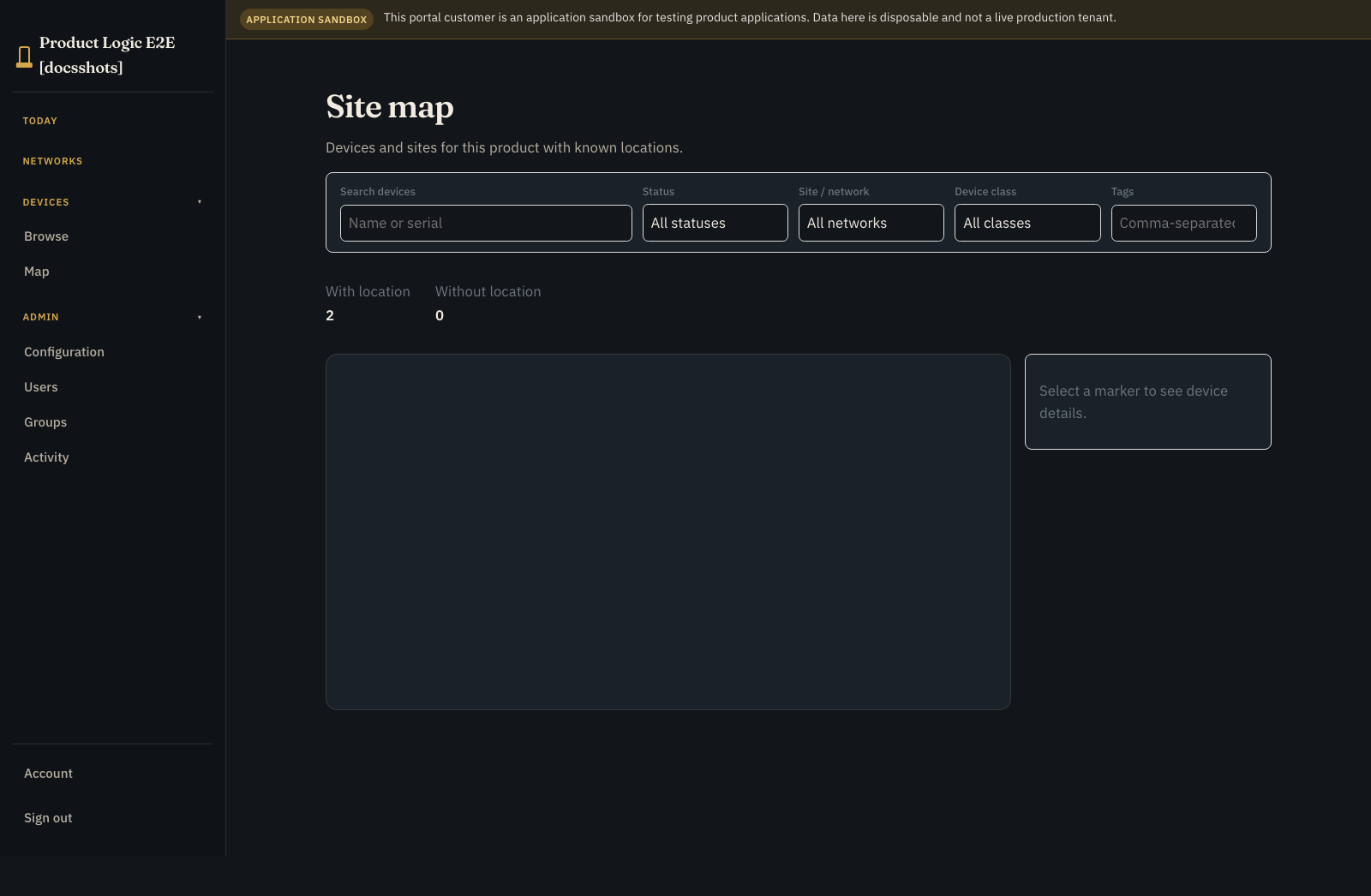
Map can combine available location-aware records, devices, alerts, and work for the instance. Add it when proximity, route, region, or site context changes the operator's decision.
Do not infer a location the product did not report or the customer did not assign. Provide a useful non-map path for records without coordinates and for users who cannot use a visual map.
Author Process presentation #
Presentation overlays customer language on a Process without changing its execution graph. For each Process, configure:
- singular and plural names
- a customer-facing description
- labels for internal states
- statuses that count as needs attention
- list summary fields
- role visibility
Keep labels stable and action-oriented. A state label should tell the customer what is happening, while the execution debugger retains the exact technical state for OEM investigation.
Preview the complete boundary #
Before publishing:
- Sign in as a customer viewer and operator.
- Confirm page and Process role visibility.
- Verify true empty states and filtered no-match states.
- Test long names and narrow screens.
- Follow an exception into the associated work and record.
- Confirm another customer cannot see the instance, records, work, or map points.
- Keep one-device controls on the Device Class page and site-wide work in the Application Workspace.