

Appearance
Build a remote signage application #
Kit recipe
This is a native-kit recipe: apply the remote signage starter, map screen-player hardware, and verify the venue workplace. It is shorter than the workshop-depth Product Application guides (outload, HVAC, PolarVend).
Give venue operators one place to see which screens are healthy, whether each player has applied the expected content, and which display needs attention. They can work across the venue, then open one player for its screenshot, sync state, and approved controls.
This guide builds that experience around Linux screen players. The venue-wide view lives on its network, while each enabled player's vendor-designed UI stays on device Controls.
1. Define the screen-player hardware #
Create a Screen Player Device Class under Engineering > Device classes. Give the class stable streams for player state, display state, applied content generation, content sync, and screenshot metadata. Add only bounded actions the customer should use, such as restart player or refresh content.
Use UI Designer to arrange the this-screen page. That layout always appears on device Controls; applying a native kit does not replace it.
2. Connect a representative player #
Provision one staging player into the Screen Player class, run its content agent, and verify:
- the device becomes online
- player and display state update
- expected and applied content generations differ visibly
- screenshots carry a captured-at time
- restart and content actions are idempotent
Keep CDN credentials and private source URLs out of class settings and screenshots.
3. Apply the shipped signage kit #
- Open Developer > Applications.
- Create an empty application.
- Choose the shipped Remote signage starter and Use example.
- Map its required player role to Screen Player.
- Apply the kit and review its progress on Overview.
- Open Build > Hardware and confirm the player binding.
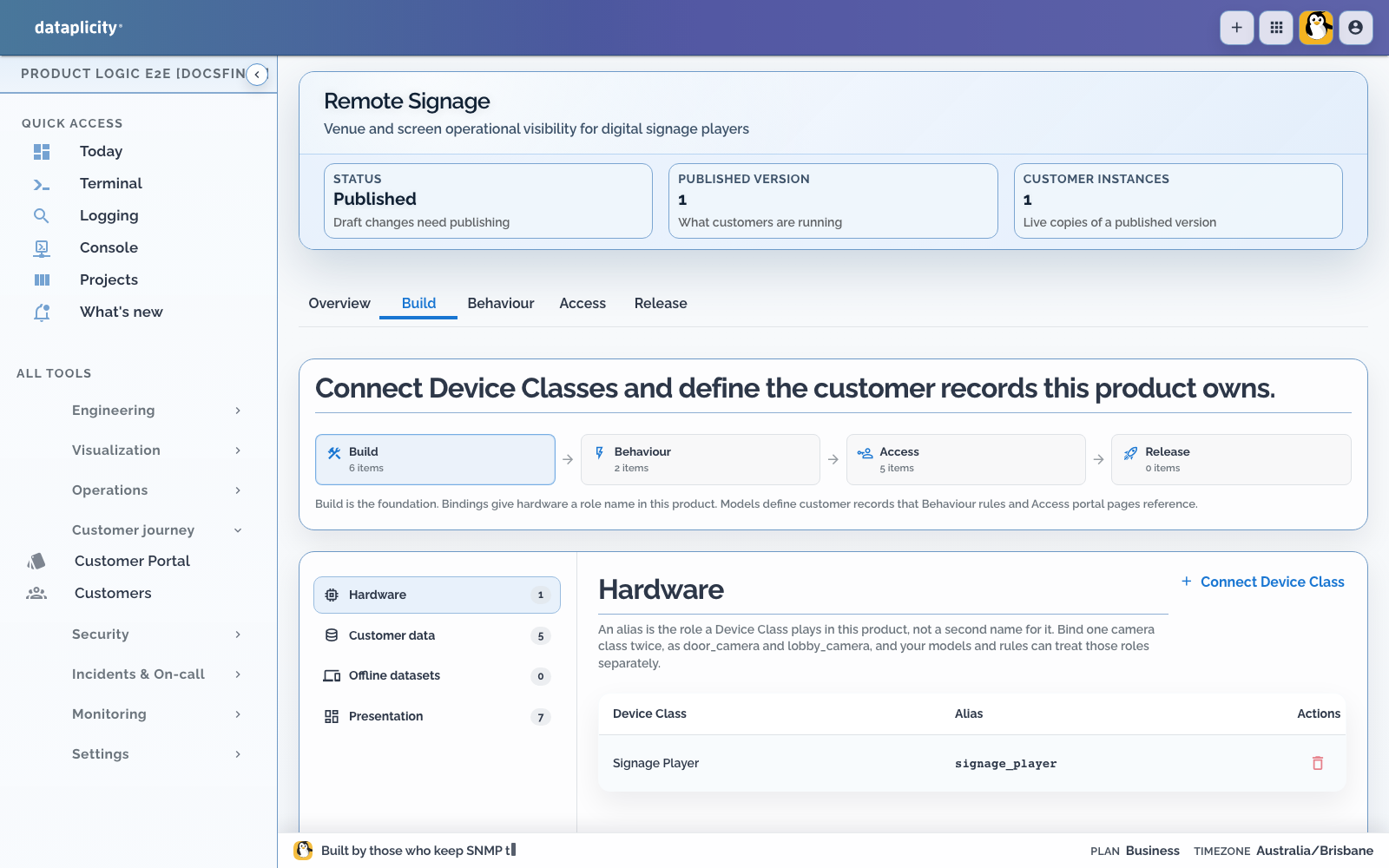
The starter supplies the native recipe and baseline customer records. Extend those records rather than creating a competing signage application.
Open Access > Presentation and verify the customer Application Workspace. Use Overview for venue health, Records for expected content and screens, Work for pending delivery, and Exceptions for offline, display-off, stale-preview, or download-failed states. Use Map only when screen location helps a venue operator act. Preview each intended customer role. See Design the Application Workspace.
4. Model content honestly #
Keep expected content separate from the generation a player reports as applied. The customer page should distinguish:
- expected, downloading, applied, and failed content
- player online state from physical display state
- a fresh screenshot from a stale preview
- one unhealthy screen from a venue-wide delivery issue
Use a customer-controlled media contract and restrict accepted media types.
5. Publish and attach the application #
Create a sandbox customer under Release and exercise content-current, player-offline, and download-failed outcomes. Save repeatable fixtures and run them from Scenarios when those states are represented by application processes or operations. See Test application scenarios.
Run Release preflight after the checks pass. Fix blocking errors, read every warning, and explicitly acknowledge each warning that requires acknowledgement. Publish the tested release candidate as an immutable version, then use Attached portals to attach that version to the intended Customer Portal. Every customer tenant receives an isolated instance. See Release a Product Application.
6. Create the venue and place players #
Sign in as the customer administrator:
- Open Networks and create the venue.
- Open Devices.
- Confirm an online unassigned player is Ready.
- Assign it to the venue network; it becomes Enabled and app-active.
- Repeat for each installed screen.
Ready players do not appear in the venue workplace. Network placement is the commissioning step, not merely a label.
7. Operate the venue and one screen #
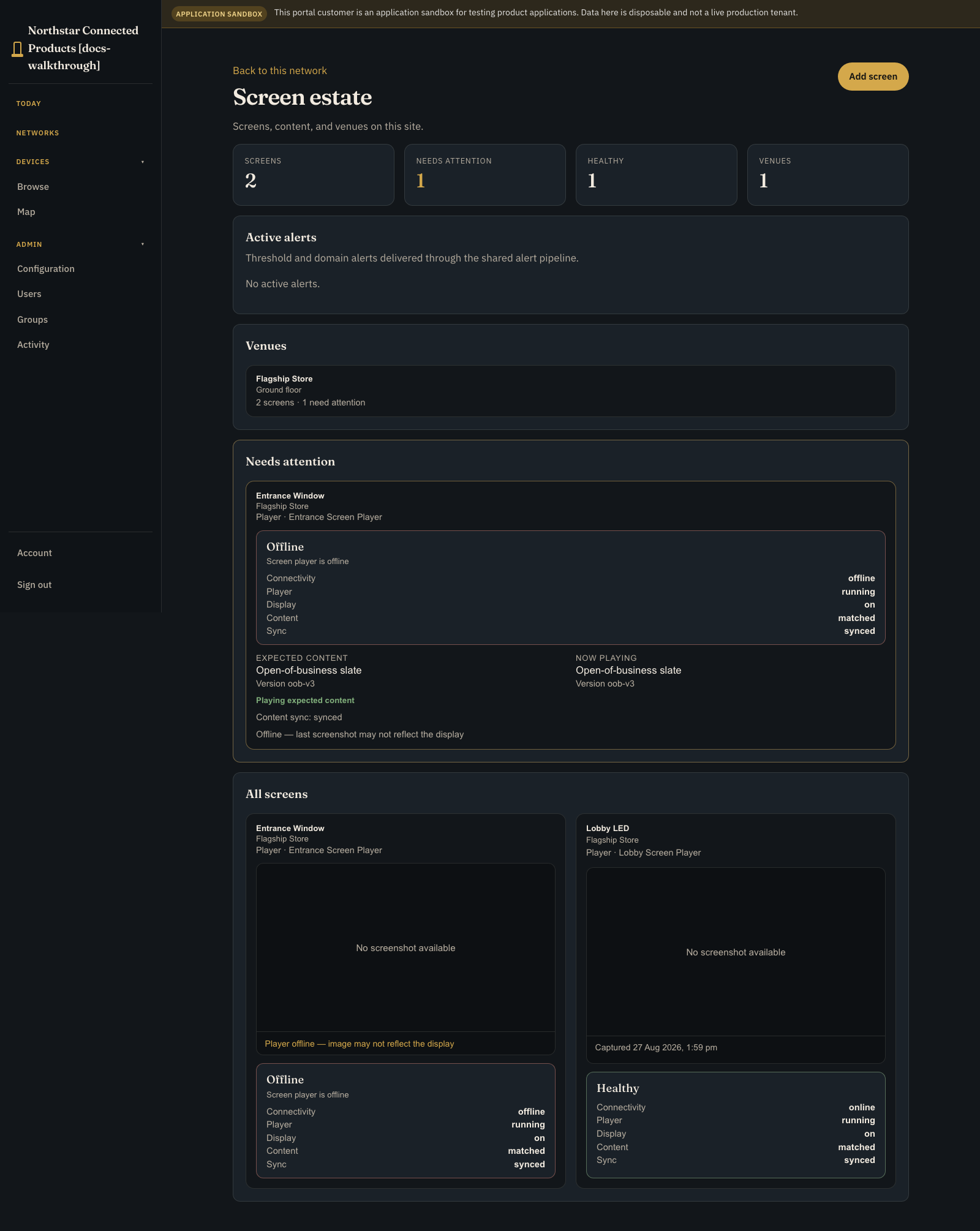
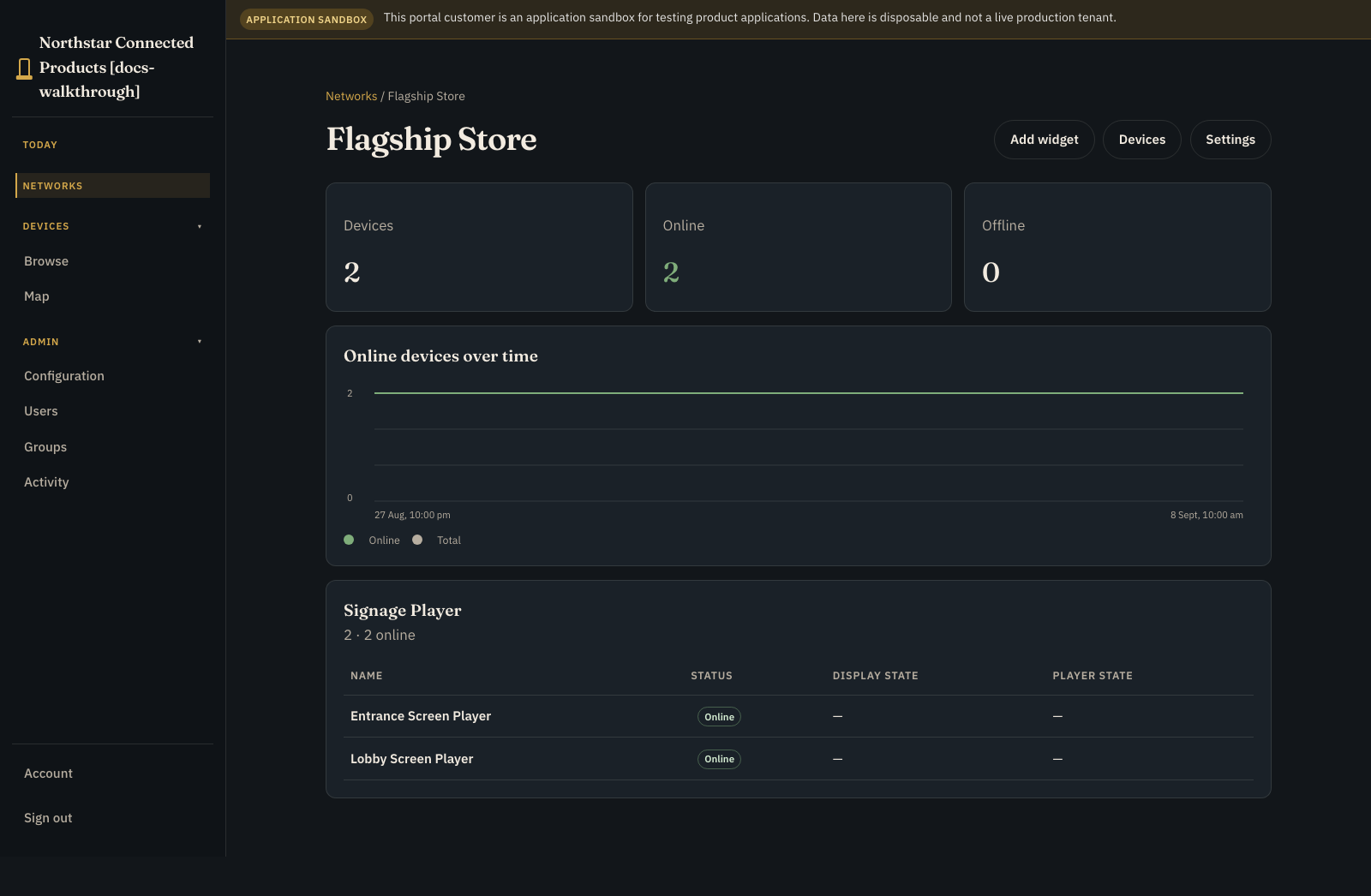
Open the venue from Networks for all screens, expected content, player and display health, sync state, and exceptions.
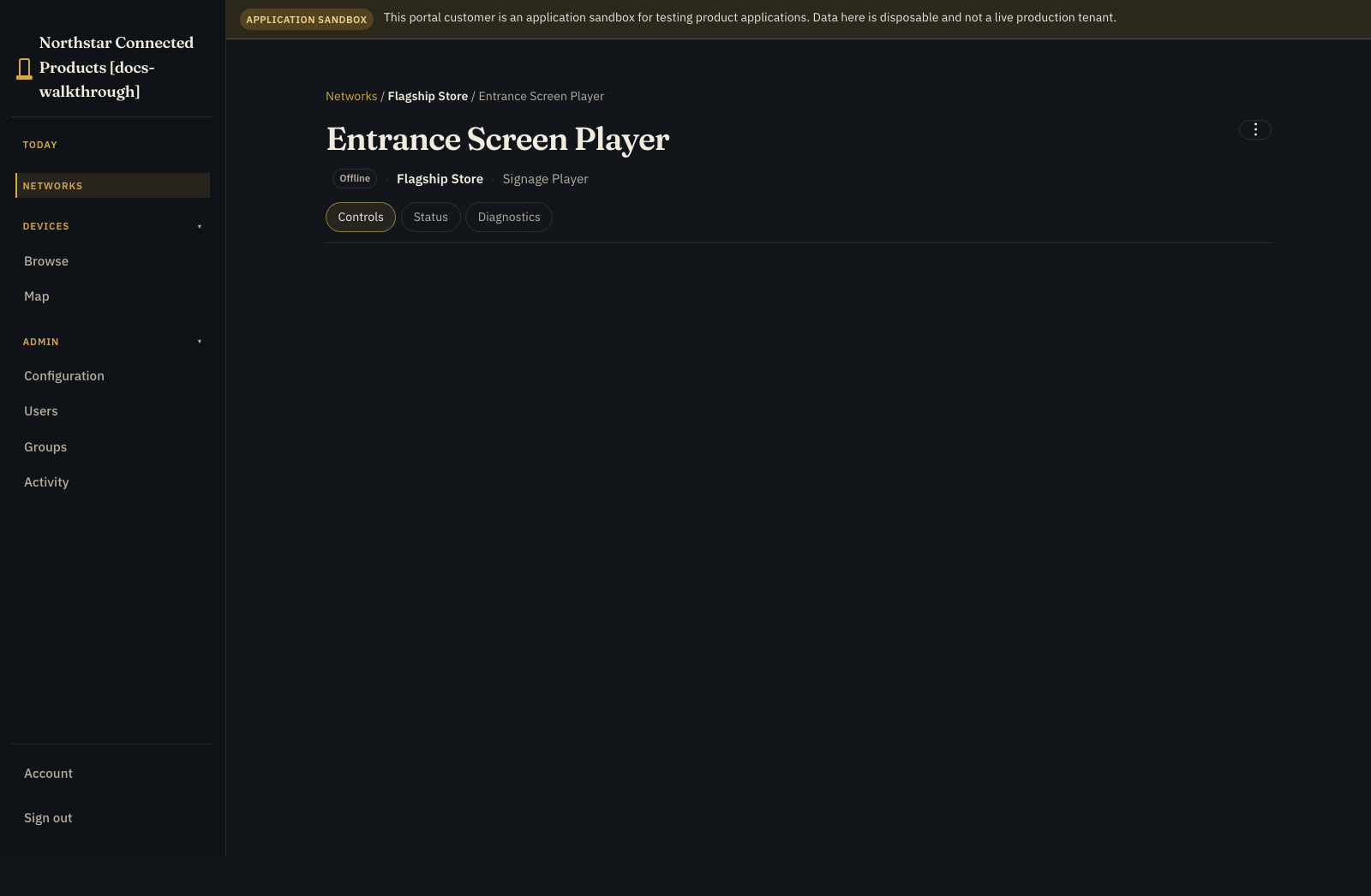
Open one enabled player for this-screen work:
- Controls: vendor Device Class UI and this-screen native context
- Status: identity, placement, presence, and connection quality
- Diagnostics: connection tests and permitted recovery actions
- ⋮: rename, remove from network, and other administrative actions
Use ⋮ for device administration and Networks for the venue-wide signage workplace.
8. Verify before handover #
- Confirm expected and applied content match on every healthy screen.
- Disconnect one player and confirm only that screen needs attention.
- Reconnect it and verify it catches up without duplicate work.
- Test stale screenshot, display-off, download-failed, and player-offline states.
- Test viewer, operator, and administrator permissions.
- Confirm another customer cannot see the venue, screens, or content.
- Open the customer Application Workspace and confirm its Overview, Records, Work, Exceptions, and optional Map outcomes match Presentation.
- If an operation starts a process, inspect its Runs or Executions path, attempts, correlation, and available safe interventions. See Investigate process executions.