

Appearance
Build an energy site application #
Kit recipe
This is a native-kit recipe: apply the energy site starter, map meter and optional generation roles, and verify the site workplace. It is shorter than the workshop-depth Product Application guides (outload, HVAC, PolarVend).
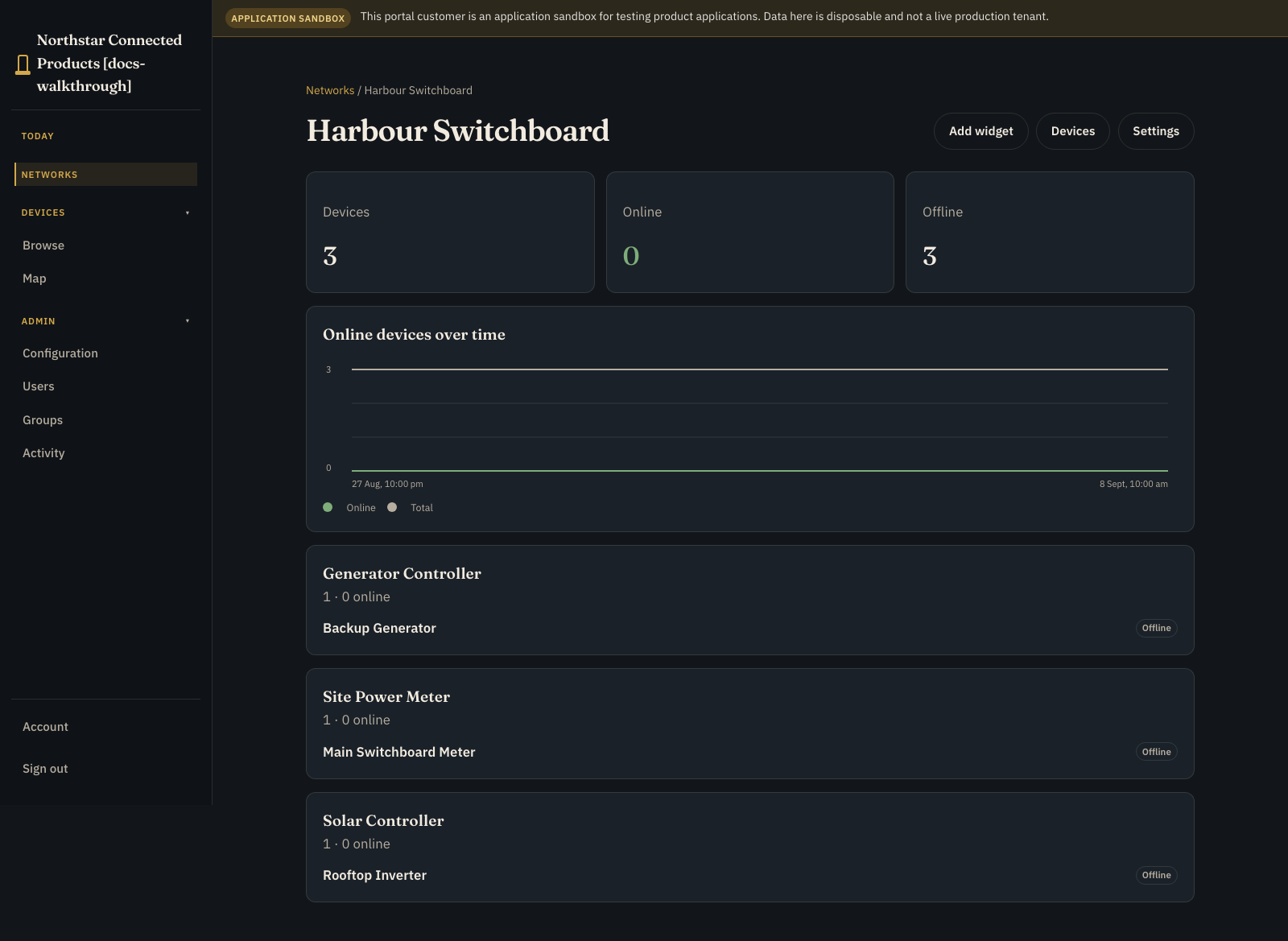
Give site operators one view of current demand, circuit readings, generator state, solar production, and the equipment that needs attention. They can work across the site on the capacity composition page (energy-capacity), then open an individual meter or controller to inspect that unit and use its approved controls.
This guide combines meters, generator controllers, and solar controllers at one customer site. The network remains the place for inventory and placement; the product workplace hosts the shared semantic facets for circuits and boards.
1. Define the hardware roles #
Create or select reusable Device Classes:
| Device Class | Kit role | Required |
|---|---|---|
| Site meter | site_meter | Yes |
| Generator controller | generator | No |
| Solar controller | solar | No |
Put hardware-owned facts and controls on each class. Meter streams should carry explicit units and input identities; generator and solar classes should report state, power, alarms, and freshness appropriate to the real controller.
Use UI Designer for each device page. Applying the energy kit does not move or replace that class UI.
2. Connect and verify representative devices #
Provision staging devices into their classes and compare at least one reading with a trusted local instrument. Test missing, stale, offline, and implausible values before attaching a customer.
Do not infer live site wiring from a Device Class. Circuit count, labels, and which meter input feeds which circuit belong to the installation.
3. Apply the shipped energy kit #
- Open Developer > Applications.
- Create an empty application.
- Choose the shipped Energy site starter and Use example.
- Map the required site-meter role.
- Map generator and solar only when those systems are installed.
- Apply the kit and review its progress on Overview.
- Open Build > Hardware and confirm the mapped roles.
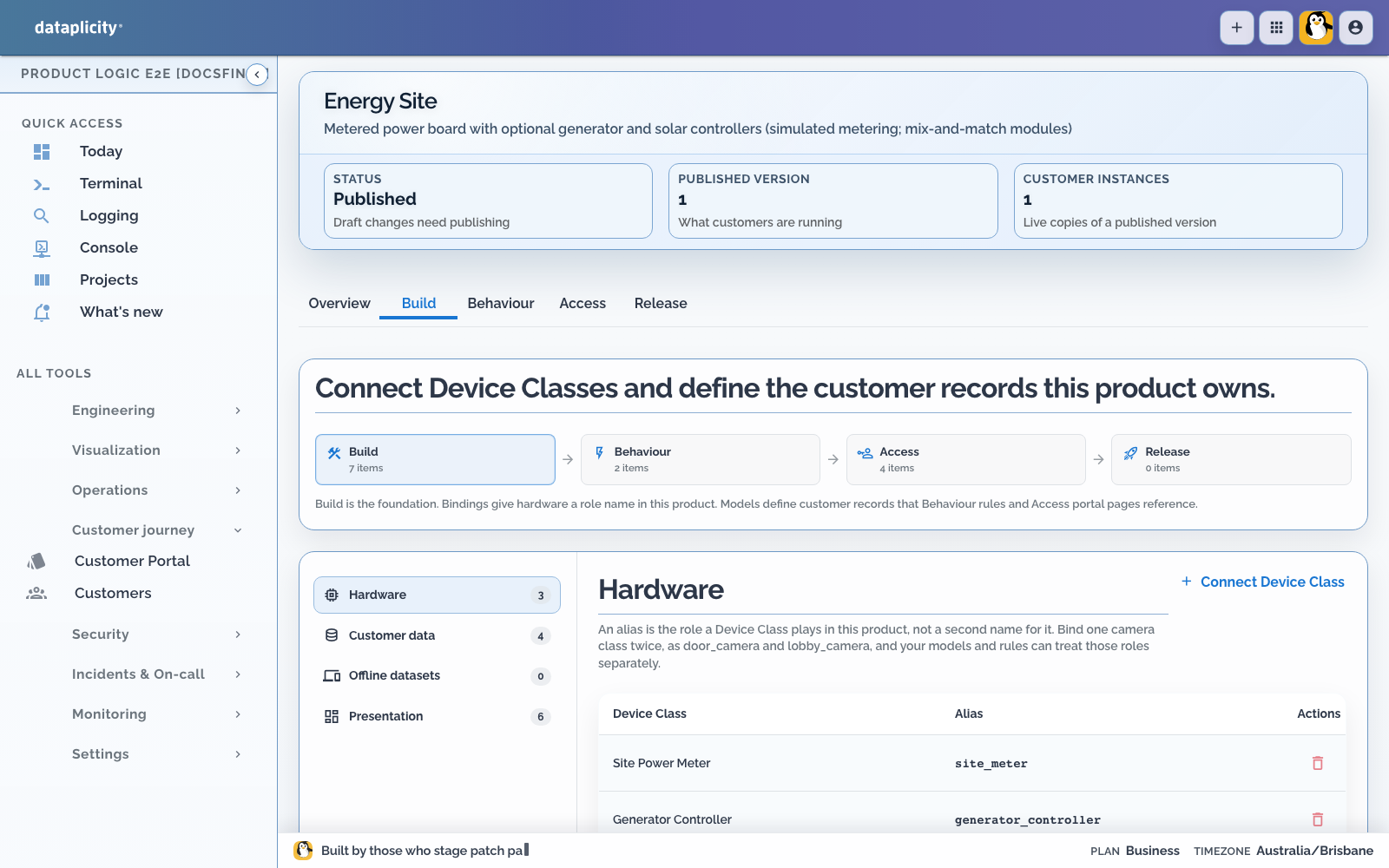
Leave optional roles empty rather than creating placeholder devices.
Open Access > Presentation and verify the customer Application Workspace. Use Overview for site demand and attention, Records for boards and circuits, Work for bounded operator tasks, Exceptions for missing, stale, offline, alarmed, or implausible readings, and Map only when equipment location helps the operator respond. Preview the result with each intended role. See Design the Application Workspace.
4. Configure the customer site model #
Create the board and circuit records for the installation. For every circuit, record a customer-readable label, meter input, unit, expected range, and any safe alert threshold. Keep expected circuit configuration separate from the live value reported by the meter.
The site workplace should distinguish:
- current power, voltage, current, and power factor
- missing or stale samples
- generator stopped, running, or alarmed
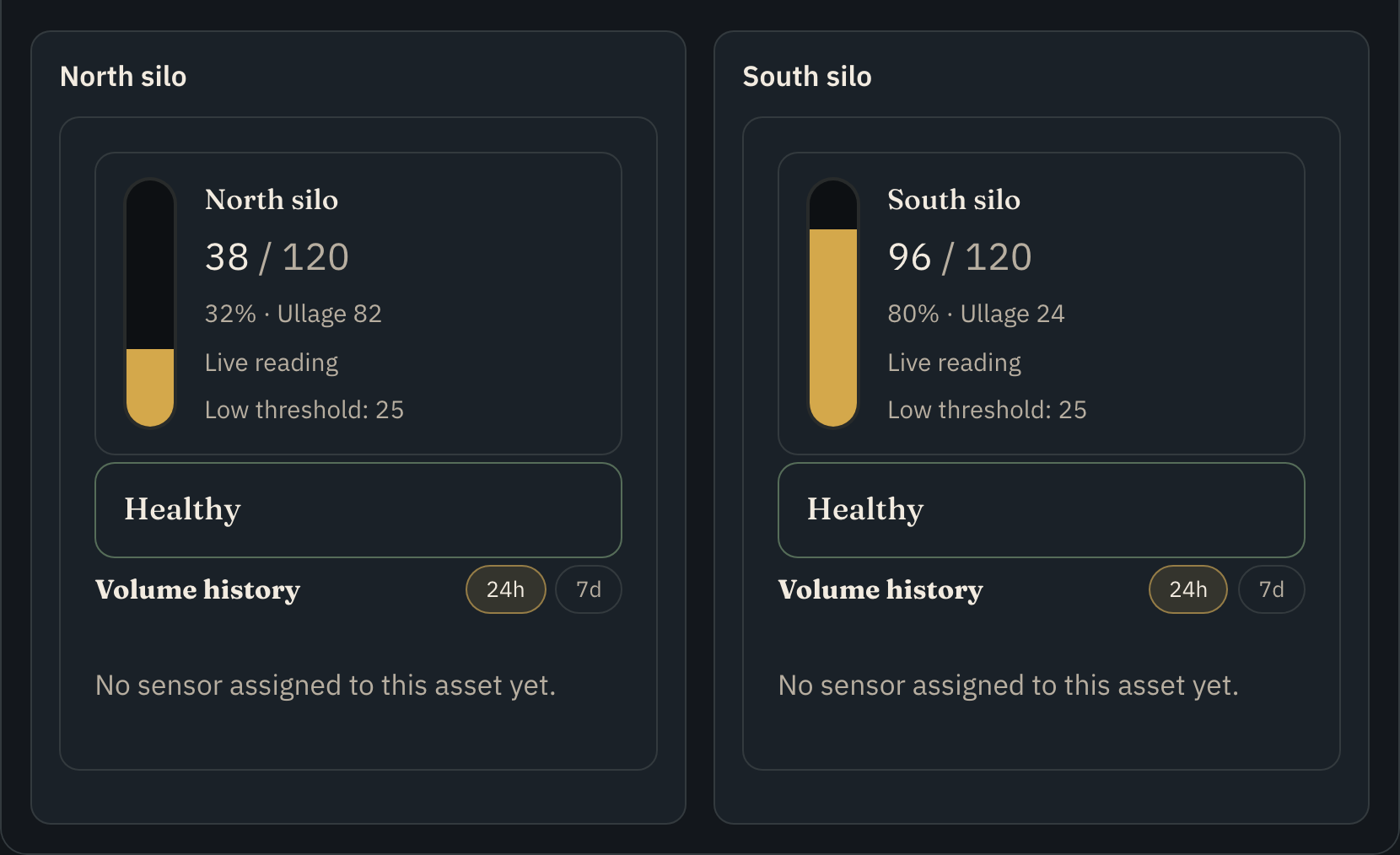
- solar producing, idle, or unavailable
- one circuit problem from a whole-site connectivity problem
5. Publish and attach the application #
Create a sandbox customer under Release and exercise normal, stale, offline, and out-of-range outcomes. Save repeatable fixtures and run them from Scenarios when the application has processes or operations that produce those outcomes. See Test application scenarios.
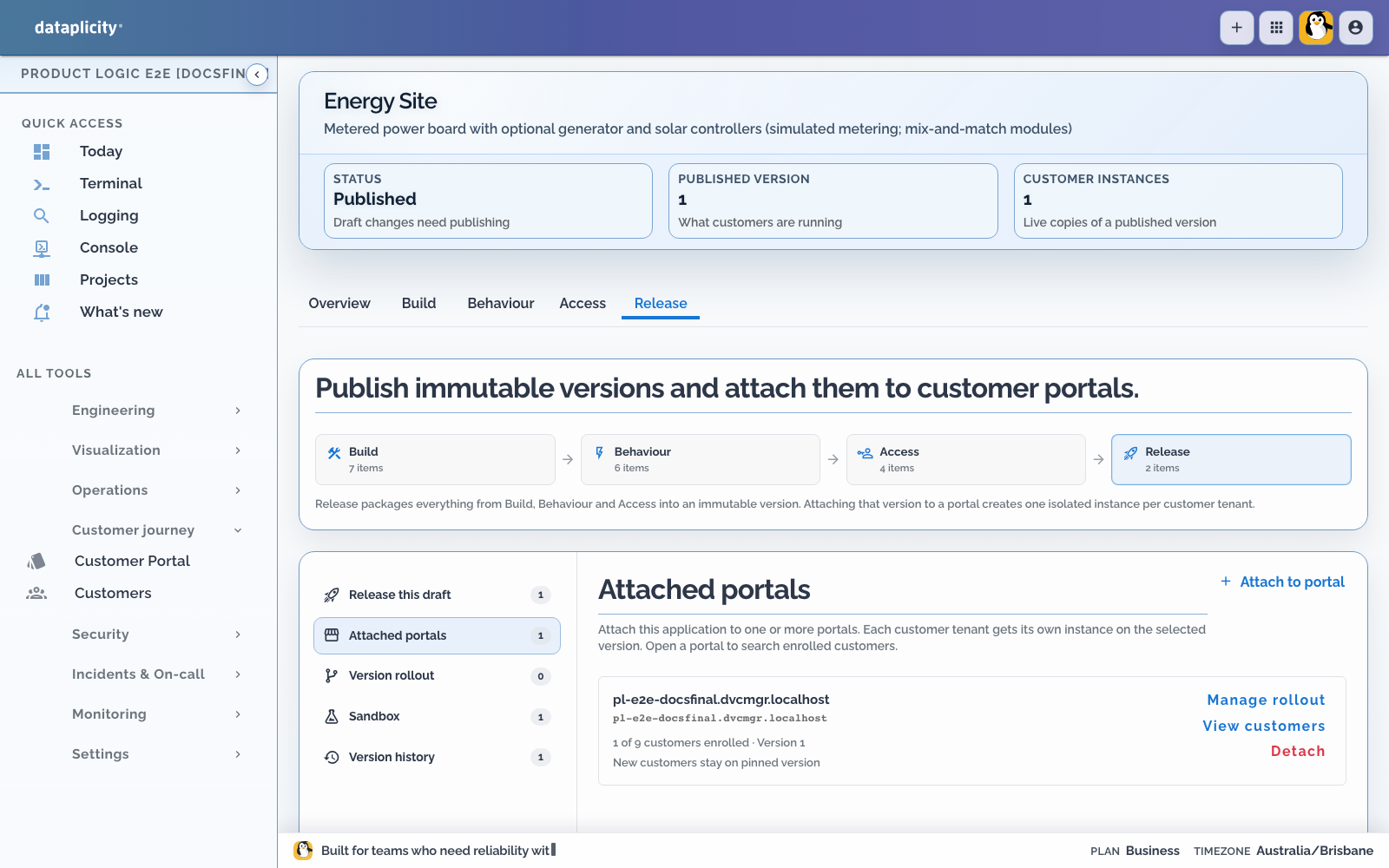
Run Release preflight after the checks pass. Fix blocking errors, read every warning, and explicitly acknowledge each warning that requires acknowledgement. Publish the tested release candidate as an immutable version, then use Attached portals to attach that version to the intended Customer Portal. Every customer tenant receives an isolated application instance. See Release a Product Application.
6. Create the site and place devices #
As the customer administrator:
- Open Networks and create the energy site.
- Open Devices.
- Confirm online unassigned hardware is Ready.
- Assign each installed device to the site network.
- Confirm it becomes Enabled and appears in the native site workplace.
Ready inventory is not app-active. Network placement connects the physical device to this customer site.
7. Operate the site and one controller #
Open the site from Networks for its board, circuits, optional generation roles, and combined attention.
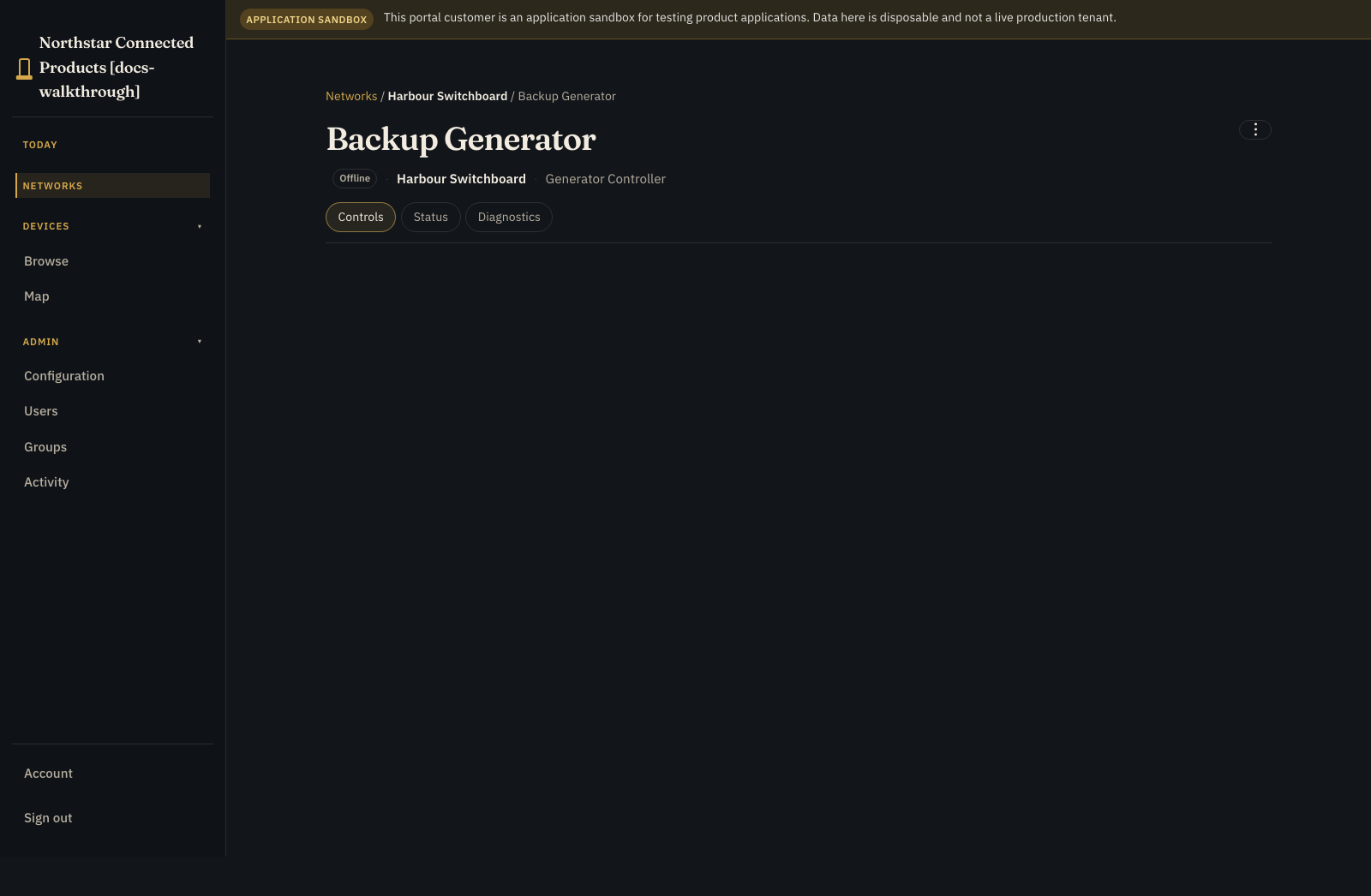
Open one enabled meter or controller:
- Controls: vendor Device Class UI and device-specific native context
- Status: identity, placement, presence, and connection quality
- Diagnostics: connection tests and permitted recovery actions
- ⋮: rename, remove from network, and other administrative actions
Use ⋮ for device administration and Networks for the combined energy site.
8. Verify before handover #
- Confirm each circuit uses the intended input and unit.
- Compare representative readings with trusted local measurements.
- Test missing, stale, offline, and out-of-range states.
- Confirm optional roles appear only when mapped.
- Reboot one controller and confirm the application recovers without duplicate records.
- Test viewer, operator, and administrator permissions.
- Confirm another customer cannot see the site or readings.
- Open the customer Application Workspace and confirm its Overview, Records, Work, Exceptions, and optional Map outcomes match Presentation.
- If an operation starts a process, inspect its Runs or Executions path, attempts, correlation, and available safe interventions. See Investigate process executions.