

Appearance
Service monitors #
Use a service monitor when the failure exists outside one device. Dataplicity monitors HTTP endpoints, CORS baselines, DNS records, and heartbeats.
Monitor an HTTP endpoint #
Prerequisites are an absolute HTTP or HTTPS URL reachable from Dataplicity and permission to manage monitors.
- Open Service endpoints, choose Endpoint, and add a monitor.
- Enter a concise label and URL.
- Optionally add one header in
Name: Valueform. Treat its value as a secret and use a narrowly scoped credential. - Keep status
200, or add accepted codes such as204. - Optionally require a response-body substring such as
ready. - Save, wait for a result, and inspect HTTP status, response time, checked time, and error.
Endpoint checks are dispatched by a global scheduler and are also subject to the organisation's minimum monitor interval. The effective cadence can therefore be slower than a stored interval. Disabling a monitor stops polling. Hiding it from a status page does not.
Detect CORS drift #
A CORS monitor checks a domain and path, captures expected response headers, and compares later responses with the confirmed baseline.
- Choose CORS, enter the domain and an optional path.
- Run the baseline preview.
- Review and confirm the expected headers.
- Save and test against a non-production target.
Changing the domain or path invalidates the old baseline. Reconfirm only after verifying that a changed policy is intentional. CORS checks use warning severity.
Monitor DNS records #
DNS monitors expand a base domain and optional prefixes, then evaluate A, AAAA, CNAME, NS, or TXT records.
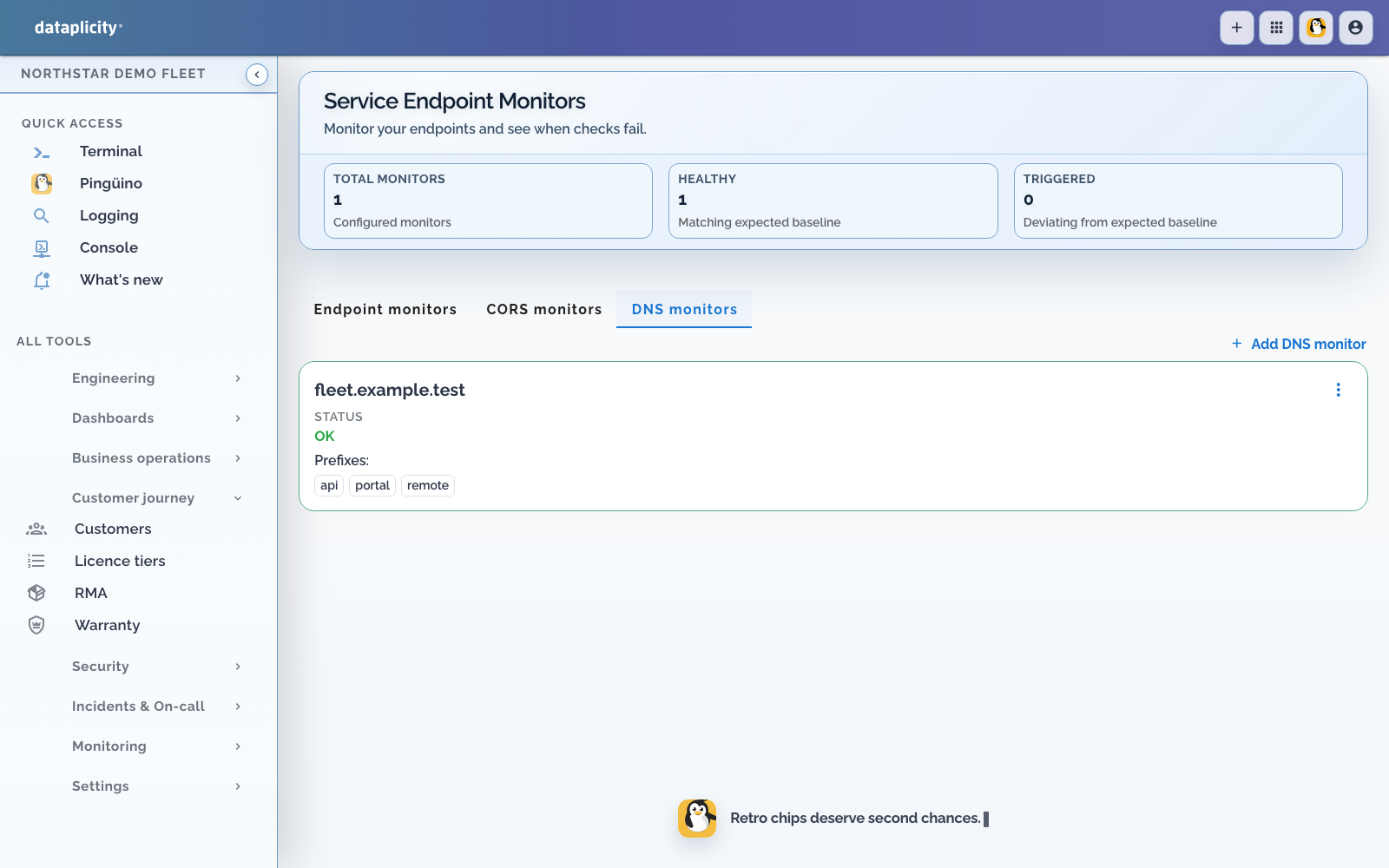
Choose a comparison mode that reflects the provider:
- Pinned answers requires exact values.
- Rotating pool requires overlap with the expected answer set.
- Managed edge tolerates dynamic provider pools.
Rules can require exact values, overlap, non-empty answers, required or forbidden text, regular-expression matches, or answer-count bounds. DNS caching, TTLs, resolver differences, and staged propagation can produce temporary differences. Preview from more than one resolver before accepting a new baseline.
Monitor scheduled work #
A heartbeat has a private ping URL and one of four intervals: 1, 5, 15, or 60 minutes. Call the URL only after successful work:
sh
curl --fail --silent --show-error "$DATAPLICITY_HEARTBEAT_URL"The displayed state progresses through up, degraded, failed, and down as pings become late. Protect the URL and regenerate it if exposed.
Troubleshooting #
- No HTTP result: confirm public reachability, TLS validity, and header format.
- Unexpected body failure: matching is a substring check, so verify casing and actual response body.
- CORS drift: compare each captured header before re-baselining.
- DNS drift: choose a mode appropriate to static or dynamic answers.
- Late heartbeat: confirm the job calls the URL only on success and uses the intended interval.