

Appearance
Incidents and on-call #
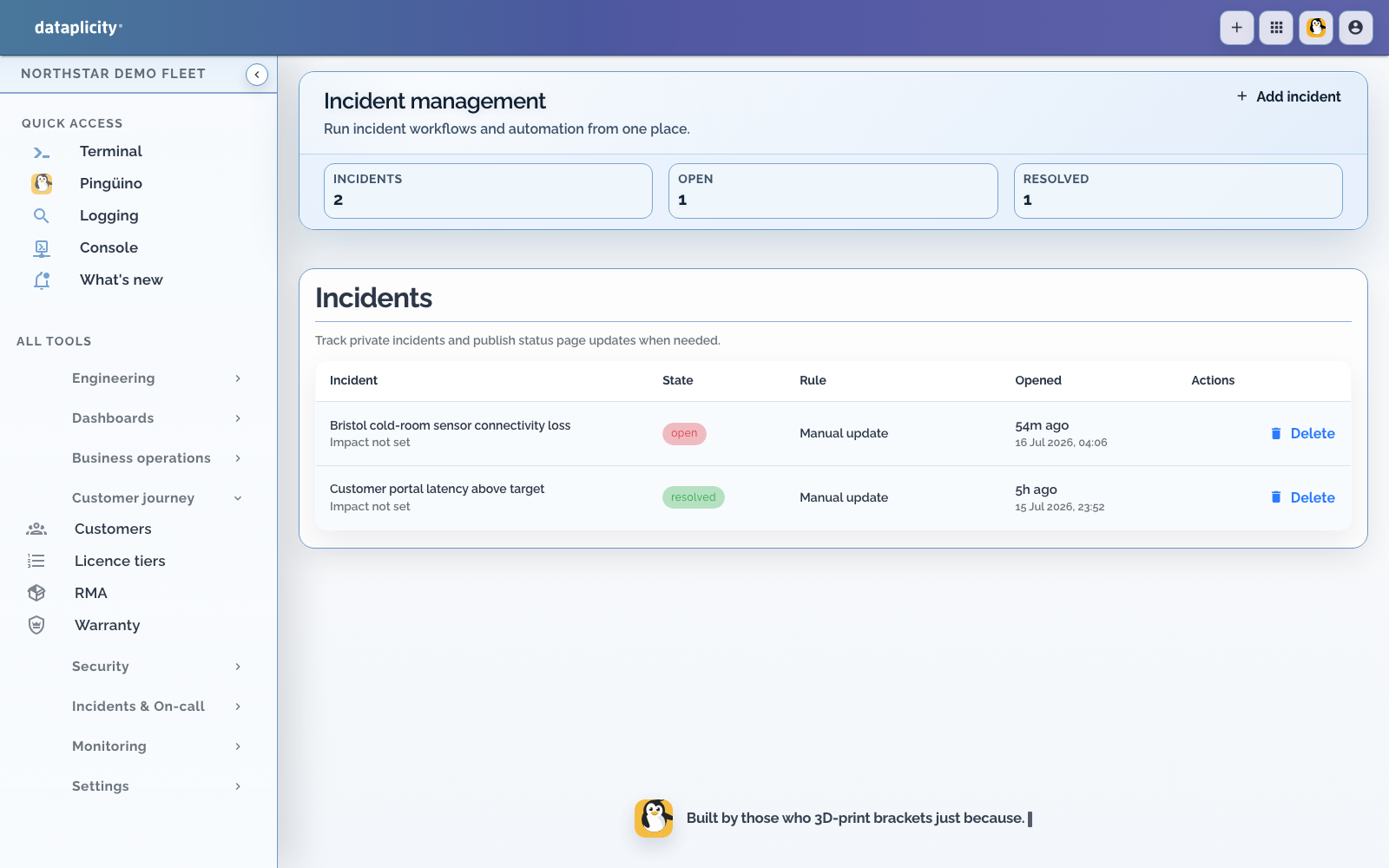
Use incident response when a monitor failure needs ownership, acknowledgement, escalation, delivery tracking, or public communication. Internal incidents currently support service-endpoint, user-impact, heartbeat, and custom source types.
Lifecycle #
An incident opens with a severity, source identifier, affected resource, and stable deduplication key. Its internal states are:
- Open: waiting for acknowledgement
- Acknowledged: owned by a responder
- Resolved: recovery or a manual resolution was recorded
- Final tier unacknowledged: every configured tier elapsed without acknowledgement
Acknowledgement stops further escalation for that incident. Resolution records an event and can also assign the resolving user if nobody acknowledged it. Auto-resolution can be scheduled, cancelled by renewed failure, and recorded in the timeline.
Configure on-call schedules #
Schedules decide which people are responsible right now. They support three tiers. Each tier selects a group, timezone, active days, optional local start and end times, escalation delay, grace period, and notification rotation.
Use Notify entire group when every eligible responder should receive the event. Use Round robin to distribute incidents. Overnight windows are supported when the start time is later than the end time.
Delivery records for schedule paging can use web, mobile push, or email and show queued, dispatching, sent, delivered, failed, or cancelled. A sent state does not prove a human saw the notification. Test every personal channel and keep at least one break-glass path outside the affected system.
Layer schedules with Slack and Teams routes #
On-call schedules page people. Chat integrations route incident kinds into channels.
Use both when your process needs shared channel context and a named owner:
- Chat routes send selected severities and lifecycle events to Slack or Teams channels for the teams that collaborate on that class of incident.
- Schedules escalate through responder tiers on mobile push, email, or the Dataplicity apps until someone acknowledges.
- Acknowledgement from Slack, Teams, mobile, or the web app stops further schedule escalation for that incident.
Design the channel map for how your organisation works (critical vs warning lanes, engineering vs customer-success rooms, recovery threads), and keep the pager path on schedules so chat participants are not all treated as on-call. See Chat integrations for incident operations for connect, route, /dataplicity link, and response actions.
Bind monitors with automation #
Incident automation binds monitor signals to incident creation and settlement. Configure trigger and settle windows, severity, cooldown, and source selection. Use a stable source set to avoid duplicate incidents during a continuing outage.
Test three paths:
- enough failures open one incident
- renewed failures do not create duplicates during cooldown
- enough successful samples settle or resolve the incident as configured
Use device and fleet offline monitors for alerts. For an incident that enters the on-call workflow, use service, heartbeat, or user-impact monitoring.
Publish safely #
Internal incident visibility and public status-page visibility are separate. Select the intended status pages and review the summary before publishing. Public updates should state customer impact, current action, and next update time without exposing hostnames, logs, identities, or security details.