

Appearance
Schedule an HTTP job #
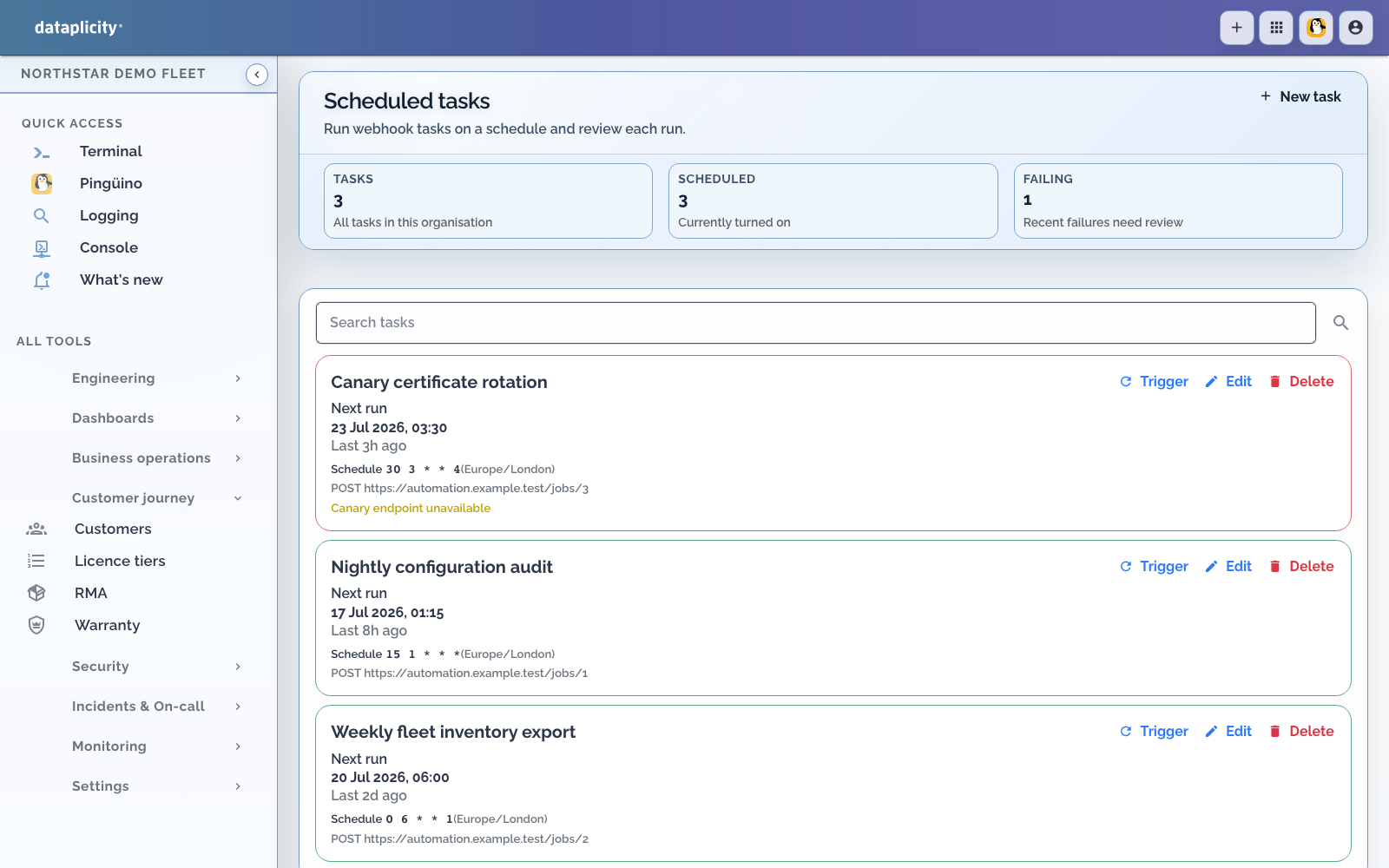
The Scheduled tasks surface creates cron-triggered HTTP requests. It does not run a script directly on selected devices. Use Fleet jobs for confirmed multi-device commands.
Create a schedule #
- Open Scheduled tasks and add a task.
- Enter a name and optional description.
- Set a cron expression and named timezone.
- Choose GET, POST, PUT, PATCH, or DELETE.
- Enter an HTTPS target URL.
- Optionally configure one static authentication header.
- Set timeout, retry limit, and retry backoff.
- Save and verify the calculated next run.
Timeout must be between 1 and 120 seconds. Retry limit supports 0 to 10 attempts, and base backoff supports 1 to 600 seconds with jitter applied by the runner.
The authentication value is encrypted at rest and not returned by the API. Use a dedicated, revocable secret. Updating the header without its value can remove or replace authentication depending on the form, so verify after editing.
Long-running work #
Enable completion callbacks when the scheduled request starts work that finishes after the request returns. Protect the callback with its generated secret and make completion idempotent. A successful initial HTTP response means the request was accepted, not that remote work finished.
Interpret history #
Review last status, run time, duration, HTTP status, error, next run, consecutive failures, and execution history. Failed calls are retried according to the task configuration. Disabling a task removes its next run until it is re-enabled.
Troubleshooting #
- Wrong local time: verify the named timezone and daylight-saving transition.
- Repeated 401 or 403: rotate and retest the dedicated auth header.
- Timeouts: make the target acknowledge quickly and report completion by callback.
- Duplicate effects: add idempotency at the target because retries can repeat a request.
- Device command expected: use Fleet jobs instead.