

Appearance
Map devices to customers and sites #
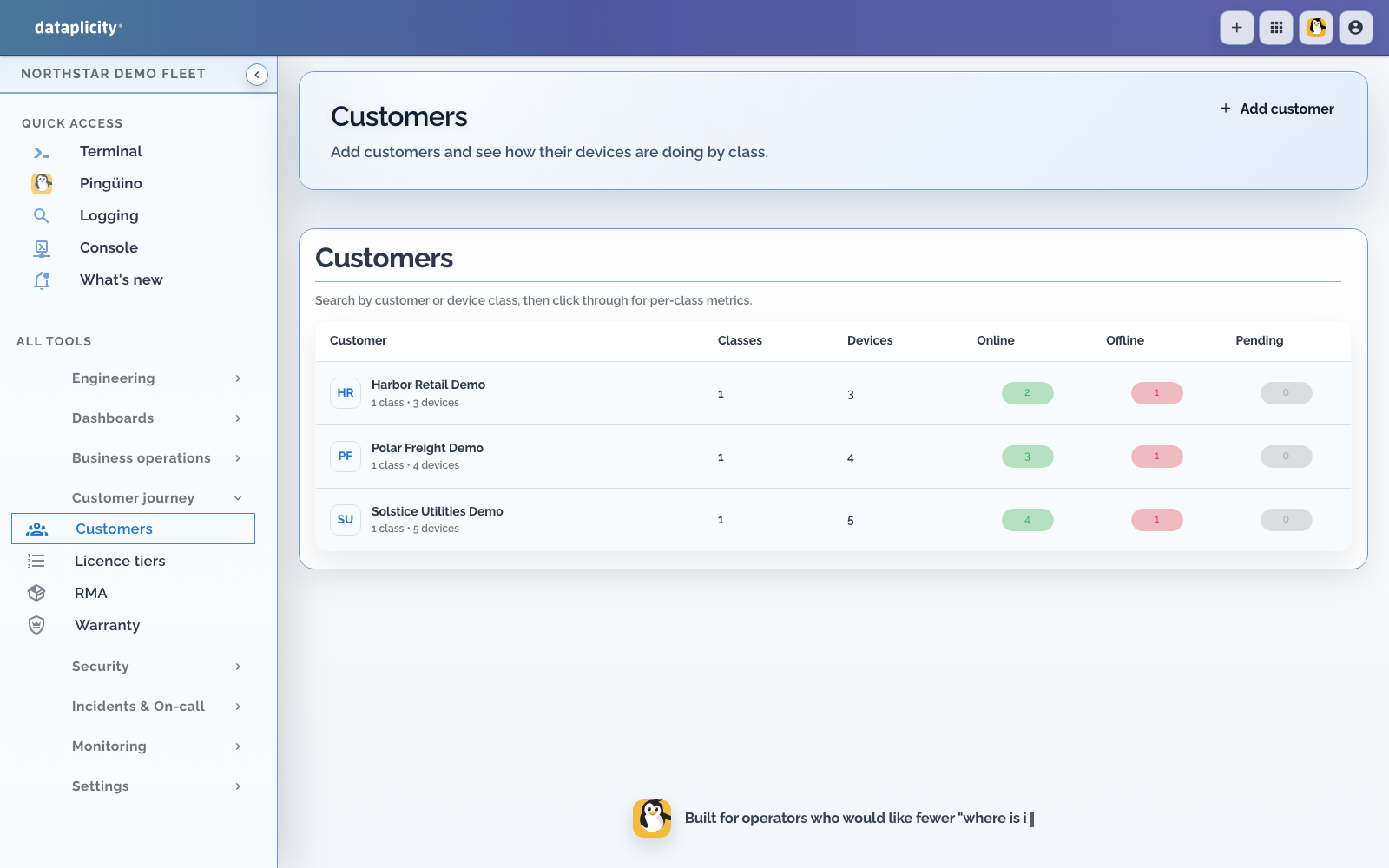
Device context is how support finds the right unit in seconds instead of minutes.
Use the ownership model available to your organisation #
Where customer and site modules are enabled, associate the device with those dedicated records. They can carry business and location relationships that a filter label cannot.
Use tags for operational cohorts such as environment, rollout, firmware, or a searchable external reference. A tag does not automatically grant access and should not be treated as the complete customer system of record.
Recommended operational tags #
| Tag | Example | Purpose |
|---|---|---|
asset | asset:GW-0042 | Internal asset ID |
firmware | firmware:2.1.0 | Software version |
environment | environment:production | Stage such as development, staging, or production |
cohort | cohort:beta | Temporary rollout group |
If the dedicated ownership modules are not enabled, documented customer and site tags can provide searchable operational context, but record their limitations and authoritative source.
When to apply tags #
- After enrolment - assign customer and site records where enabled, then apply custom operational tags.
- During operations - update tags when ownership, site, stage, or rollout cohort changes.
- During reassignment - remove context belonging to the previous customer or site before adding the new context.
Document who owns each namespace. Do not place secrets or unnecessary personal data in names or tags.
Device names #
Rename devices in the dashboard to something human-readable: bristol-gateway-042 is better than a factory-default hostname.
Related #
- Fleets and tags concept
- Customers and sites concept
- Customer portal - what those customers see once devices are assigned
- Tags guide
- Illustrative customers - Harbor, Polar, and Solstice as demonstration customer records
- Ship the first customer unit you can still support