

Appearance
Device timeline #
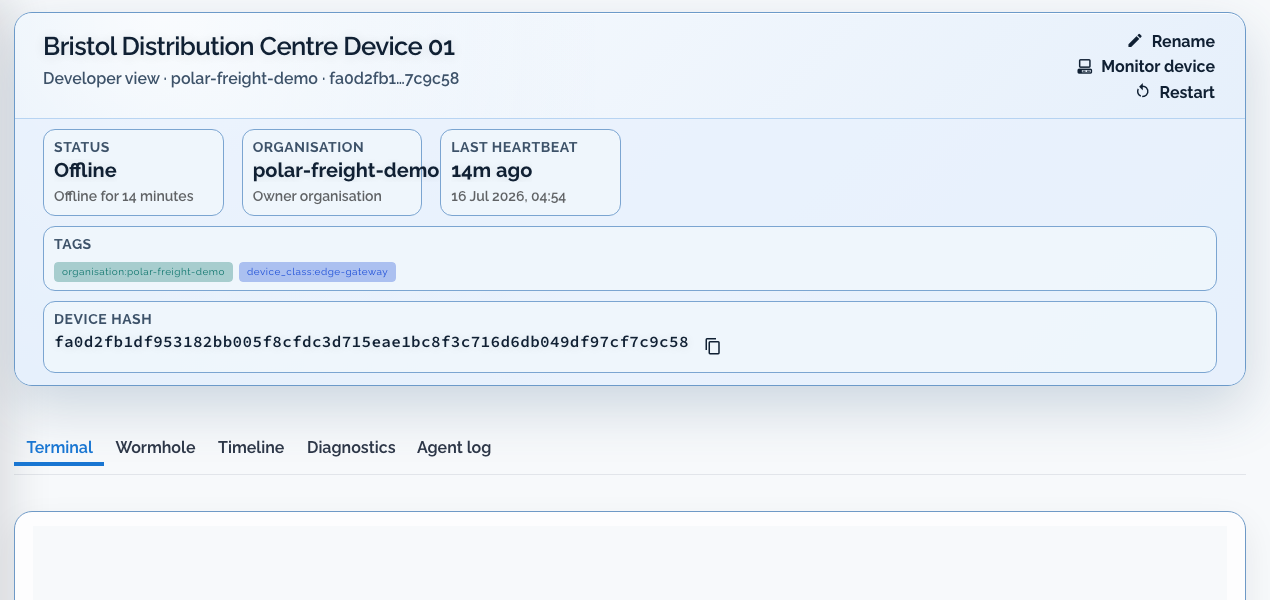
The device timeline shows recent lifecycle, connectivity, and operational events for a selected unit. Use it to reconstruct what changed around an alert before you open a shell or declare recovery.
When to use it #
- Establish what happened before an offline, monitor, or support signal
- Confirm whether a remediation, reboot, or access session already occurred
- Review retained device history after an incident closes
The timeline is not a universal audit of every external ticket, customer message, or device-side side effect. Correlate it with logs, incidents, fleet-job results, and support audit trails when those records matter.
Investigation workflow #
- Open the affected device from the alert, incident, inventory, or map.
- Confirm identity with the full device hash and business context (customer, site, class, tags).
- Choose Device tools beneath the selected device, then open Timeline and inspect events around the first-observed failure time.
- Compare with a healthy peer in the same class when the symptom looks shared.
- Record decisions and verification on the incident, not only in a private note.
Coverage and retention depend on plan and organisation settings. A gap does not prove that nothing happened.
API access #
Supported integrations can read and append timeline events through the Gateway developer API:
GET  /api/developer/devices/{device_hash}/timeline/
POST /api/developer/devices/{device_hash}/timeline/Requires developer:devices:read for reads. See Fleet overview - Device timeline and Hosted MCP (get_device_timeline) for agent sessions.