

Appearance
Camera product design notes #
Design a camera product where customers can open a site, see whether its cameras are available, inspect a live or recorded source, and use only the controls you approve.
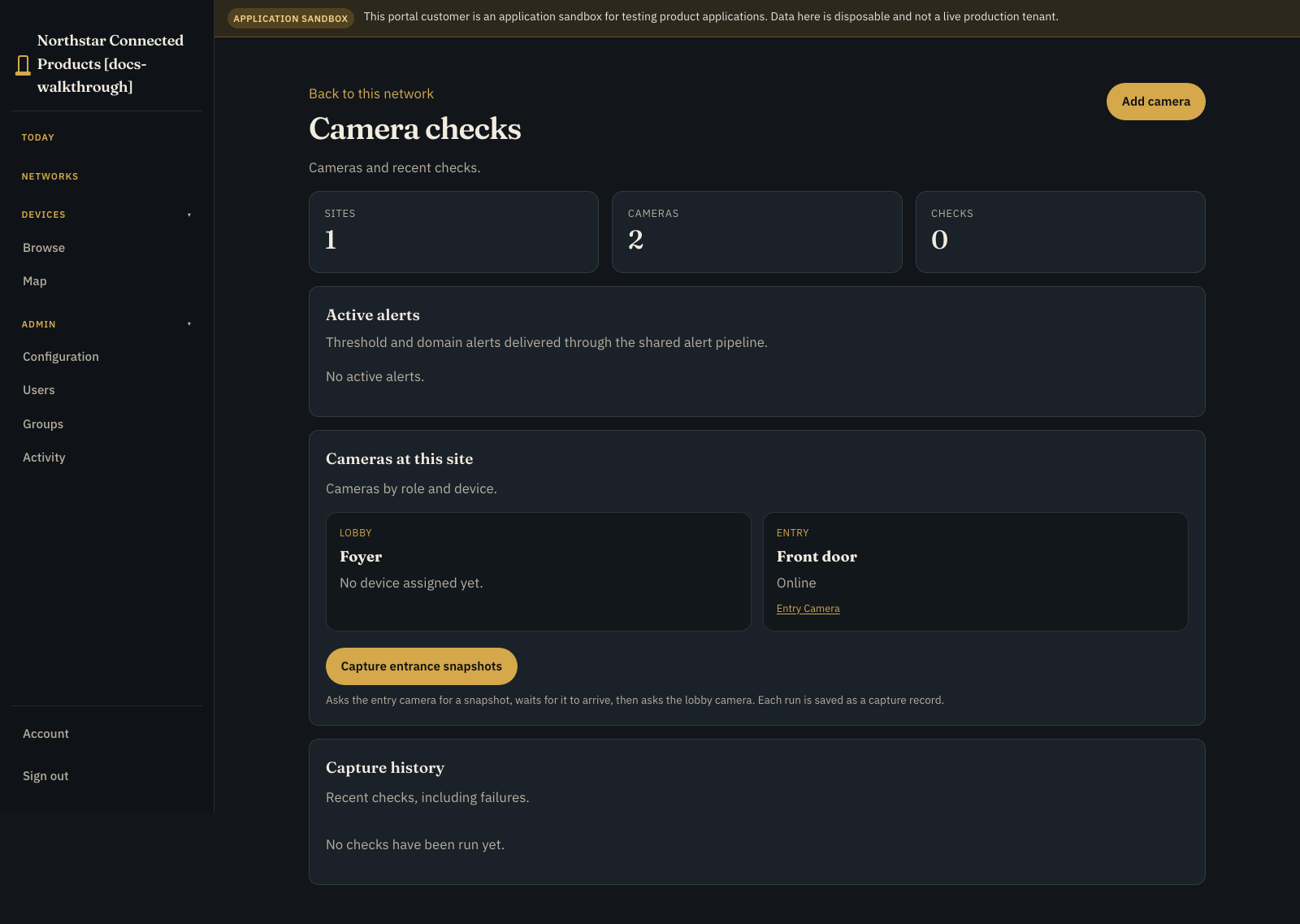
This page covers the operator experience, privacy boundary, and support model. For the start-to-finish implementation, follow Build a camera and CCTV product. Start with Path A (test-pattern CCTV loop), then optionally Path B (real camera) or Path C (two-camera entrance inspection Product Application).
You manufacture a Linux camera or NVR appliance. Your customer signs in to your branded portal, chooses a location, opens a camera, checks its connection and live source, and uses only the controls you have approved. Your support team retains software, diagnostics, logs, and remote access in the separate OEM workspace.
The design is illustrative. Confirm camera compatibility, lawful use, retention, privacy, security, and network capacity for the actual product and jurisdictions where it will operate.
Design for the person watching the site #
Begin with the operator's questions:
- Is this the right location and camera?
- Is the appliance and camera source online?
- Is the image current?
- Did a relevant event occur?
- Is there a customer-safe action I can take?
- When should I contact support?
Do not start with codec, container, or device-agent terminology. Those are implementation details owned by engineering.
Model the camera product #
Create one Device Class for each hardware and runtime combination that shares a safe release and support contract.
| Product concept | Device Class definition |
|---|---|
| Camera image | camera-0 video source |
| Event timeline | Events channel that annotates the relevant video source |
| Recording state | Boolean stream |
| Storage or signal state | Metric or level/gauge input where appropriate |
| One-off operation | Confirmed trigger action such as a bounded camera test |
| Persistent preference | Boolean, numeric, or enum setting supported by the device application |
| Customer context | Product name, serial, site, connectivity, firmware, warranty, and approved inventory facts |
Use multiple source IDs only when the appliance genuinely exposes multiple camera inputs. Give every source a physical label that a site operator can match to the installation.
Keep the capture runtime replaceable #
Dataplicity does not require the customer application to run in a Dataplicity-managed container. Keep an existing systemd service, Docker workload, NVR stack, or supervisor when it already owns capture reliably.
The device application publishes selected state to the local agent broker and makes the supported video source available to the platform. If Dataplicity should install and version that application, open the Device Class Software tab and release it through a staged, architecture-compatible workflow.
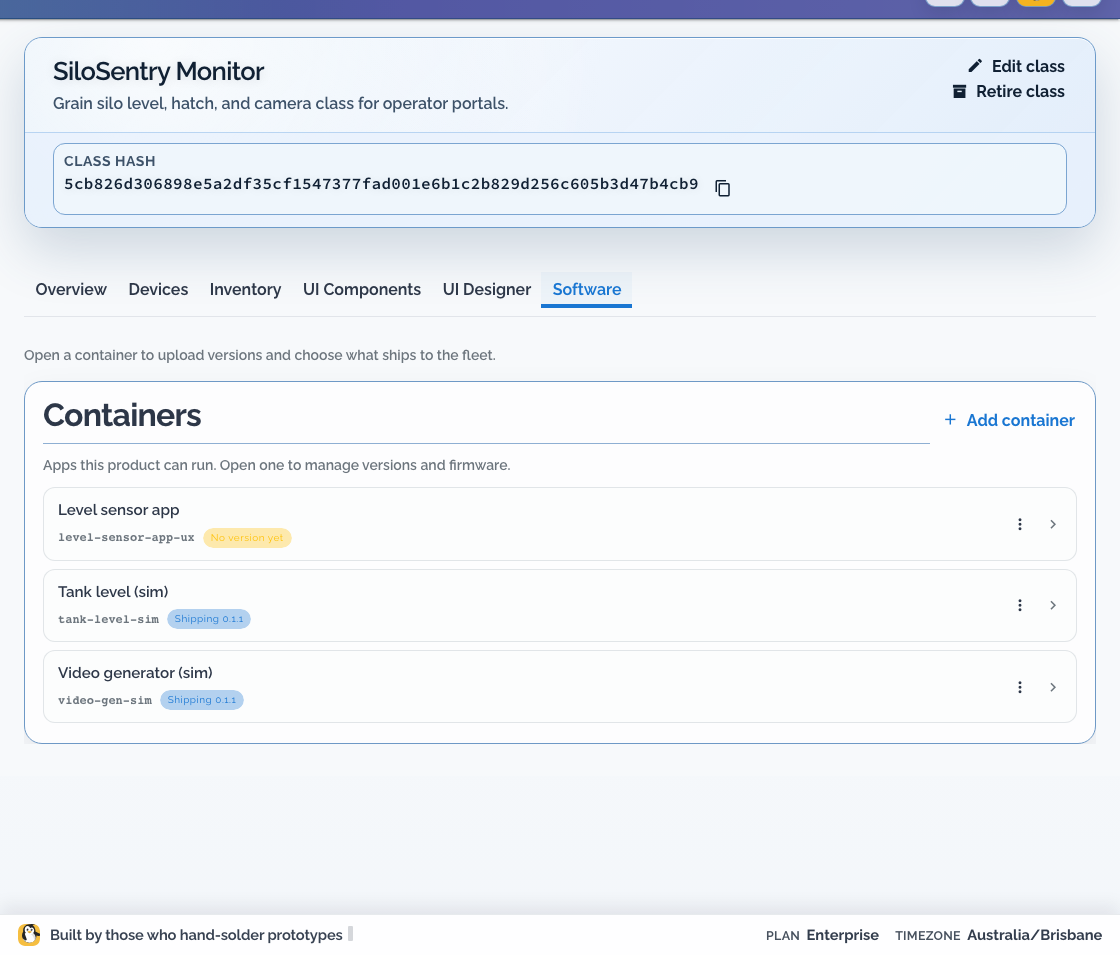
The video-gen-sim example is useful for proving the cloud, portal, and layout path before real capture is ready. It does not prove camera drivers, image quality, privacy controls, storage endurance, or field reliability.
Design the customer camera page #
Open UI Designer and arrange:
- customer-readable camera name, site, and serial
- appliance connectivity and last report
- the video tile
- recent event context where the deployed product supports it
- recording or capture state
- only the actions and settings a site operator is authorised to use
- support context
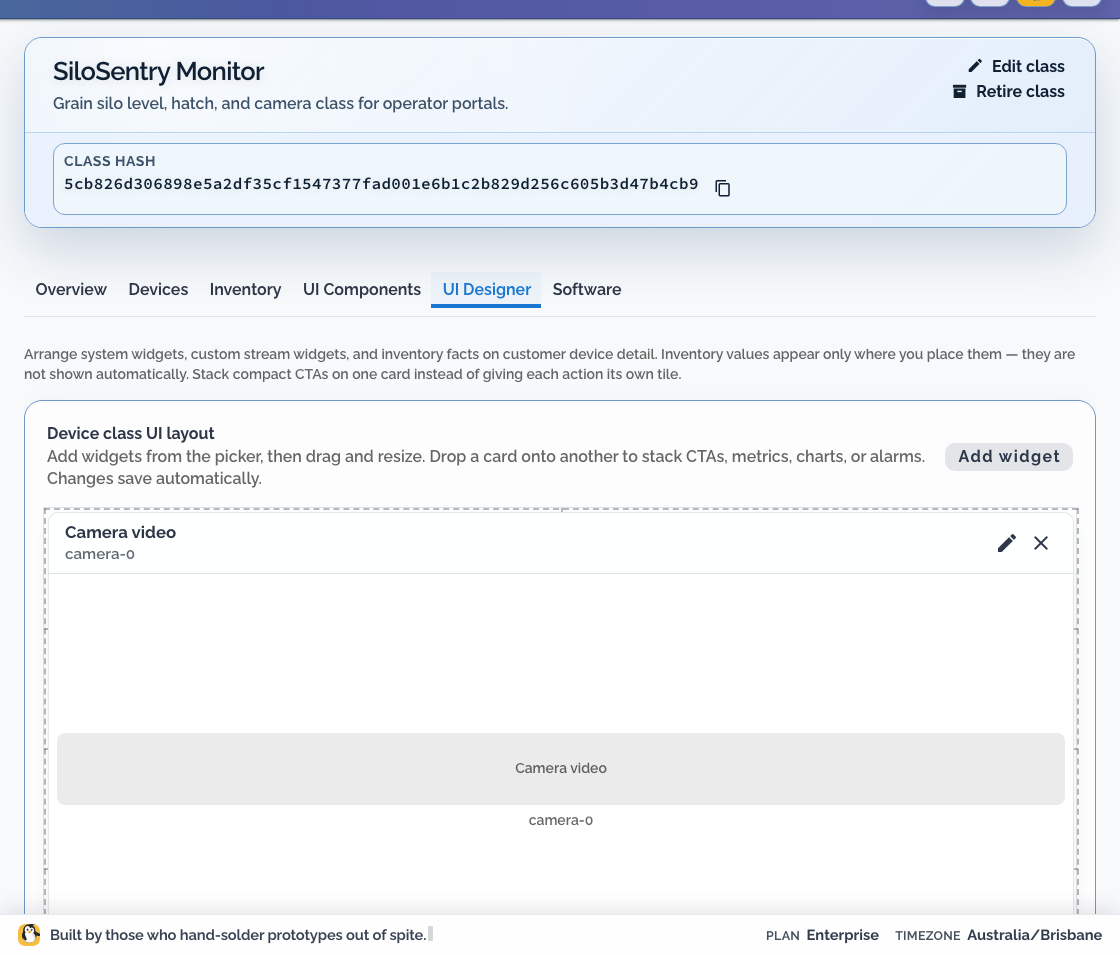
Test live, delayed, disconnected, missing-source, and no-event states. “No event” must not look like “camera offline.”
Apply privacy controls before publishing video #
The product page displays the source supplied by the device. Privacy masks and redaction belong in the capture pipeline before video leaves the device.
- Prefer a camera or NVR's supported hardware/privacy-mask capability when it is stable and testable.
- Otherwise apply a fixed mask in the device-side media pipeline before encoding and upload.
- Do not rely on a browser overlay; an unmasked stream could still be recorded, cached, exported, or viewed through another client.
- Revalidate masks after camera replacement, resolution, crop, orientation, field-of-view, or firmware changes.
- Treat mask definitions as security-sensitive configuration and audit who may change them.
Camera Module generations, USB UVC cameras, and NVR inputs have different drivers and media pipelines. The Dataplicity UI does not configure those masks. Document and test the exact pipeline shipped with each Device Class.
Hand the first camera to a customer #
- Create the customer organisation and its real-world locations.
- Create the current portal placement boundary for the target location.
- Invite named users with viewer and operator roles.
- Allocate or claim the staging appliance.
- Open Devices. Confirm the online unassigned camera is Ready, then assign it to the intended portal network so it becomes Enabled.
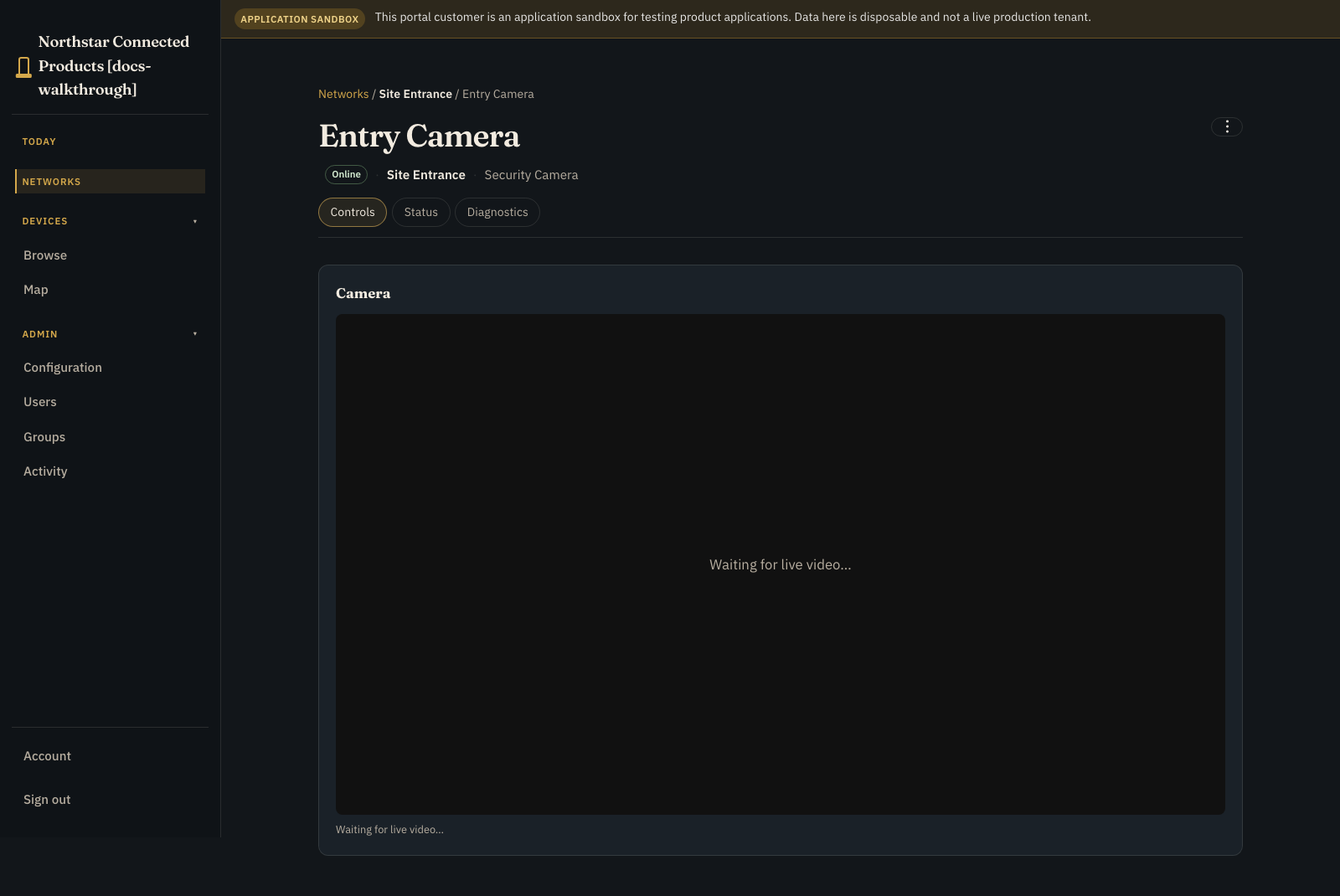
- Open the site from Networks, then open the camera.
- Verify source name, image freshness, events, state, and permitted controls on Controls. Use Status for identity and connection context and Diagnostics for connection tests; admin actions are in ⋮.
- Verify that other customers, sites, cameras, and engineering controls are absent.
- Test the support path with an offline source and an online appliance.
Production gate #
- [ ] The appliance reconnects after power and network loss.
- [ ] Every camera source maps to the correct physical label and customer site.
- [ ] Privacy masks are applied before encoded video leaves the device.
- [ ] Viewer roles cannot run actions or change settings.
- [ ] Operator actions are bounded, confirmed, and represented in device state.
- [ ] Missing, stale, delayed, disconnected, and no-event states are distinct.
- [ ] Storage, retention, bandwidth, and data-protection responsibilities are documented.
- [ ] The OEM support team can diagnose the appliance without exposing Remote Shell or fleet-wide logs to the customer.