

Appearance
Build a paid Wi-Fi application #
Imagine a customer choosing 30 minutes of Wi-Fi, seeing their session become active, and knowing it will switch itself off at the right time. In this workshop you will build the workflow behind that experience.
You will connect a Linux gateway, spend a voucher, create customer-visible connection history, and run a process that grants access. You will also make an expired or empty voucher stop before access is granted.
What this tutorial actually does
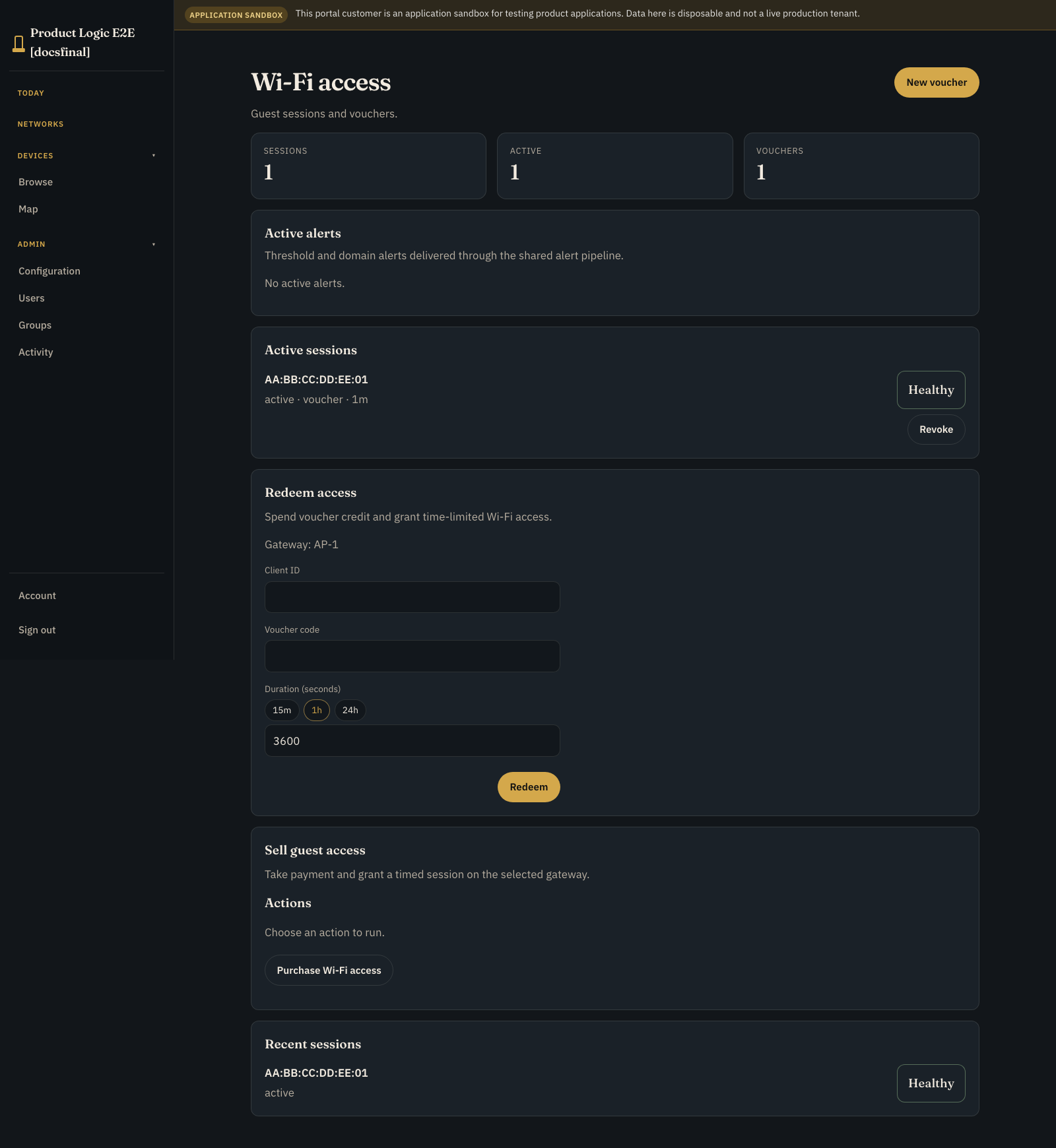
Prelude runs the session records, process, internal resource reservation, and real command path to a device-side handler. The proof handler simulates the gateway response; it does not change a firewall or RADIUS rule. The current proof also has no configured Stripe Connect sandbox, so it does not collect money or show a fake payment success. Voucher redemption and connection history are real Product Application records; you still supply and qualify the checkout, payment account, client identity, and network enforcement for production.
Where operators use it #
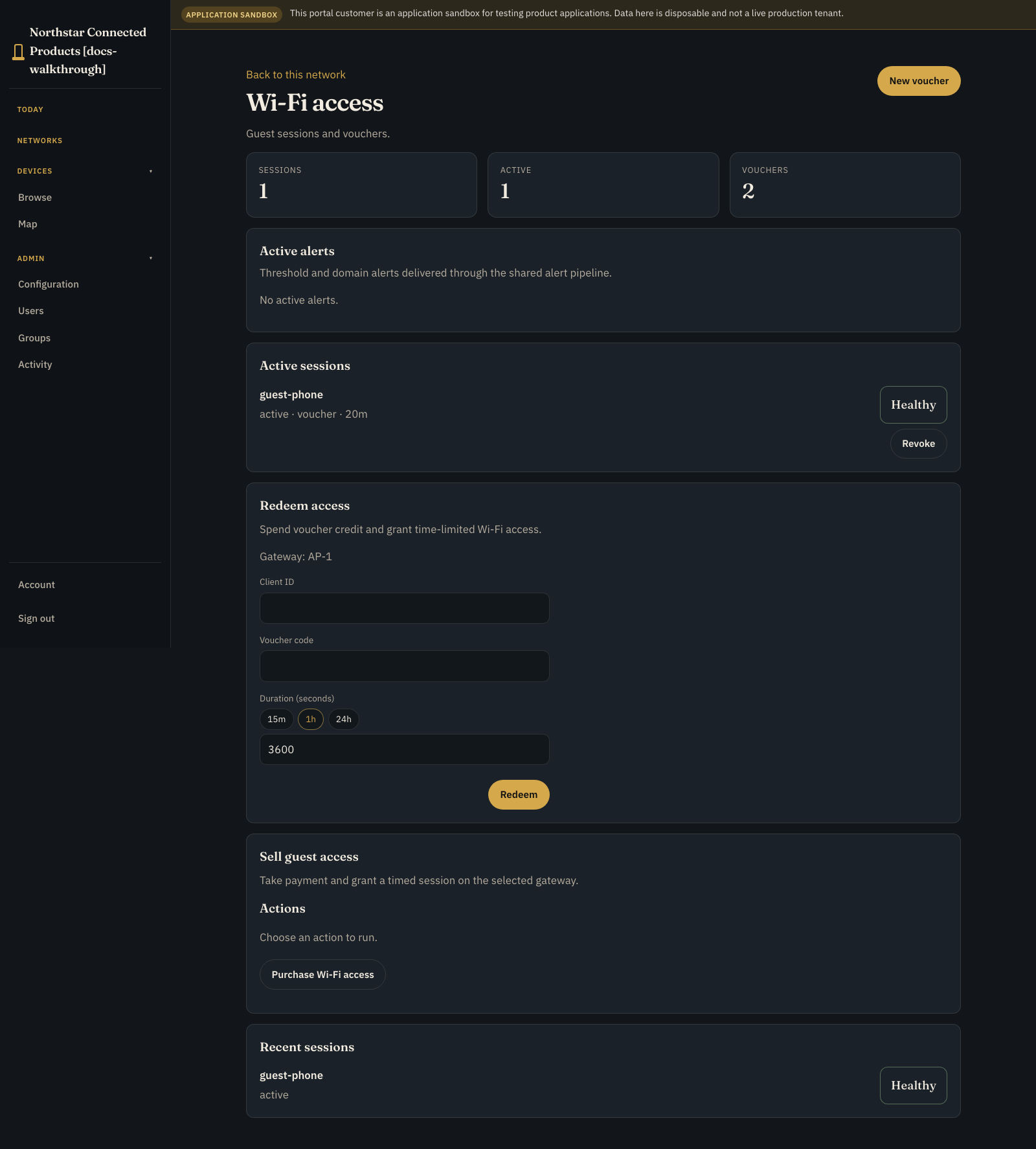
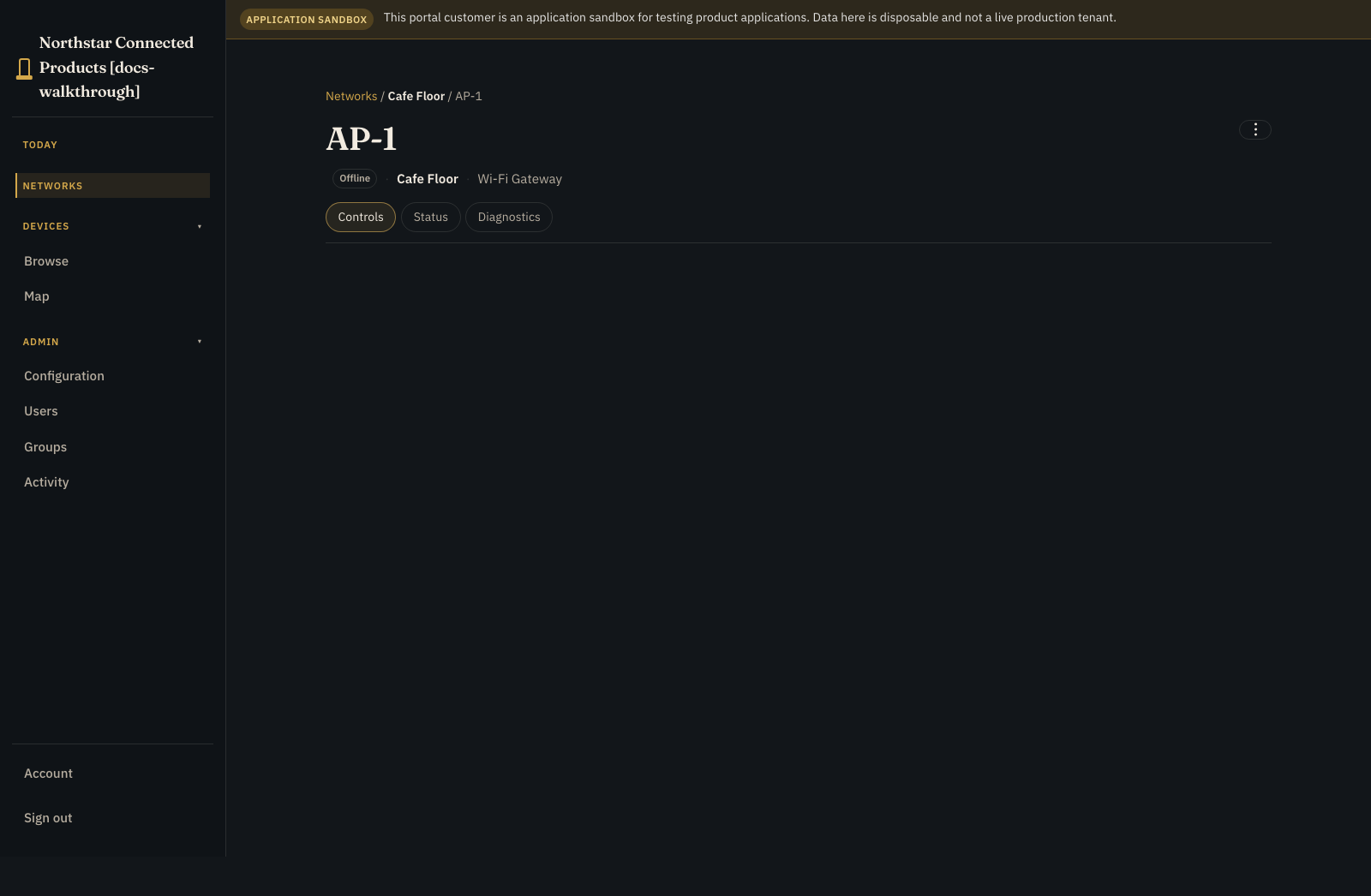
Open the venue from Networks for vouchers, access sessions, and customer work across the site. Open an enabled access point and use Controls for that access point. The venue network is the entry point for access work across the site.
See the whole journey #
The solid Prelude workflow can be tested without pretending the dotted-edge business integrations are complete. In production, your payment adapter should authorise before access is granted, capture at your agreed success point, and release or cancel after activation failure.
By the end you will have:
- a Wi-Fi Gateway Device Class bound as
gateway - customer-visible
access_sessionrecords - vouchers with credit, expiry, and redemption state
grant_accessandrevoke_accesscommands- a durable
purchase_accessprocess - a voucher redemption path plus success and compensation paths on one test customer instance
What you need #
- Product Applications on Standard+
- a Customer Portal and a downstream test customer
- a Linux gateway or safe simulator in a Wi-Fi Gateway Device Class
- a device-side handler that can grant and revoke one test client
- a bounded internal test resource account
Use a synthetic client ID. Keep production payment credentials and real customer identifiers out of screenshots and examples.
1. Describe what the gateway can do #
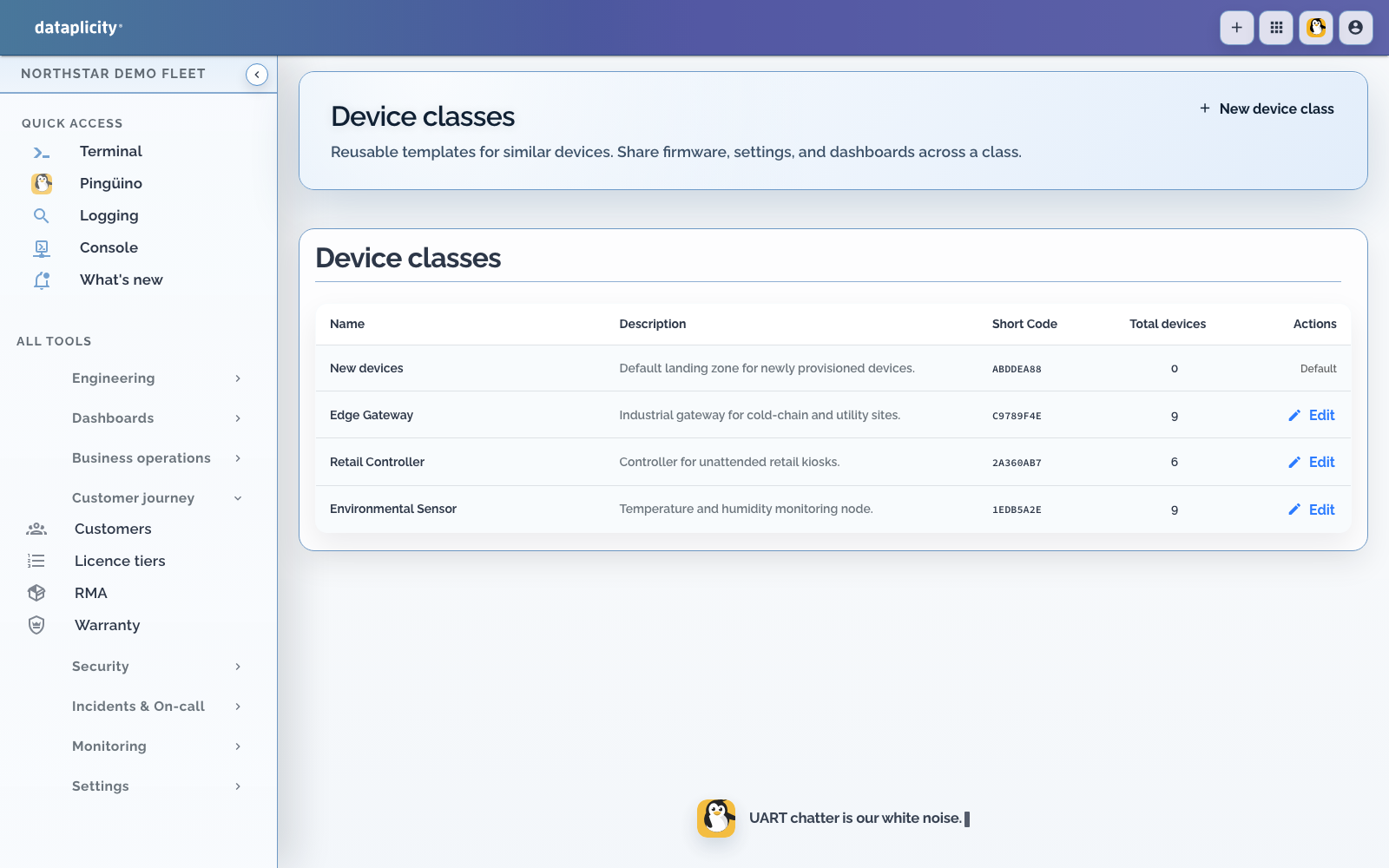
Open Engineering > Device classes and create or select Wi-Fi Gateway.
A Device Class is the reusable hardware contract. For this project it needs two bounded actions:
| Action | What your gateway handler must do |
|---|---|
| Grant access | Validate the client and expiry, apply the rule once, and report success or failure |
| Revoke access | Remove only the intended entitlement and report success or failure |
Use structured input such as client_id and expires_at. Give every entitlement a stable identity so a repeated command cannot create a duplicate rule, and a late grant cannot restore access after revocation.
2. Create the application #
- Open Developer > Applications.
- Create an empty Paid Wi-Fi application.
- Choose the shipped Paid Wi-Fi starter and Use example.
- In the kit dialog, map the required gateway role to Wi-Fi Gateway, then apply the kit.
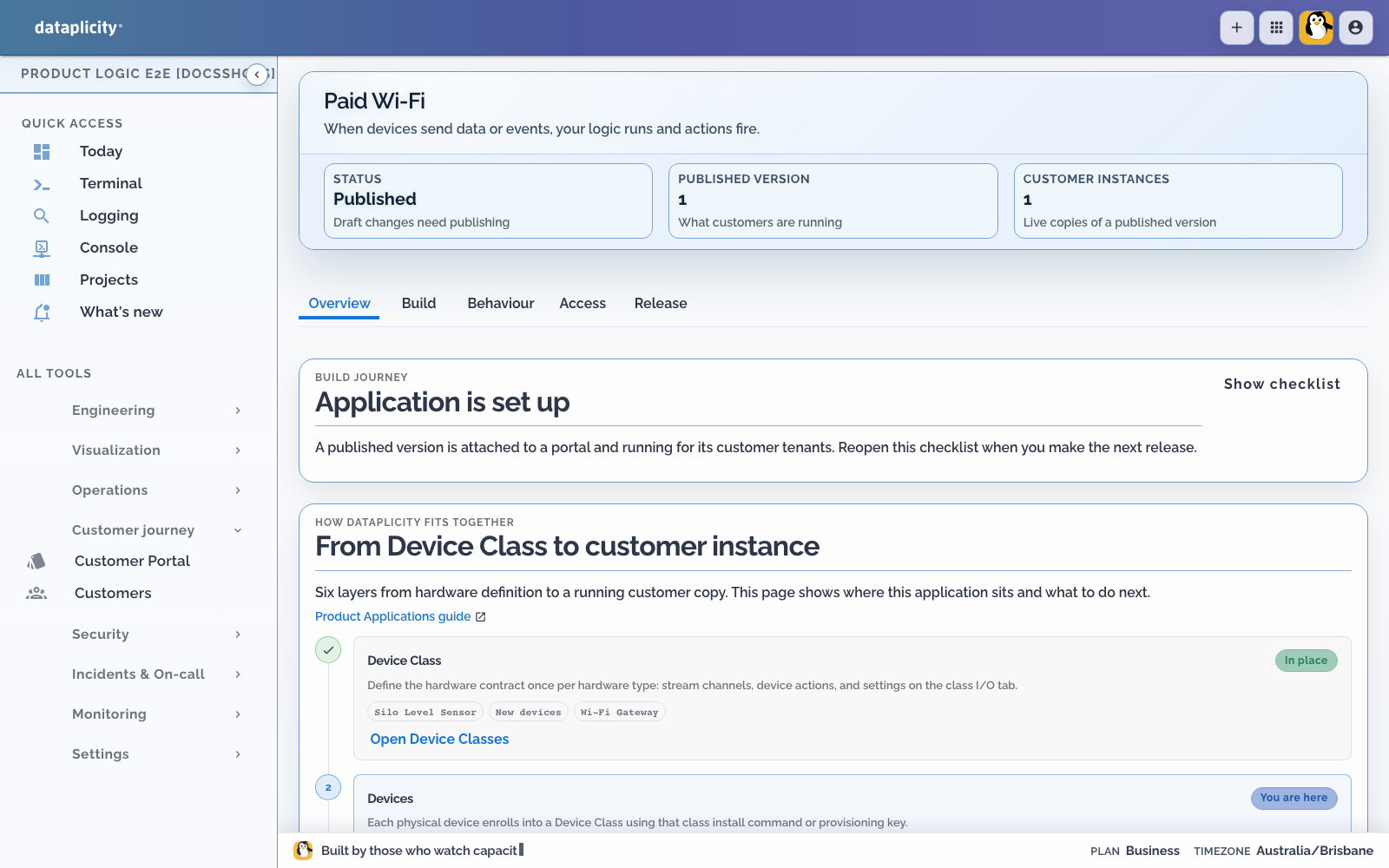
- Use the routed application workspace Overview to review the imported definition.
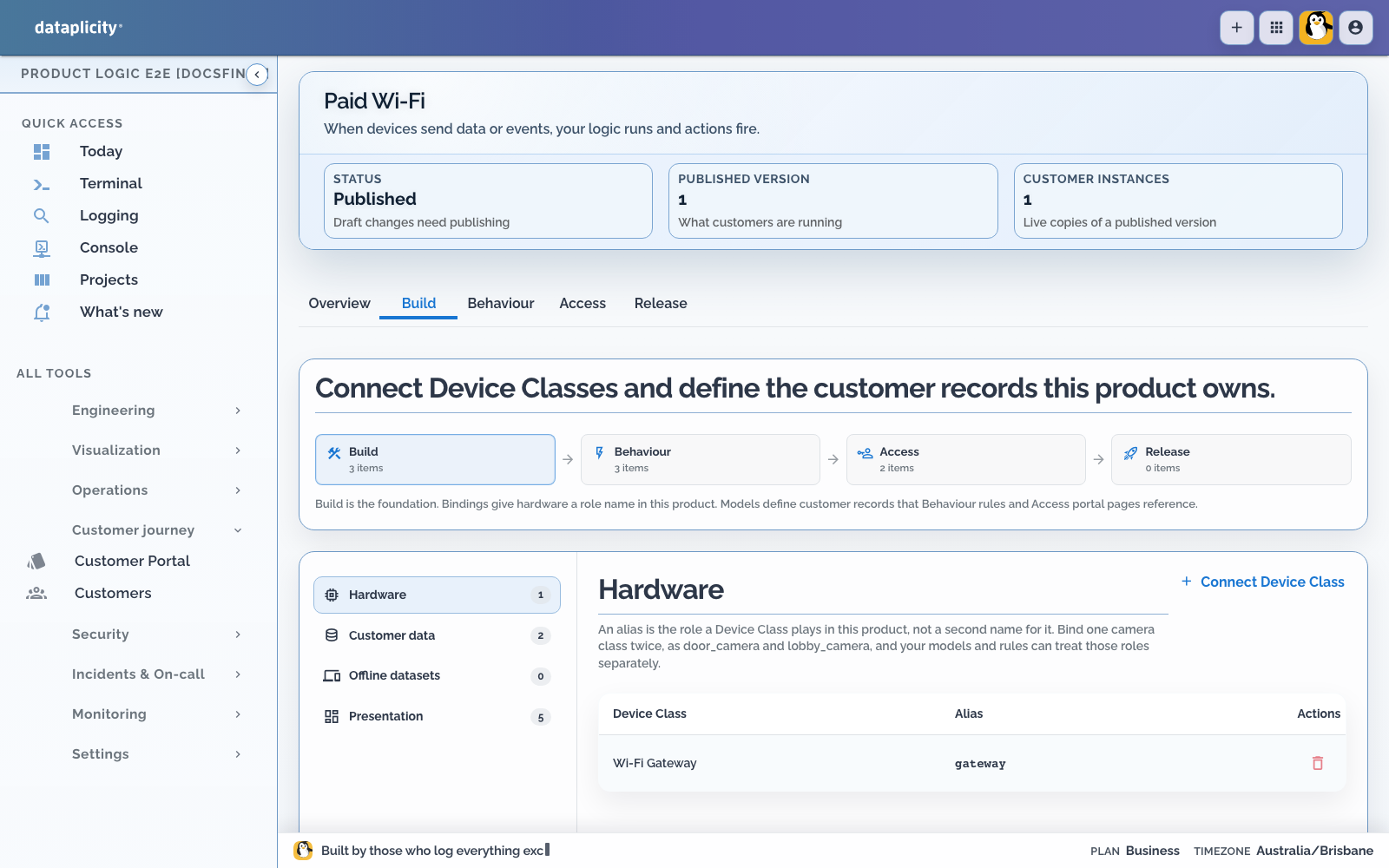
- Open Build > Hardware and confirm that your staging gateway is eligible for the
gatewayrole.
Use gateway in later commands. Do not bake one device ID or Device Class hash into the application definition.
3. Give customers an access-session record #
In Build > Customer data, add an operational model:
| Setting | Value |
|---|---|
| Model key | access_session |
| Label | Access Session |
| Customer create | Only through the intended purchase surface |
| Customer update | Only through constrained state changes |
| Customer delete | Disabled |
Start with the fields that make useful connection history:
| Field | Type | Purpose |
|---|---|---|
client_id | String | Stable client identifier understood by the gateway |
state | String | Pending, active, expired, or failed |
expires_at | Date and time | When this grant must stop being valid |
voucher_code | String | Voucher used for this session, when applicable |
access_source | String | Distinguishes voucher access from payment-backed access |
A real product will probably add plan, duration, displayed price, currency, start and expiry times, gateway reference, entitlement ID, and external payment reference. Keep the client ID separate from financial and idempotency identities.
4. Add and spend a voucher #
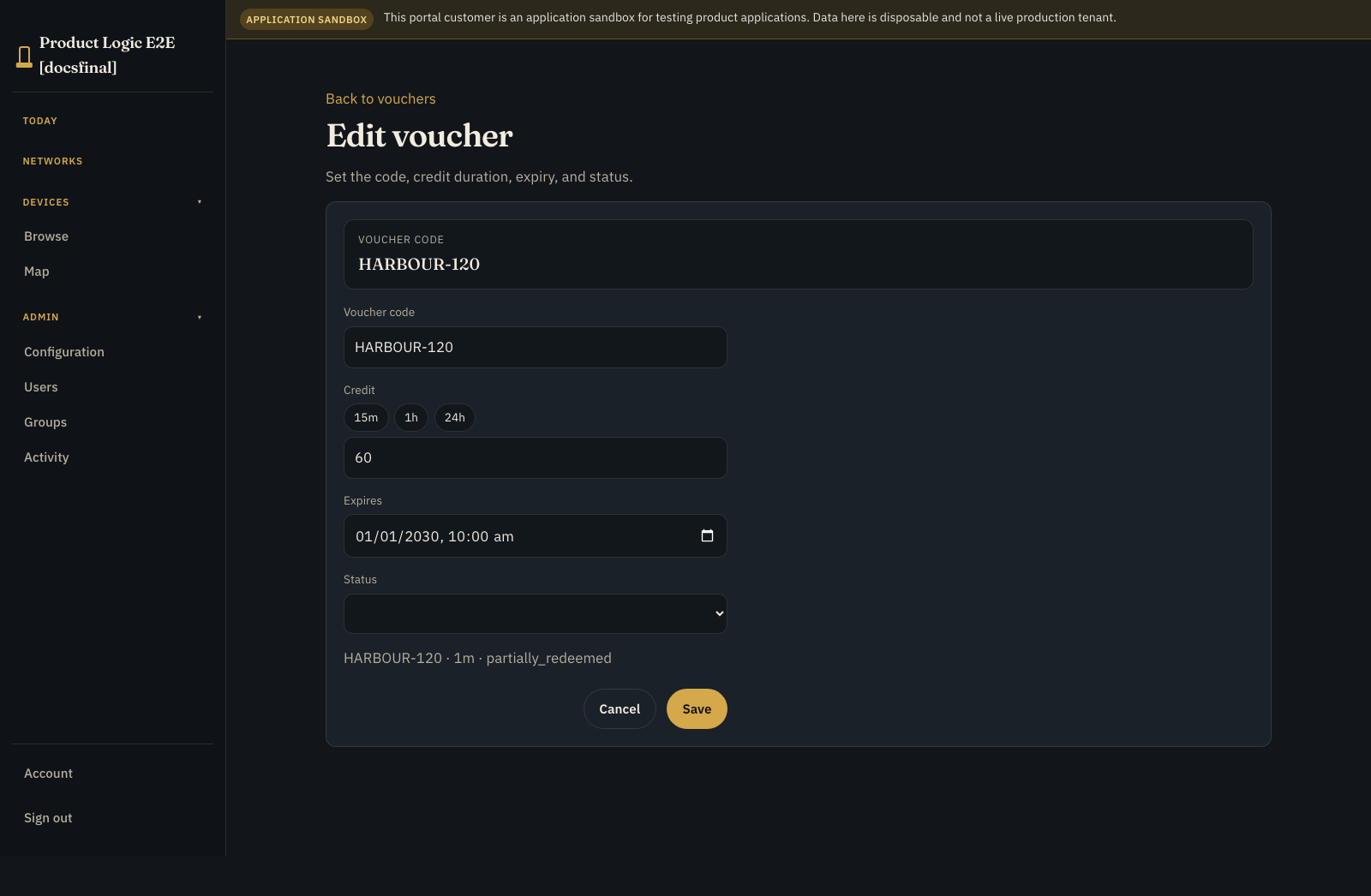
Add a voucher model with a unique code, remaining credit in seconds, an expiry, and a status such as unused, partially_redeemed, or redeemed. Then expose a deliberate Redeem voucher access operation.
The reference process locks the voucher while it checks and updates it. It rejects an unknown, expired, or empty voucher; otherwise it subtracts the requested session time, marks the resulting state, records the client, asks the gateway to grant access, and creates an access_session row. If the gateway grant fails, the compensation step restores the voucher instead of quietly spending it.
In the local proof, HARBOUR-120 starts with 120 seconds. A 60-second grant leaves 60 seconds and changes the voucher to partially_redeemed.
This proof validates expiry when redemption starts. Your gateway must also enforce the session expiry locally so access ends even if the cloud is unreachable.
5. Add the gateway commands #
In Behaviour > Commands, create:
| Command | Binding | Timeout | Input |
|---|---|---|---|
grant_access | gateway | 30 seconds | client and expiry |
revoke_access | gateway | 30 seconds | client |
Command acceptance only means the handler received the request. Wait for a terminal success, failure, rejection, or expiry result before changing the session state.
6. Build the timed process #
Open Behaviour > Processes and create Purchase Access with key purchase_access. Author it on the process canvas, where selecting a diagnostic focuses the affected node. Save the process draft before testing. See Build a process.
A process is a durable workflow that can pause and resume. This one reserves value in Prelude's internal resource ledger, asks the gateway to grant access, waits for the session, then revokes access.
Keep this workflow in the cloud unless qualified edge execution is required. Review the cloud, edge, and mixed placement constraints in Choose process placement before changing the execution target.
The reference uses account key payments, unit AUD, a bounded test limit, and remembers both reservation_id and session_id. Success is succeeded or acknowledged; failure is failed, rejected, or expired.
Do not treat the internal commit step as proof that a provider captured money. That requires a qualified payment adapter at the checkout boundary.
7. Design the Application Workspace #
In Access > Presentation:
- add an Overview page for session state and customer-safe attention
- add Records pages for vouchers and connection history
- add a Work page for active or pending access requests
- add Exceptions for activation failures and ambiguous outcomes
- use Map only when venue or gateway location helps the operator act
- expose an operation that starts
purchase_access - allow only roles that may buy or allocate access
- keep raw gateway commands away from ordinary viewers
Show customer language such as Activating, Active until 14:30, Expired, or Activation failed. Internal process step names belong in support activity, not in the main customer experience.
Preview the Application Workspace as each intended role and verify page order, empty states, visible operations, process labels, and attention states. See Design the Application Workspace.
8. Test a release candidate #
- In Release, create a sandbox Cafe Wi-Fi customer instance.
- Run the short happy path once from the Release sandbox.
- Open Scenarios, capture a fixture, and add required normal, activation-failure, and expired-voucher scenarios.
- Prepare release checks, run each required scenario against the same release candidate, and confirm its assertions pass.
- Open the process Runs tab or Executions and inspect step attempts, execution path, wait state, correlation chain, and any available safe intervention.
See Test application scenarios and Investigate process executions.
9. Publish and try it #
- Return to Release and run preflight.
- Fix blocking errors, read the warnings, and explicitly acknowledge every warning that requires acknowledgement.
- Publish the exact tested release candidate as version 1.
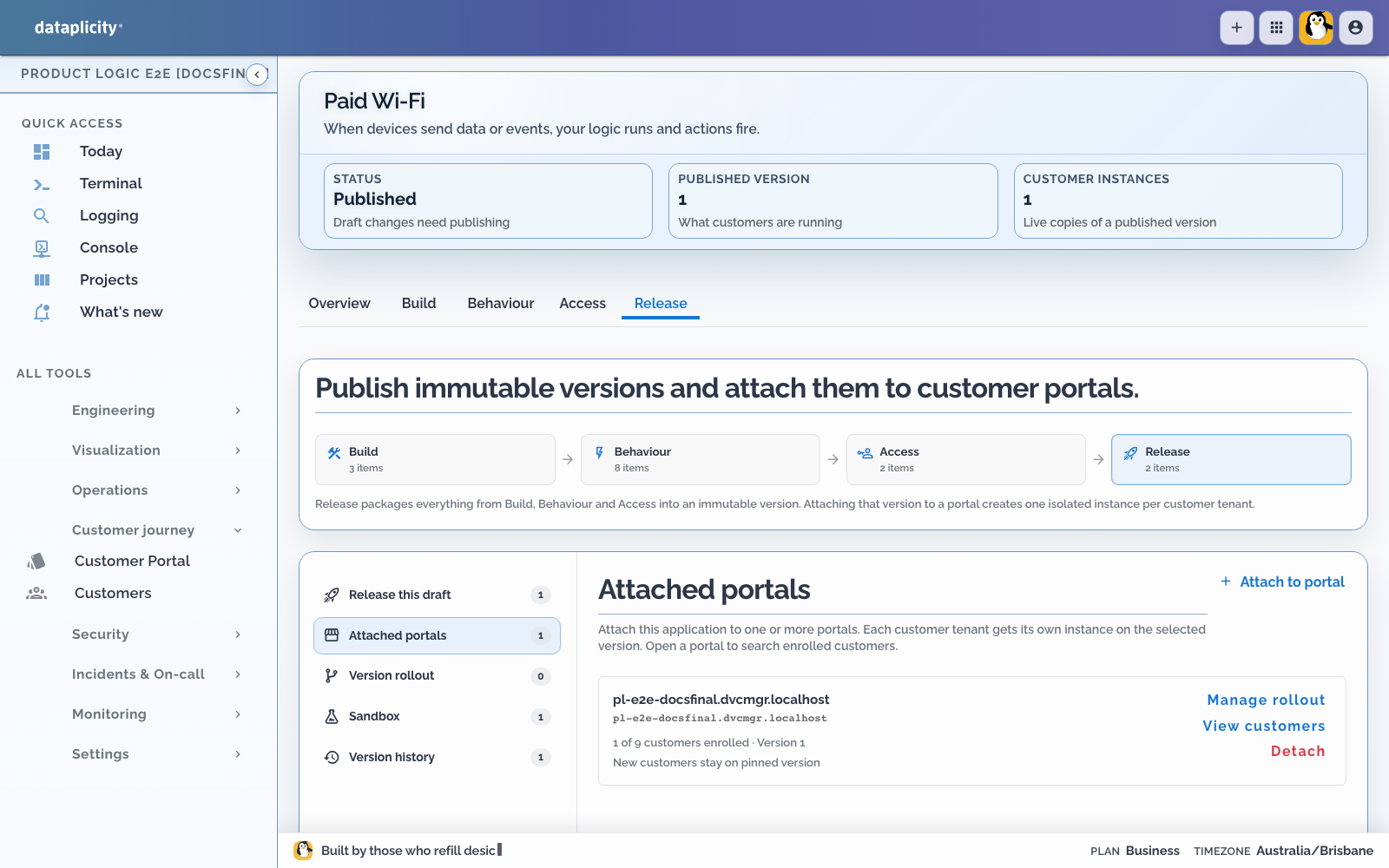
- Use Attached portals to attach version 1 to your staging Customer Portal.
- Provision a Cafe Wi-Fi customer instance.
- Create the bounded
paymentstest resource account. - From the customer Application Workspace, start
purchase_accesswith a test amount, synthetic client ID, staging gateway, short duration, and expiry. - Let the device-side handler report
grant_accessas succeeded. - Advance the due timer.
- Confirm
revoke_accessis delivered and report it as succeeded. - Check that the process completes and commits the reservation once.
See Release a Product Application for preflight, acknowledgement, attachment, and version rollout checks.
In the customer portal, open the venue under Networks for vouchers and sessions. Open an enabled gateway under Devices for its vendor UI on Controls; Ready, unassigned gateways are not app-active.
On a qualified gateway, verify the rule exists during the session and is gone afterwards. A completed cloud process cannot prove that physical network policy changed.
For the voucher route, create a short-lived voucher, redeem part of it, and check both the remaining credit and the new Access Session. Then try an expired voucher and an empty voucher. The operation should return a visible failure and the gateway should receive no grant.
10. Make failure boring #
Start a second request with a fresh correlation identity, then make grant_access fail.
You should see:
- process result
activation_failed - reservation state
released - committed value still zero
- no client network access
- no second reservation when the same idempotency identity is retried
- no session or process activity visible to another customer
Also test a lost acknowledgement. An ambiguous result should enter review; it should never silently charge or grant twice.
Open that failed run in Executions. Confirm the highlighted path stops at the expected step, the failure category and code are useful, the correlated command attempt is visible, and only an explicitly offered safe intervention can be applied.
Why the screenshots show vouchers, not a card charge #
The local proof creates a real voucher-backed Access Session without requiring Stripe. Stripe Connect test credentials were not configured:
Configure the vendor's test-mode Stripe keys and country in Integrations → Stripe, then onboard the customer's connected account to that vendor platform. Deployment-wide Stripe environment keys do not establish vendor ownership.
That is why this page does not show a successful card payment. The capture script refuses to turn voucher consumption into payment “proof.” Configure an explicit Stripe test platform and connected account before documenting that separate route.
Before you put it in front of customers #
- Make grant and revoke idempotent on the gateway.
- Prevent late grants from restoring expired access.
- Use a trusted clock and explicit expiry.
- Release reservations after activation failure.
- Deduplicate payment callbacks and process starts.
- Send ambiguous command outcomes to review.
- Test viewer, operator, and administrator permissions.
- Confirm a second customer cannot see sessions, devices, or activity.
- Keep payment secrets and customer identifiers out of logs and screenshots.