

Appearance
Build a silo outload application #
A driver presents a credential. The site authorises a maximum quantity in tonnes against a silo, the bay / chute runs a short irreversible outload, and the final load ticket settles only what the meter reported. If connectivity disappears halfway through, the event waits and reconciles when the site comes back online.
That is the project you will assemble in this workshop. It pairs naturally with silo level monitoring (SiloSentry-style): watch the level, and authorise what leaves the silo.
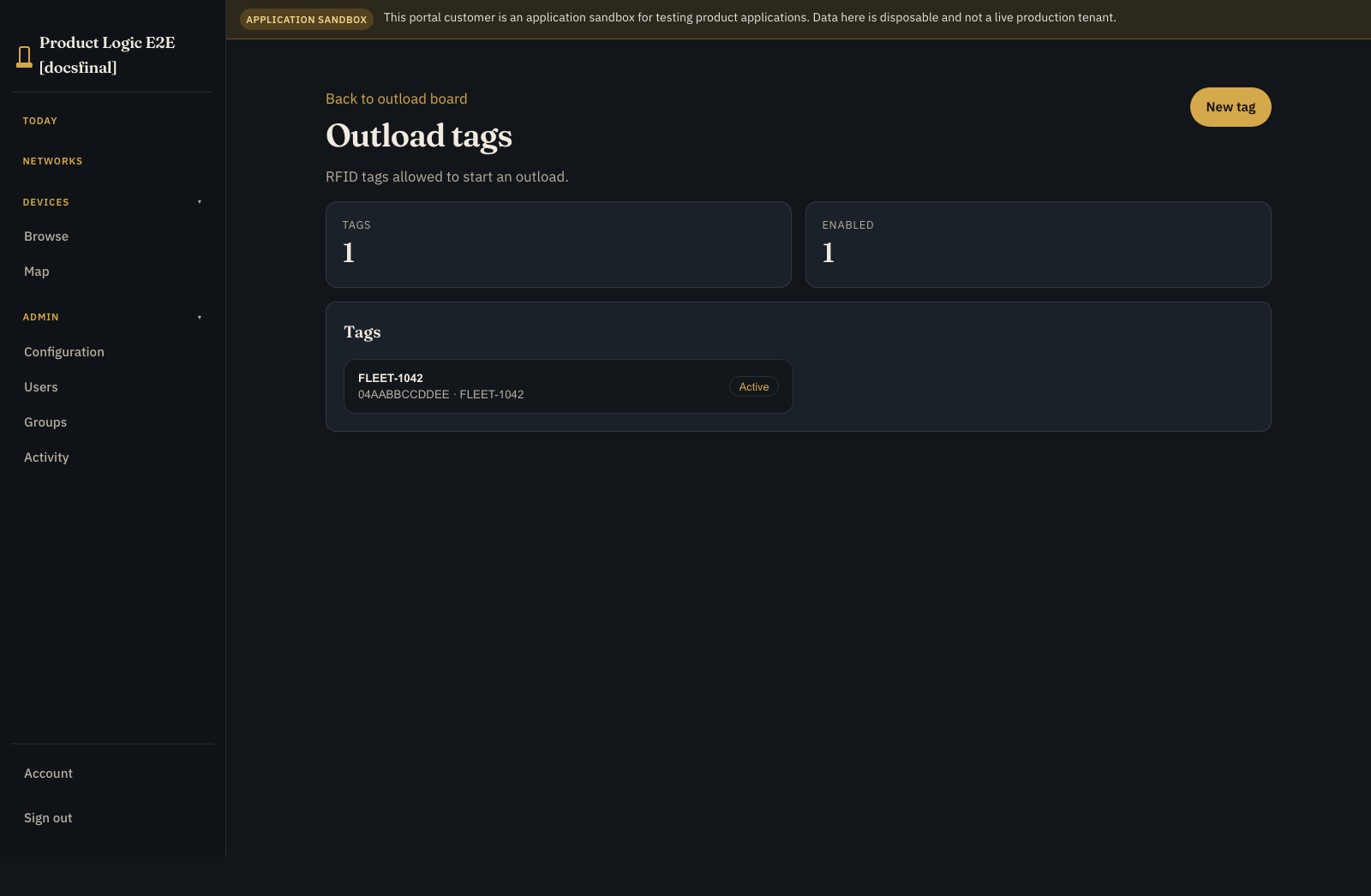
Where operators use it #
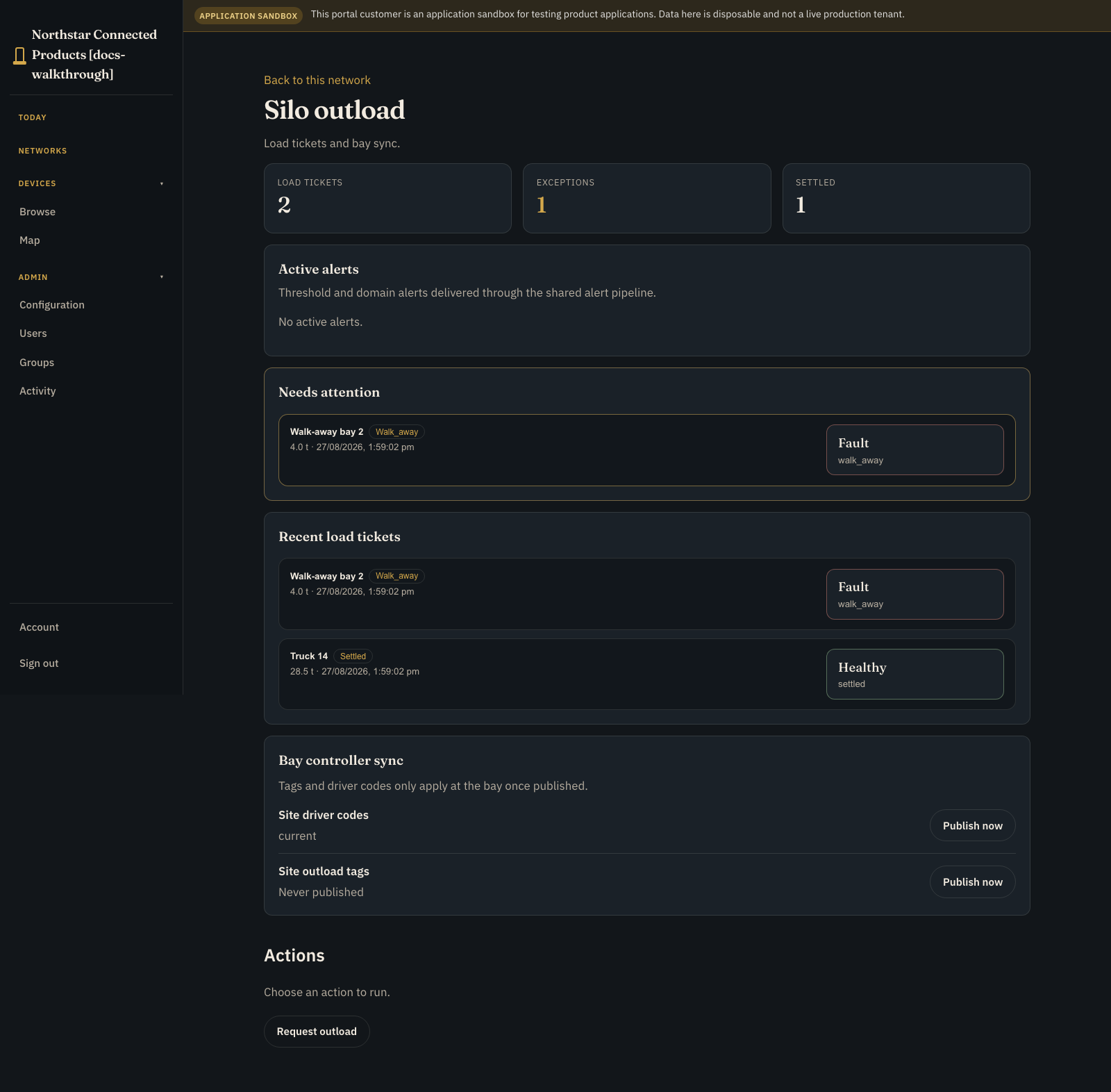
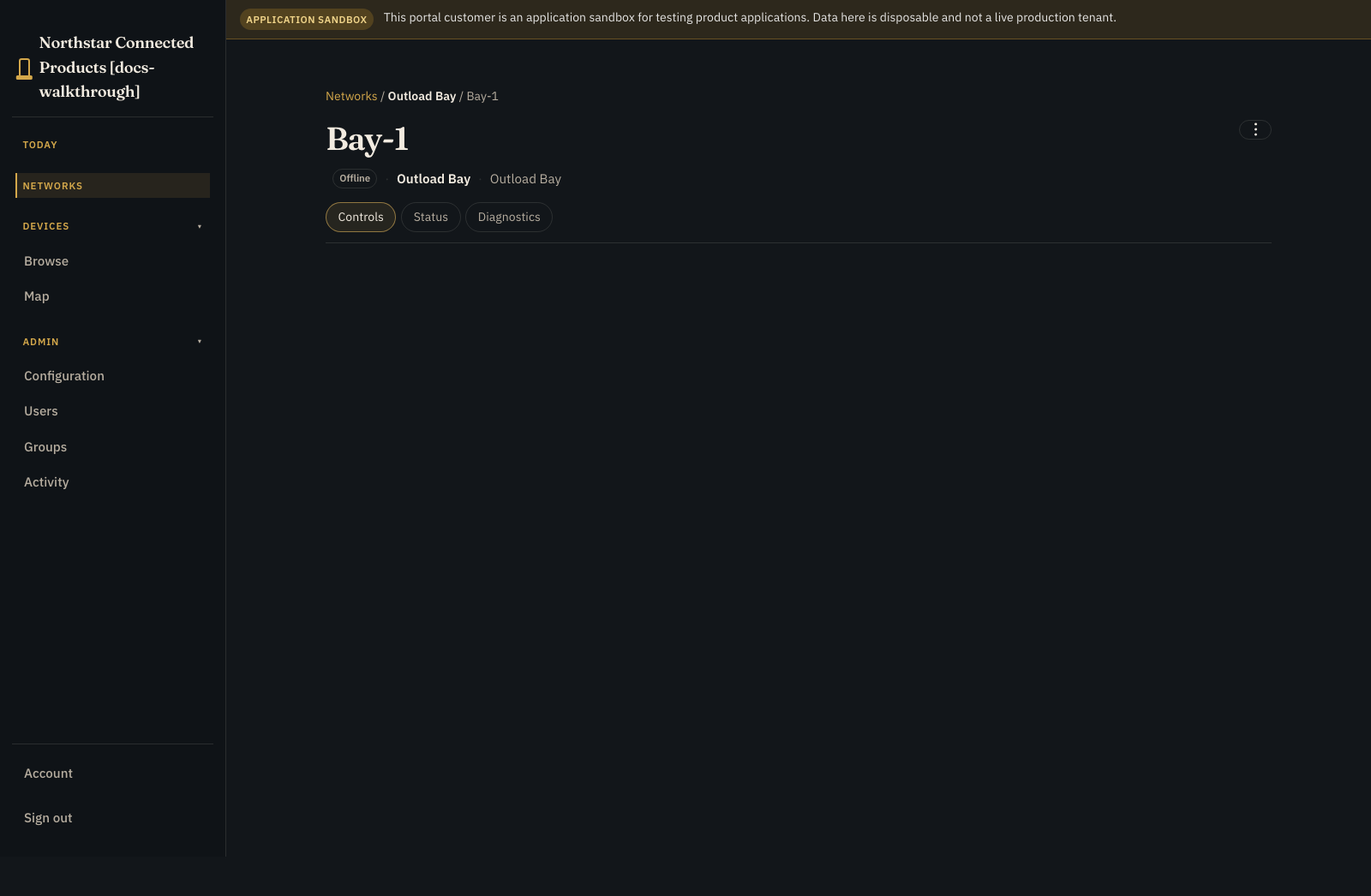
Open the yard from Networks, then open the outload workplace. The kit publishes a board composition page (outload-board) that lanes load tickets with shared transaction and asset-status facets, plus an optional ledger tab for settled history. Open the enabled bay or site gateway and use Controls for its vendor Device Class UI. The yard network holds placement and site-wide work; the board is the ticket workflow.
What this tutorial actually does
Use a simulator or a non-loading test bay. Prelude runs the real records, process, internal quantity reservation, command and event transport, offline dataset, and reconciliation path. The proof harness simulates the outload bay and site gateway. You must supply and qualify the chute / auger controller, meter, safety interlocks, credential policy, and any ERP or weighbridge integration. Nothing in this walkthrough certifies physical grain movement. The physical chute is still simulated in the proof harness.
See how the pieces connect #
By the end you will have:
- Outload Bay and Site Gateway Device Classes
bayandgatewaybindings- a customer-managed
silorecord plus outload tags and secret driver PIN records - separate
site_outload_tagsandsite_driver_codesoffline datasets load_tickethistory for settled and failed requests (quantity in tonnes)- an
authorise_outloadcommand - a durable
request_outloadprocess - walk-away, partial-settlement, and reconnect paths
What you need #
- Product Applications on Standard+
- a test customer and Customer Portal
- an Outload Bay Device Class and a representative non-loading test bay
- a Site Gateway Device Class and representative gateway
- a safe device-side handler for authorisation and event reporting
- an internal test allotment account (tonnes), not a real weighbridge settlement
Never test workflow changes against an enabled production chute.
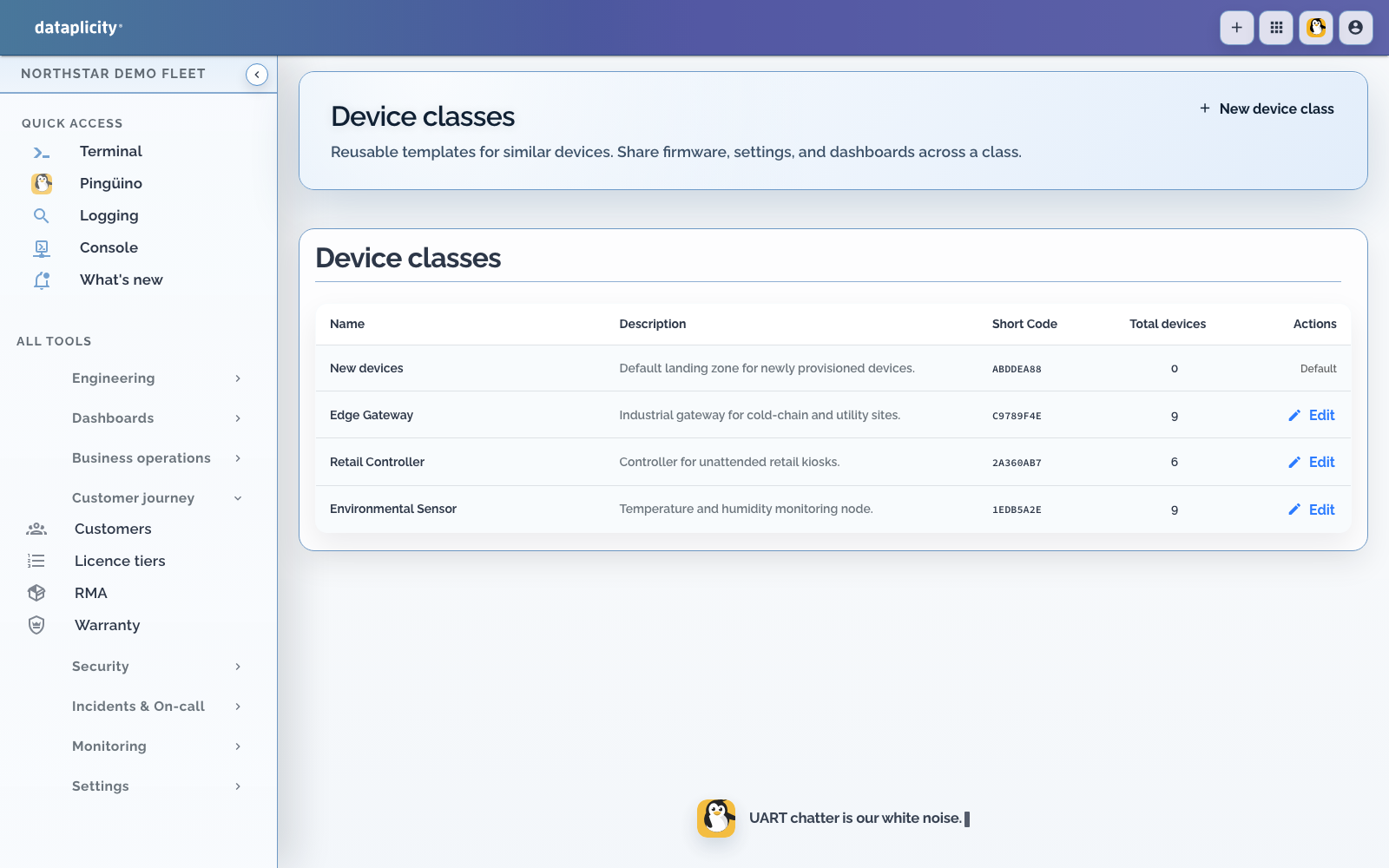
1. Give the bay and gateway separate jobs #
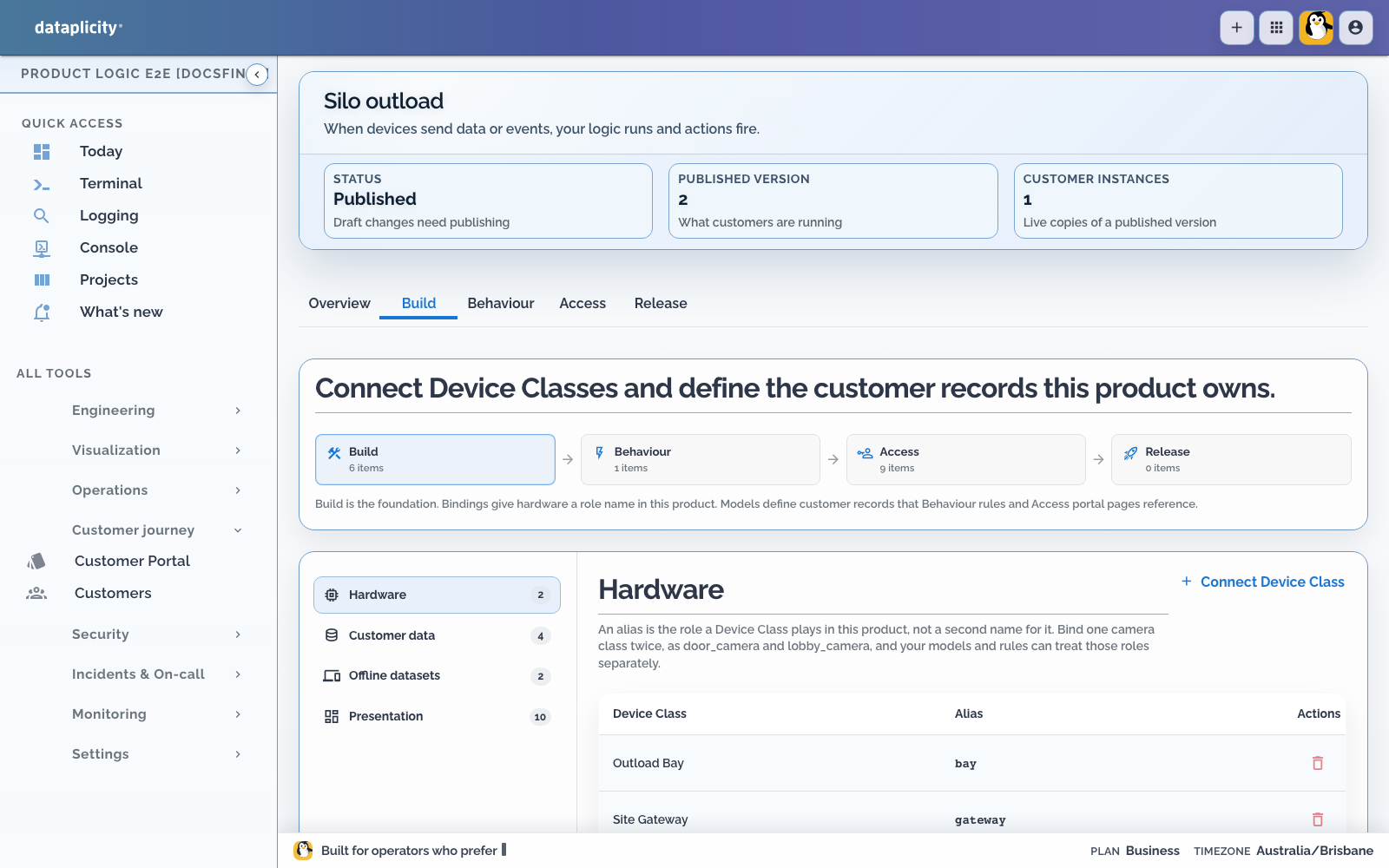
Create or select these Device Classes:
| Device Class | Binding | Job in this application |
|---|---|---|
| Outload Bay | bay | Enforce local interlocks, apply a bounded authorisation, meter the outload, and emit events |
| Site Gateway | gateway | Keep the approved credential dataset available to the local site runtime |
A Device Class is the reusable hardware contract. The cloud can request an authorisation, but the bay must remain safe when cloud state is stale, duplicated, delayed, or unavailable.
2. Create the application #
- Open Developer > Applications.
- Create an empty Silo outload application.
- Choose the shipped Silo outload starter and Use example.
- Map Outload Bay to
bayand Site Gateway togateway, then apply the kit. - Review the imported definition on Overview.
- Open Build > Hardware and confirm that test devices from each class are eligible for the right role.
Bindings are stable application names. Avoid using a particular device name, such as Bay-1, as a definition key.
3. Create silos, outload tags, and driver codes #
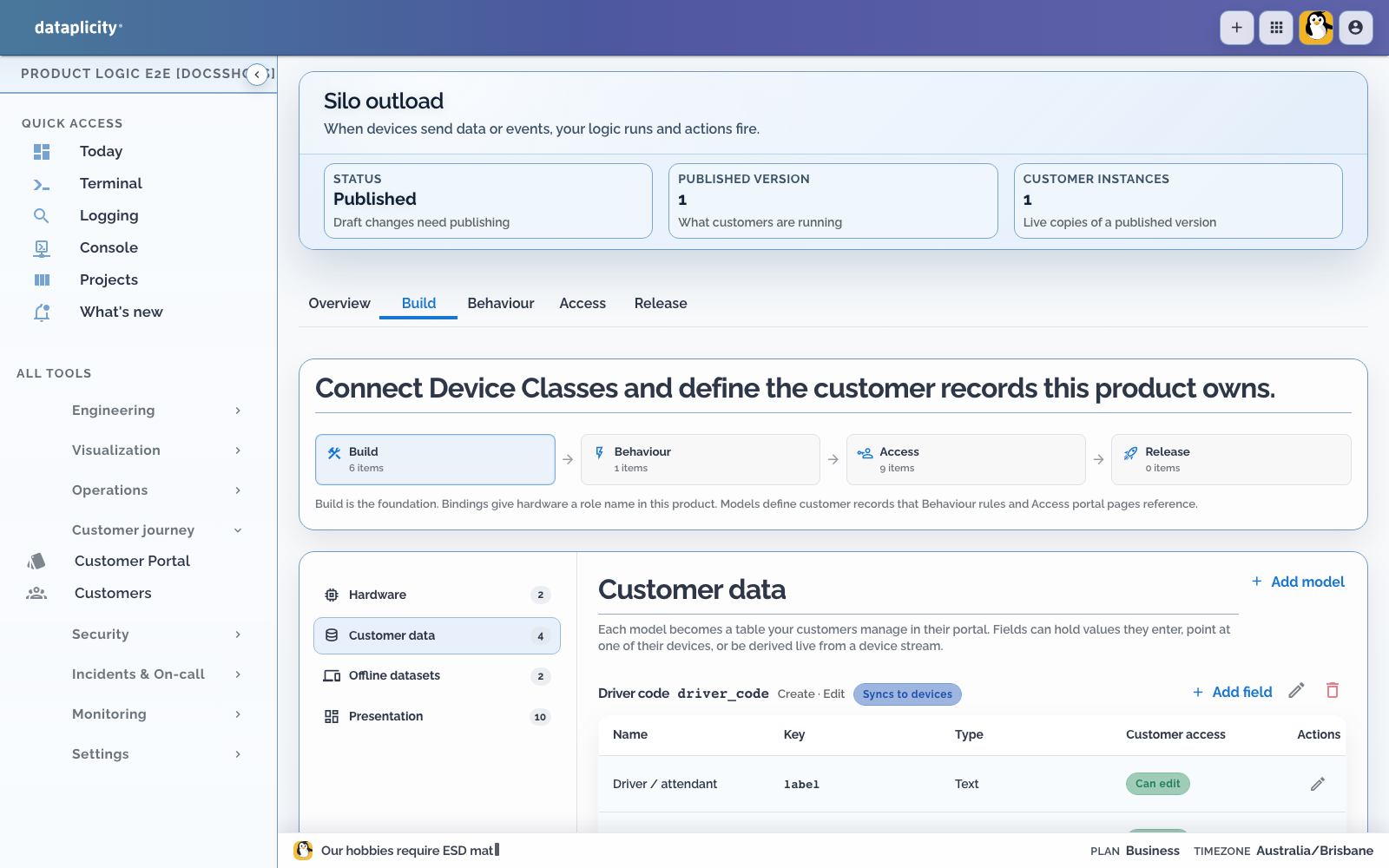
In Build > Customer data, add configuration and operational models:
| Model | Useful fields | Purpose |
|---|---|---|
silo | name, capacity_tonnes, units | The bin you load against (ties to SiloSentry-style monitoring) |
outload_tag | tag_uid, label, status | Identifies a vehicle or physical RFID tag |
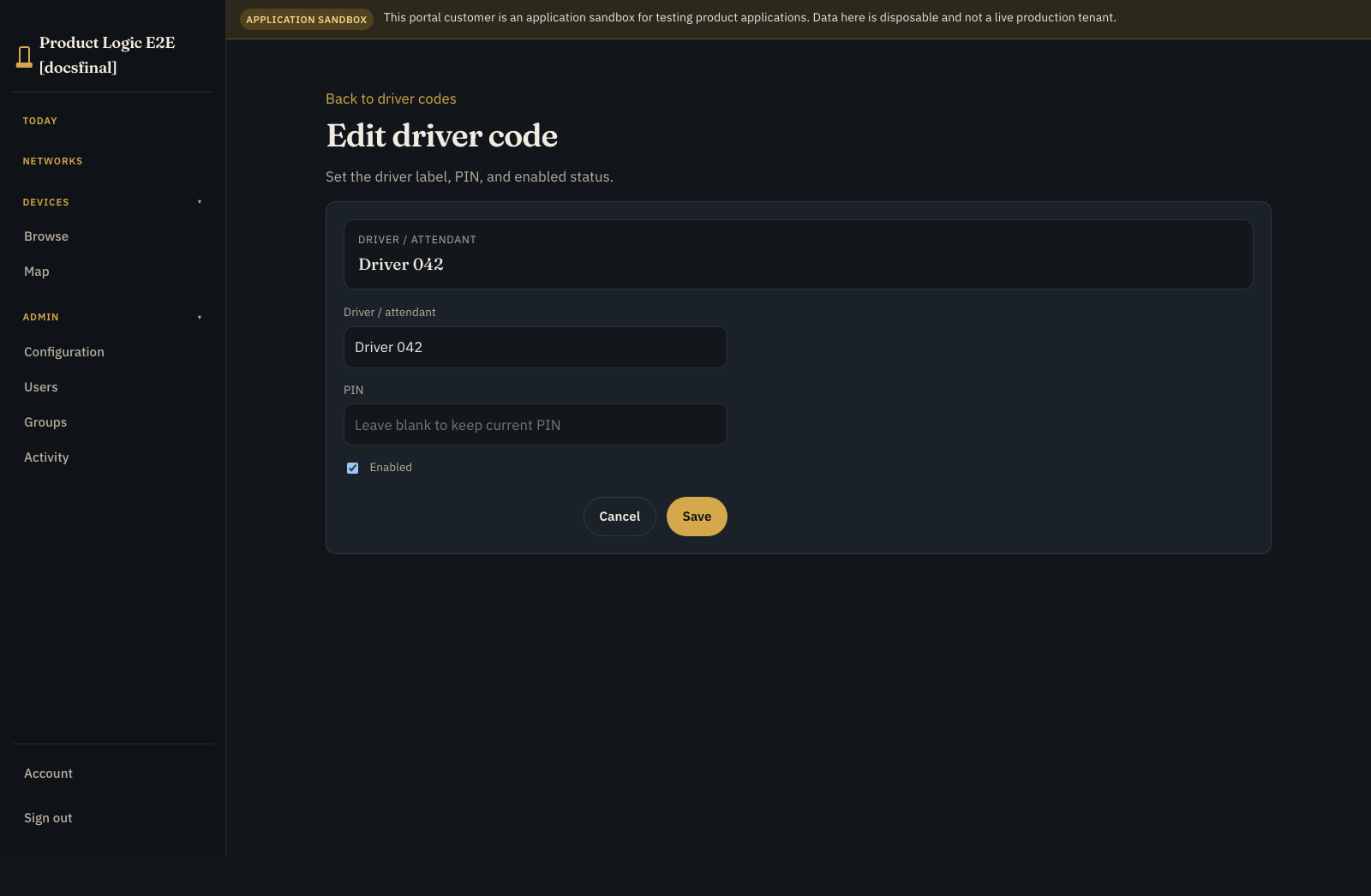
driver_code | label, secret pin, pin_hint, status | Lets a driver authenticate without exposing the PIN again |
load_ticket | silo, bay_device, quantity_tonnes, identity, status | Settled / walk-away history |
The PIN field is write-only. After you save it, reads return only that a value is set; the portal never receives the plaintext back. A separate hint such as ••68 can help an operator identify the code without weakening that boundary.
A production model may also need vehicle references, validity windows, limits, and an audit identity. Do not put unnecessary personal information into either offline projection.
4. Send credentials to the site #
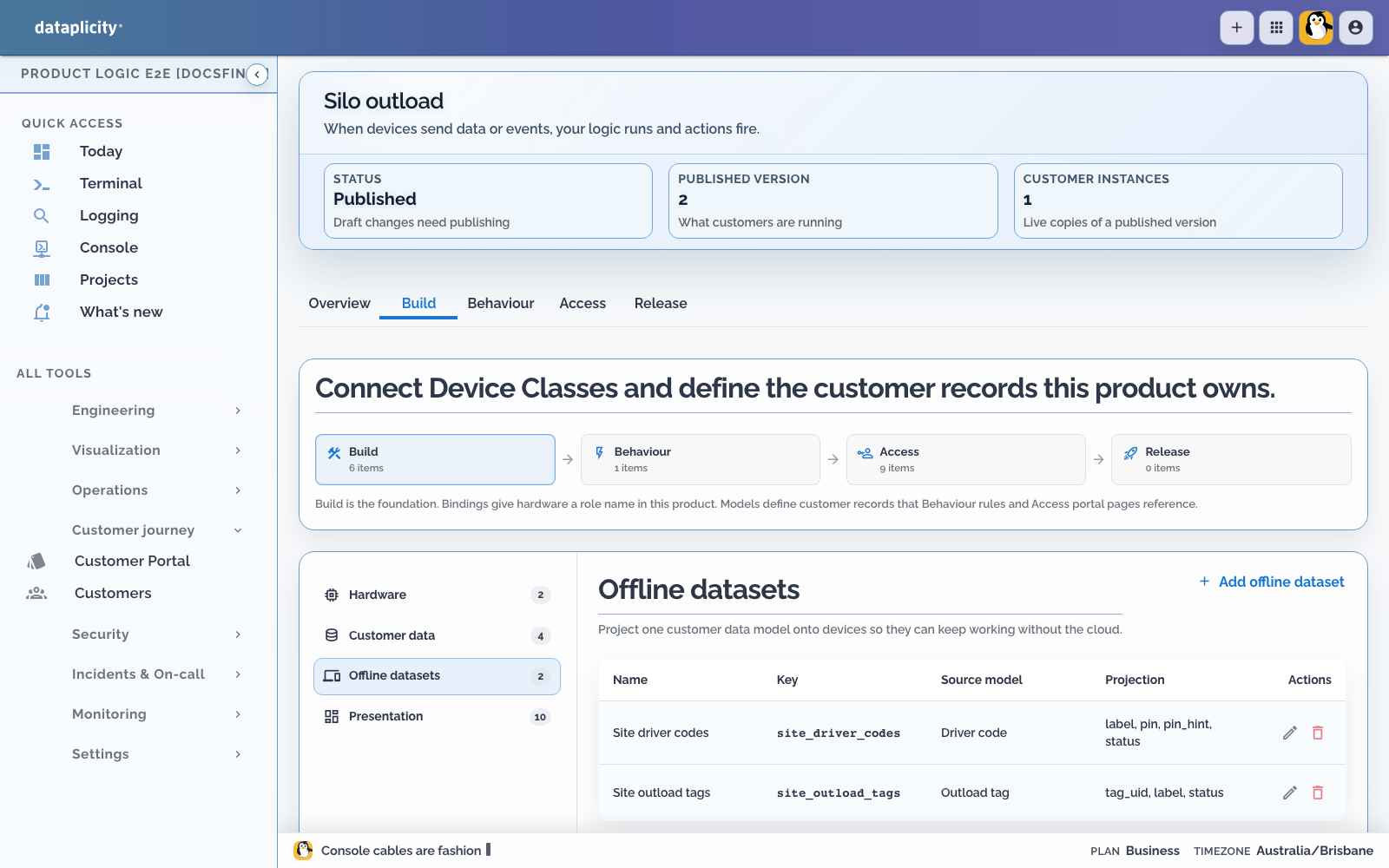
An offline dataset is a versioned package of application records that a device can keep using without a live cloud connection.
Add two small datasets:
| Key | Projection |
|---|---|
site_outload_tags | outload_tag.tag_uid, outload_tag.label, outload_tag.status |
site_driver_codes | driver_code.label, hashed driver_code.pin, driver_code.pin_hint, driver_code.status |
Generate a base dataset after publishing, then use deltas for bounded changes. The Prelude Agent verifies, stages, and atomically activates each generation. It keeps the last-known-good version if verification or activation fails.
Desired generation tells you what the cloud wants. Applied generation tells you what the gateway actually activated. Wait for the Customer Portal sync chip to show current.
The driver-code projection receives a one-way hash suitable for local verification, never the original PIN. Treat that hash as sensitive operational data even though it is not plaintext.
5. Add the bay command #
Create Authorise outload with key authorise_outload, binding bay, and a 30-second timeout.
The bay-side handler should:
- validate correlation and authorisation IDs
- reject quantities outside local policy
- apply the maximum only once
- report a terminal command result
- emit
outload.startedandoutload.completedwith the same identity - keep completion events durably until the cloud acknowledges them
Command success is not the quantity loaded. Settlement comes from the measured completion event (quantity_tonnes).
6. Build the request process #
Open Behaviour > Processes and create Request outload with key request_outload. Use the process canvas to author the branches below. Resolve its node-linked diagnostics and save the process draft before testing. See Build a process.
A process is a durable workflow that can wait for a command, event, or timer. This one has three useful endings:
The proof uses a short 10-second completion timeout so you can see reconciliation without waiting. Choose production timing from real bay and network tests.
The internal allotment demonstrates reserve, partial commit, and release semantics. It is not your weighbridge or ERP ledger.
Keep the process in the cloud for this proof. If you later move bounded work to the site, evaluate cloud, edge, and mixed execution constraints with Choose process placement. Physical interlocks remain local regardless of process placement.
7. Design the Application Workspace #
In Access > Presentation, expose only deliberate outcomes:
- use Overview for yard status and current attention
- use Records for silos, credentials, and load tickets
- use Work for active outload requests and reconciliation
- use Exceptions for walk-away, failed authorisation, and unresolved late completion
- use Map only when physical bay or silo location supports the task
- let authorised administrators manage credentials and silos
- expose outload through a reviewed operation or external API
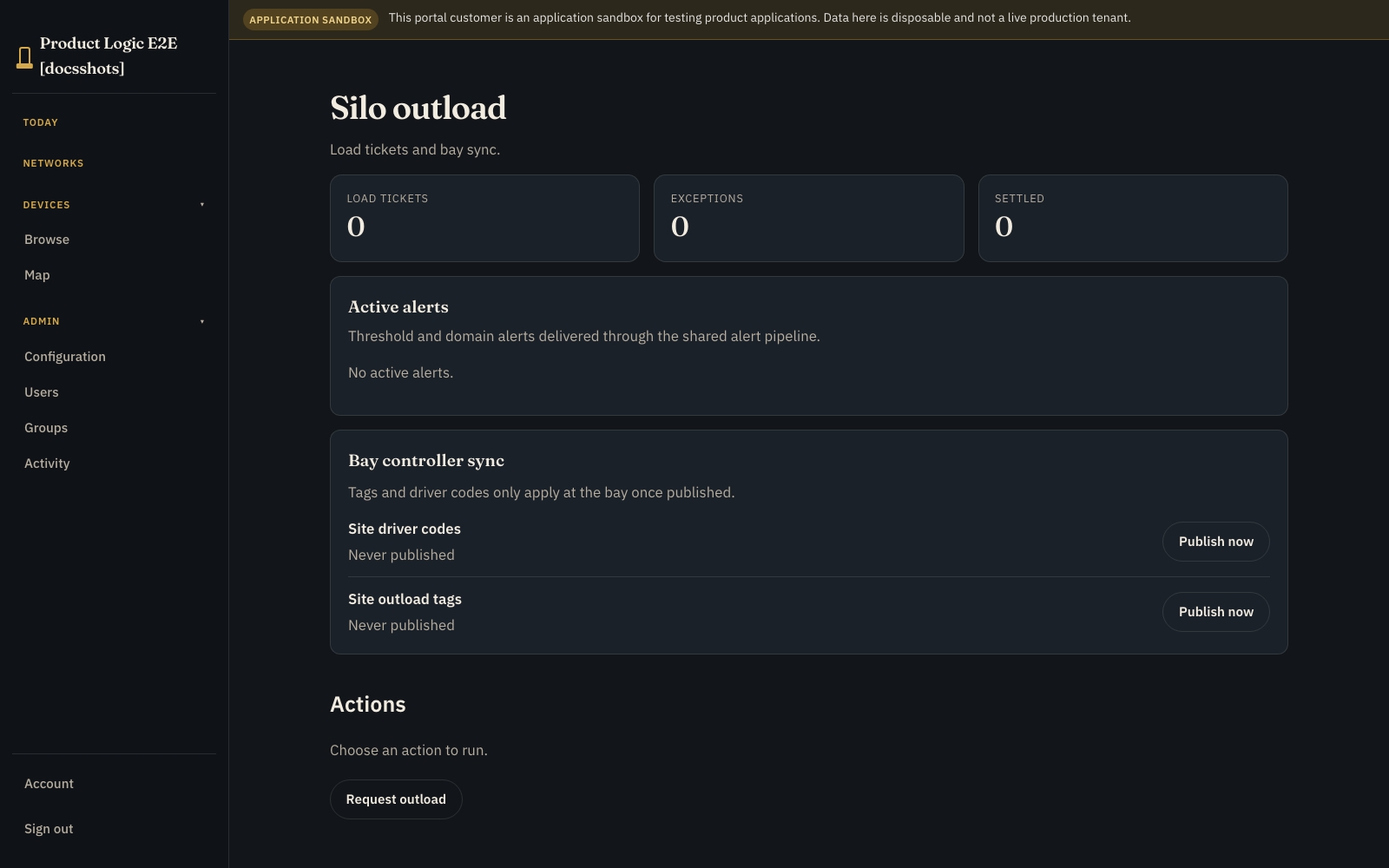
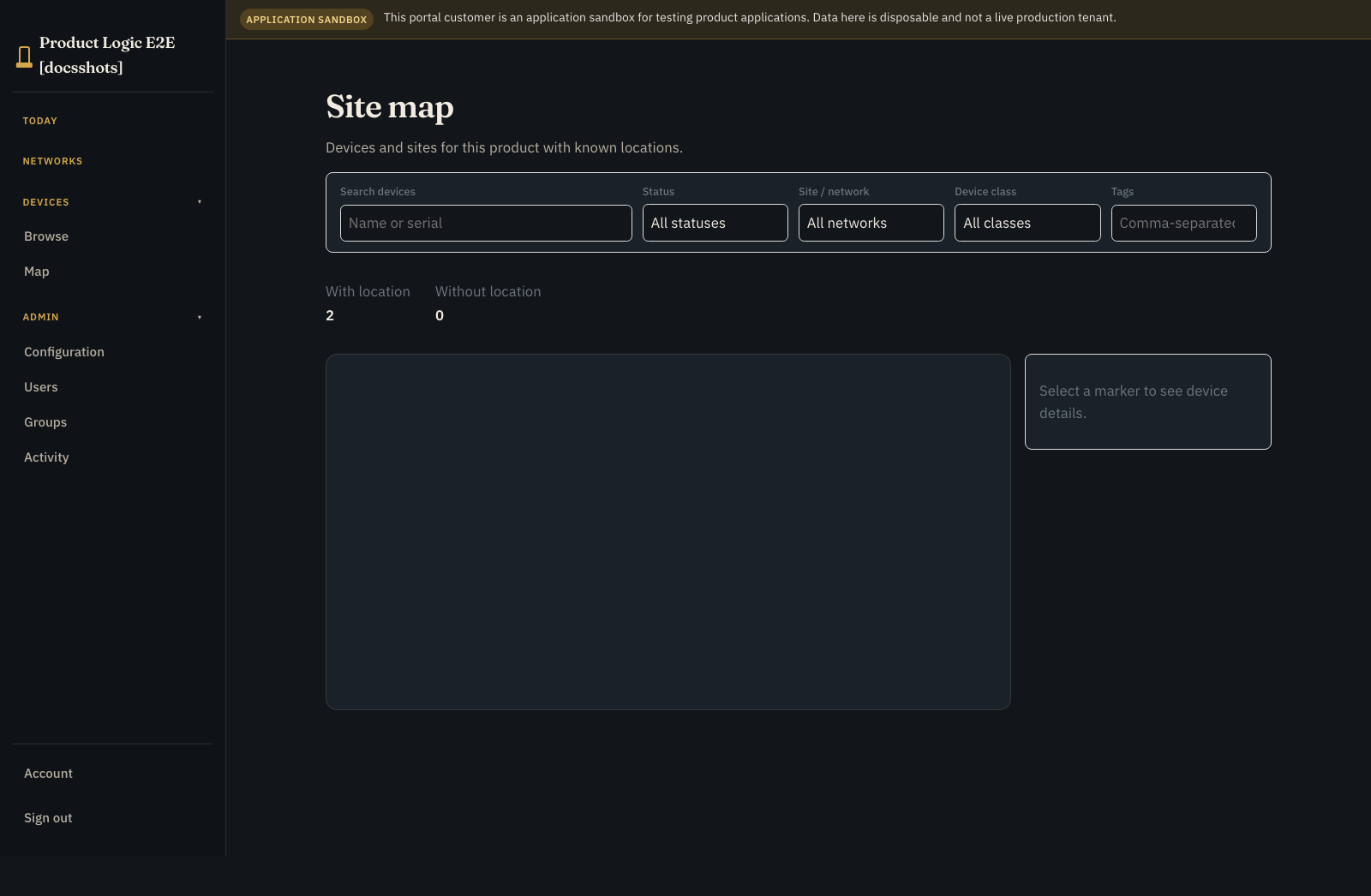
Keep raw bay commands, authority controls, reconciliation internals, and OEM diagnostics out of ordinary portal roles.
Preview the Application Workspace with each intended role. Verify page order, safe identity hints, process state labels, summary fields, and which statuses need attention. See Design the Application Workspace.
If an ERP or weighbridge is authoritative, connect it with its own idempotency and reconciliation design.
8. Test and release the online path #
- In Release, create a sandbox Prairie Outload customer instance.
- Create a silo plus active and suspended test credentials.
- Preview and generate
site_outload_tagsandsite_driver_codes. - Let the test gateway apply both generations and report them.
- Create the bounded internal tonne allotment account.
- In Scenarios, save the sandbox fixture and run required complete, walk-away, and late-completion scenarios.
- Open the process Runs tab or Executions and verify each highlighted path, attempt, wait state, correlated event, and available safe intervention.
- Prepare release checks and confirm each required scenario passed against the same release candidate.
- Return to Release and run preflight.
- Fix blocking errors, read every warning, and explicitly acknowledge each warning that requires acknowledgement.
- Publish that tested candidate as version 1.
- Use Attached portals to attach version 1 to the staging portal and provision the production-shaped Prairie Outload instance.
See Test application scenarios, Investigate process executions, and Release a Product Application.
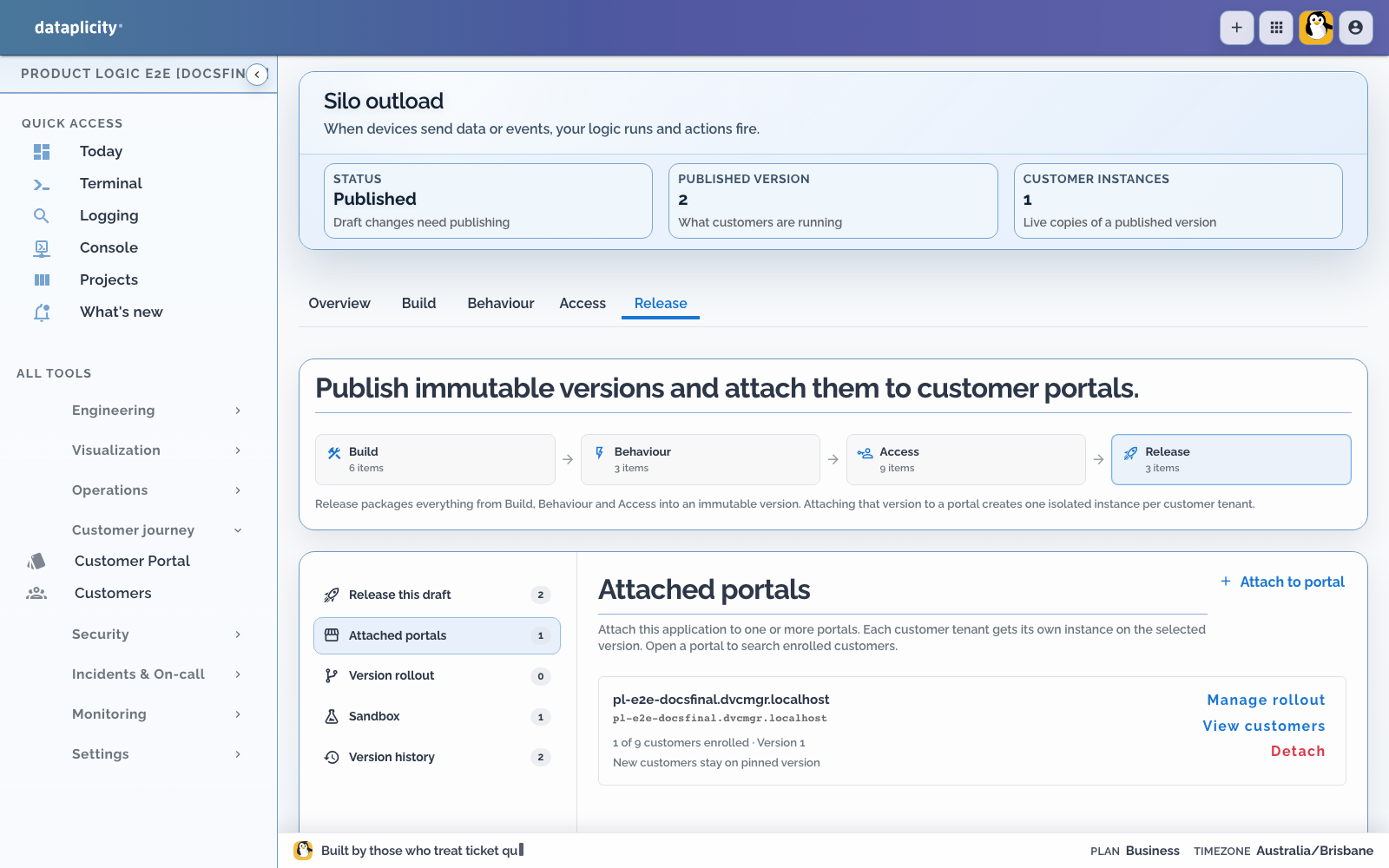
Place the bay and site gateway on the yard network before testing the portal. An online unassigned device is Ready, not app-active. Once Enabled, the yard workflow appears from Networks and each device keeps its Device Class UI on Controls.
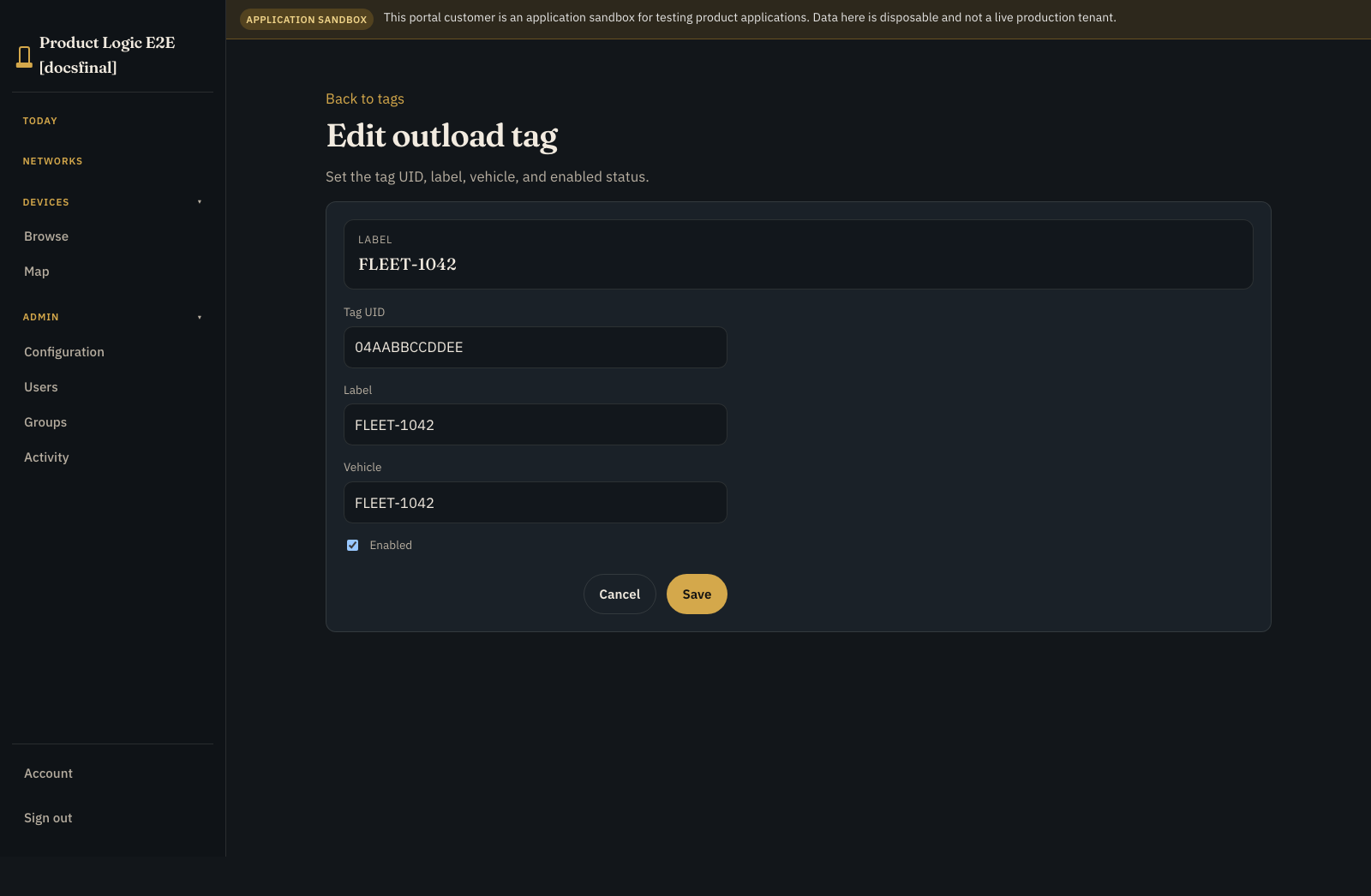
The request process appends a load_ticket row, so the outcome survives after the command and process views have moved on:
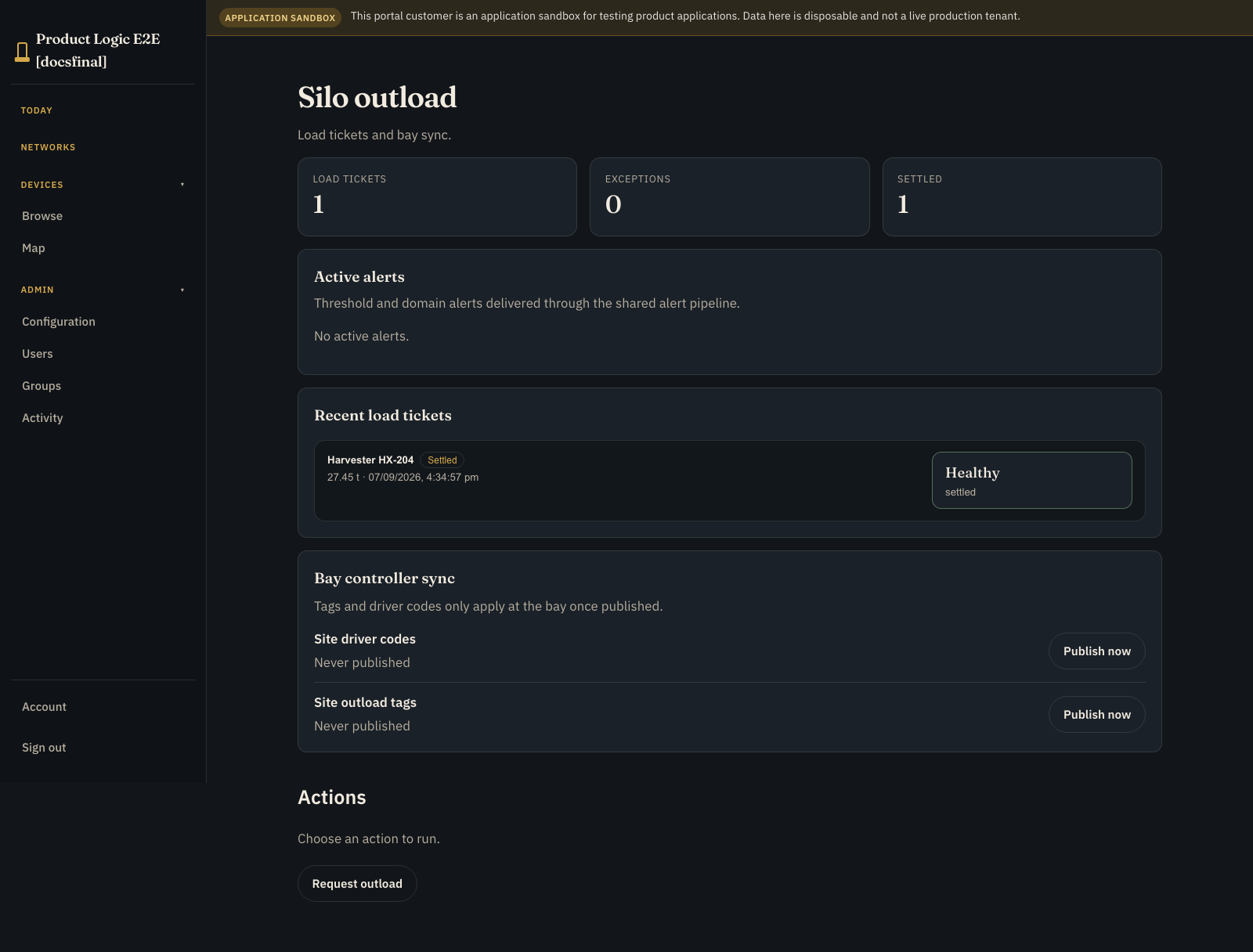
Repeat without outload.started. The full reservation should be released with walk_away_timeout.
9. Pull the plug, then reconcile #
Issue a bounded authority grant tied to the current credential generation. Replace it once and confirm the old grant is no longer active.
While the test gateway is disconnected:
- consume only within the local grant and policy
- create a globally unique durable event ID
- preserve the event across restart
- upload it after reconnection
- retry that same event deliberately
The server should apply the event once, commit the measured quantity, release the remainder, and acknowledge the event before local deletion. Also test hard expiry and storage exhaustion.
This proves delivery, acknowledgement, deduplication, and reconciliation through the real Prelude boundary. It still does not prove that grain moved or a physical interlock operated.
Use Executions after reconnect to confirm the durable completion joined the original correlation, the measured quantity was applied once, and the process left reconciliation on the expected path.
Before you put it near a real chute #
- Keep bay safety independent of cloud availability.
- Give authorisations and completion events durable unique identities.
- Release the full reservation after a walk-away.
- Commit only the measured tonnes after a partial outload.
- Reconcile a missing completion instead of guessing.
- Make offline grants bounded, replaceable, generation-linked, and expiring.
- Preserve unacknowledged events across restart.
- Remove suspended credentials from the next applied generation.
- Test customer roles and cross-customer isolation.
- Document metrology, weighbridge, and site safety responsibilities.